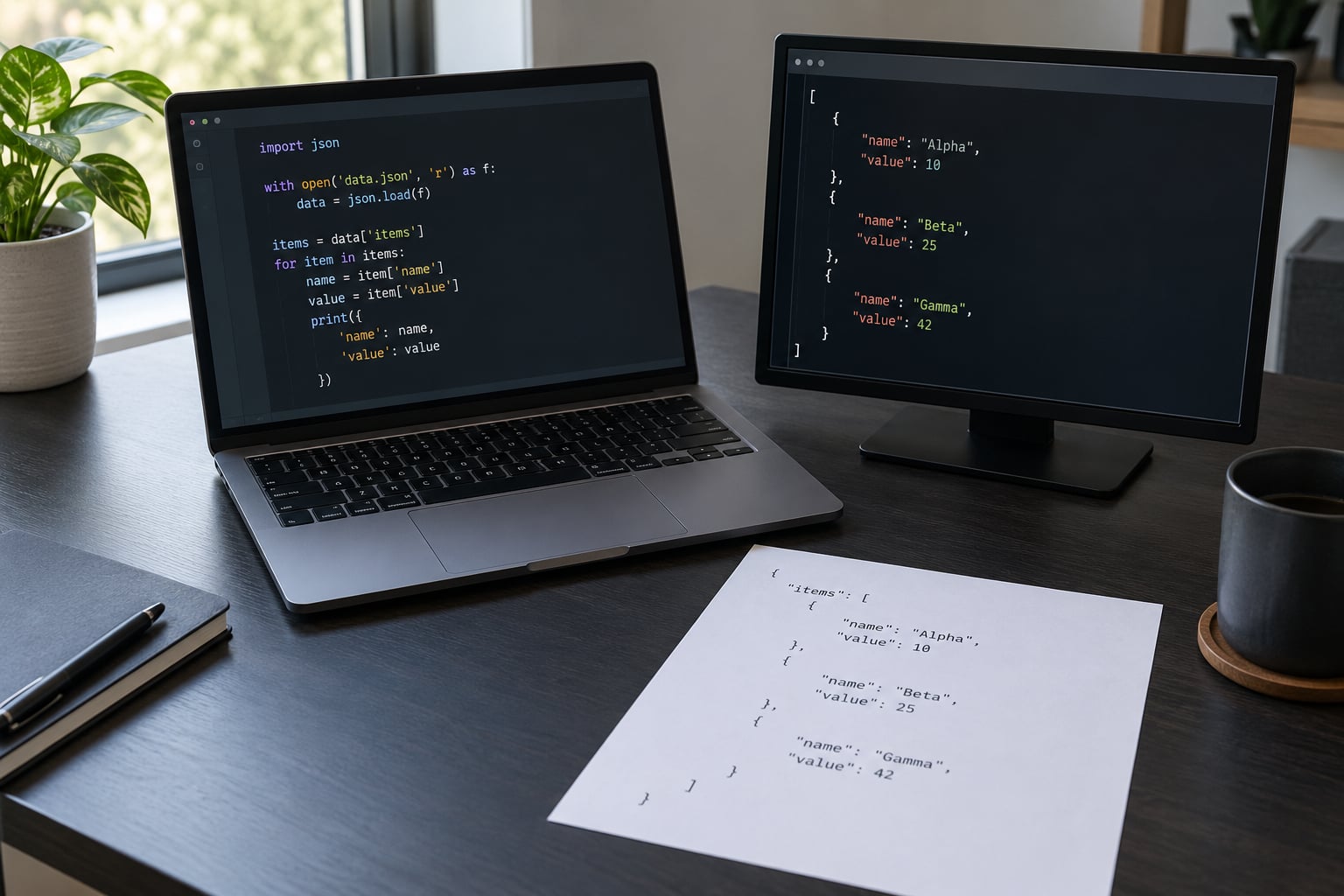
Python parses JSON with the standard library’s json module: json.loads() for a JSON string, json.load() for an open file object, and json.dumps() or json.dump() to go back the other way. That is the whole answer, and how to parse JSON in Python is mostly a matter of picking the right one and catching the errors.
JSON, short for JavaScript Object Notation, is the text format almost every API, config file, log pipeline and hardware inventory tool speaks. Parsing it means turning that text into native Python objects so you can use normal dictionary lookups instead of string slicing.
This guide works through the whole progression, from a one-line parse to reading a file, walking nested structures, and handling an HTTP response, with the exact error messages you will see in your terminal. Everything here targets Python 3 (3.9 and newer) and needs nothing beyond a text editor.
Last updated: October 2026
Table of Contents
- What You Need Before You Start
- How to Parse JSON in Python: Step by Step
- How to parse JSON from a string with json.loads()
- How to parse a JSON file with json.load()
- How to access values in nested JSON
- How to handle invalid JSON gracefully
- How to parse JSON from an API response
- Common Mistakes and How to Fix Them
- Frequently Asked Questions
- How do you parse a JSON?
- What does JSON() do in Python?
- What is the difference between json.load() and json.loads()?
- How can I fetch JSON data in Python?
- How do I handle a JSONDecodeError in Python?
- How do I parse a large JSON file without running out of memory?
What You Need Before You Start
You need Python 3 and nothing else, because json ships inside the standard library. There is no pip install step and no external parser to configure.
Here is the entire import you need, and it is worth typing it rather than copying from a tutorial so you remember it:
import jsonA second import appears in one section below, requests, for calling an API over HTTP. That is the only third-party piece in this guide, and it is optional unless your data arrives over the network.
On the reading side you need open() with the with statement. The with block closes the file for you, even if your parse raises an exception, which is the difference between code that leaks file handles on a long-running script and code that does not.
Two things worth knowing before you write any code. First, json.loads() wants a str or bytes, never an already-parsed dict. Second, JSON uses double quotes only, so a file saved with single quotes or a trailing comma will fail no matter how clean your code looks.
How to Parse JSON in Python: Step by Step
How to parse JSON from a string with json.loads()
json.loads() takes a JSON string and returns the matching Python object, so a JSON object comes back as a dict and a JSON array comes back as a list.
import json

raw = '{"device": "core-sw-01", "ports": 48, "mgmt_ip": "10.0.4.12"}'

config = json.loads(raw)
print(type(config))
# Output: <class 'dict'>

print(config["device"])
# Output: core-sw-01

print(config["ports"])
# Output: 48
After that line, config is an ordinary dictionary. There is no wrapper object to unwrap and no cursor to advance, which is what makes JSON parsing feel different from XML parsing in libraries that still expect you to hunt for a node.
print(config.get("serial"))
# Output: None

print(config.get("serial", "not recorded"))
# Output: not recorded
Use .get() for any key that might be missing. Square brackets raise KeyError the moment an API omits a field, and optional fields in real payloads get omitted more often than you would like.
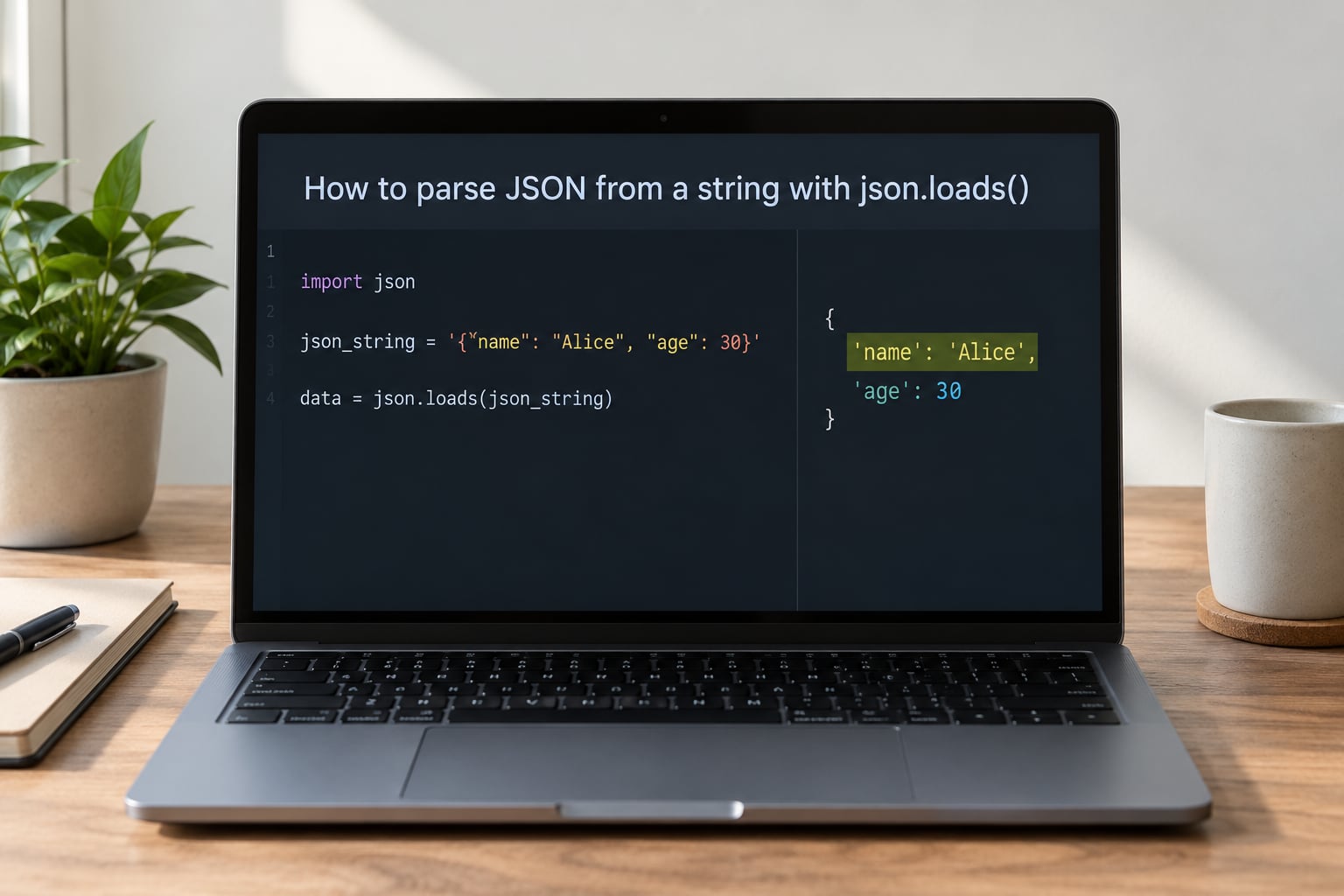
Parsing a JSON array works the same way, it just returns a list you iterate over:
import json

hosts = json.loads('["10.0.4.12", "10.0.4.13", "10.0.4.14"]')

for host in hosts:
    print(host)
# Output: 10.0.4.12
# Output: 10.0.4.13
# Output: 10.0.4.14
How to parse a JSON file with json.load()
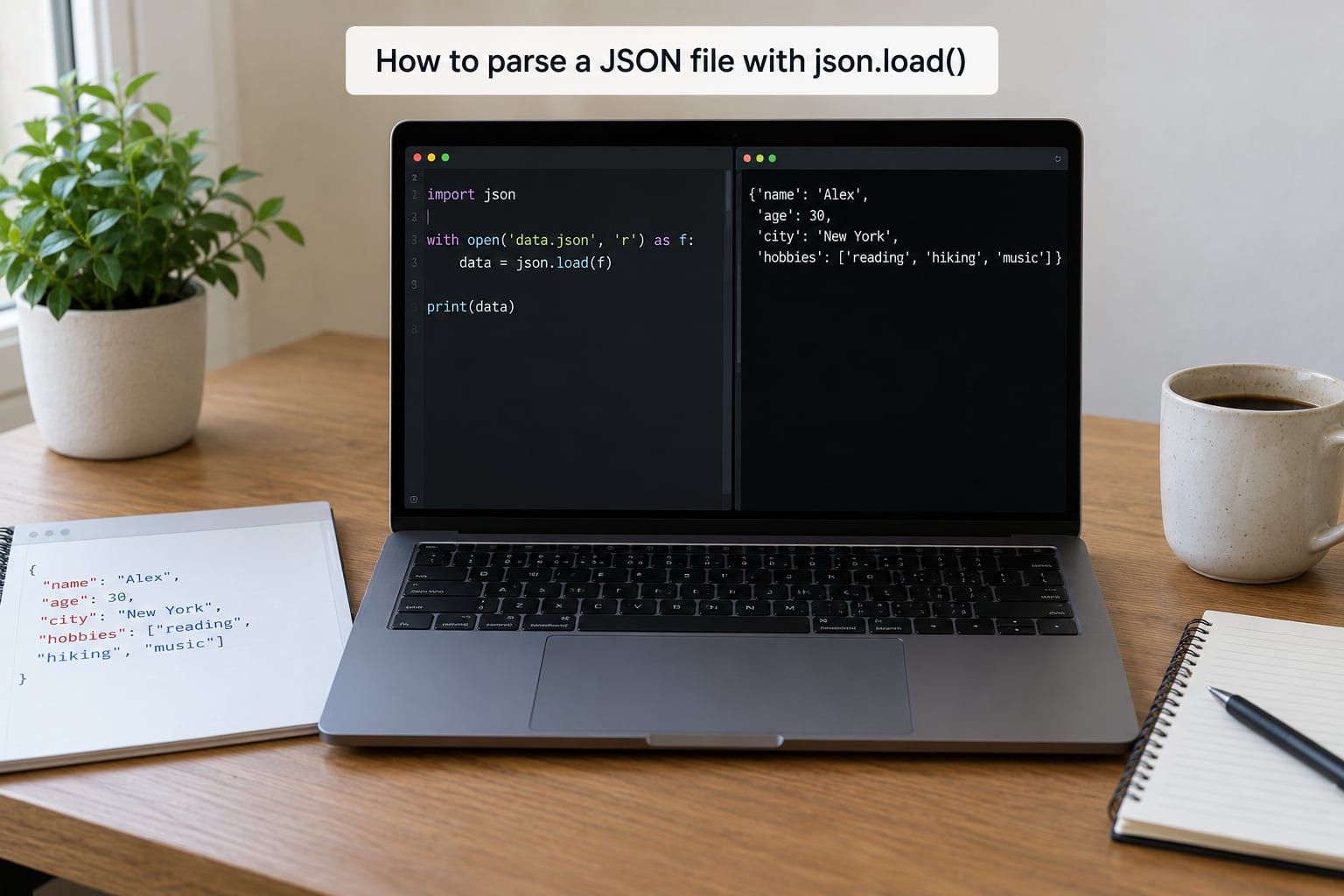
json.load() takes an open file object, reads it, and parses it in one step, and you should always open it inside a with block with an explicit encoding.
import json

with open("inventory.json", "r", encoding="utf-8") as handle:
    inventory = json.load(handle)

print(len(inventory))
# Output: 3
The encoding="utf-8" argument is not decoration. Windows defaults to a legacy code page, so a file containing device names or notes with accents can raise UnicodeDecodeError on one machine and work fine on another.
There is a second pattern worth keeping. Read the text first, then parse it, because now the JSONDecodeError tells you which line of the file is broken:
import json

with open("inventory.json", "r", encoding="utf-8") as handle:
    text = handle.read()

try:
    inventory = json.loads(text)
except json.JSONDecodeError as exc:
    line = text.count("n", 0, exc.pos) + 1
    print(f"bad JSON on line {line}: {exc.msg}")
    raise
For very large files, load line by line instead and skip anything that will not decode. NDJSON, or newline-delimited JSON, is one JSON object per line, which makes it a natural fit for logs and export dumps:
import json

good_records = []
with open("events.ndjson", "r", encoding="utf-8") as handle:
    for line in handle:
        line = line.strip()
        if not line:
            continue
        try:
            good_records.append(json.loads(line))
        except json.JSONDecodeError:
            continue

print(len(good_records))
# Output: 99841
If a file is multi-gigabyte, look at ijson, which parses incrementally and never holds the whole document in memory.
How to access values in nested JSON
Nested JSON is just dicts inside dicts and lists inside lists, so you walk it with the same indexing you already know.
import json

payload = json.loads('''
{
  "site": "ams-1",
  "devices": [
    {"name": "core-sw-01", "interfaces": [{"name": "Gi0/1", "speed": 1000}]},
    {"name": "edge-sw-02", "interfaces": []}
  ]
}
''')

for device in payload["devices"]:
    first = device["interfaces"][0]["name"] if device["interfaces"] else "no interfaces"
    print(device["name"], first)
# Output: core-sw-01 Gi0/1
# Output: edge-sw-02 no interfaces
That empty list on the second device is the whole reason you guard. Chained subscripts like data["a"]["b"]["c"] are readable but they explode with TypeError or KeyError the first time an intermediate level is missing.
For a fixed depth, a small helper reads better than a chain of .get() calls:
def pluck(data, *path, default=None):
    for key in path:
        if not isinstance(data, dict) or key not in data:
            return default
        data = data[key]
    return data

print(pluck(payload, "devices", 0, "name"))
# Output: core-sw-01
print(pluck(payload, "devices", 5, "name", default="not found"))
# Output: not found
When the nesting is deep and fixed, pd.json_normalize() flattens a list of records into columns in one call, and for anything deeper people usually reach for a JSONPath library.
How to handle invalid JSON gracefully
Catch json.JSONDecodeError, read its message, and decide whether the bad payload should stop the program or be logged and skipped.
import json

try:
    config = json.loads(raw)
except json.JSONDecodeError as exc:
    print(f"could not parse: {exc.msg}")
    print(f"at line {exc.lineno}, column {exc.colno}")
    config = None
The message you will see most often is Expecting value: line 1 column 1 (char 0). It means the parser found nothing at position zero, and in practice it is one of four things: an empty string, an HTML error page instead of JSON, a Python dict passed to loads(), or a truncated download.
import json

response_text = ""   # or an HTML error page, or a dict

if not response_text.strip():
    print("empty payload")
elif response_text.lstrip().startswith("<"):
    print("got HTML, not JSON, check the status code")
else:
    try:
        data = json.loads(response_text)
    except TypeError:
        print("passed a dict instead of a string")
Print the first 100 characters of the payload when you debug this. It resolves nearly every case in about ten seconds.
How to parse JSON from an API response
With requests, call response.json(), but check the status first so you do not try to parse a 500 error page.
import requests

response = requests.get("https://api.example.com/v1/devices", timeout=10)
response.raise_for_status()

devices = response.json()

for device in devices:
    print(device.get("name"), device.get("mgmt_ip"))
# Output: core-sw-01 10.0.4.12
If the server sends a slightly wrong content type, .json() refuses to run even when the body is valid. Decode it yourself instead:
import json

data = json.loads(response.text)

if isinstance(data, dict) and "error" in data:
    print("API returned:", data["error"])
else:
    print(len(data), "records")
Always send a timeout. A hung request with no timeout is one of the easiest ways to lose an afternoon.
Common Mistakes and How to Fix Them
Almost every JSON problem in Python traces back to one of a short list of causes, and the error text usually tells you which. Run down this list before you start debugging blind.
Expecting value: line 1 column 1 (char 0) means the parser found nothing at position zero. The cause is an empty string, an HTML error page, or a dict you already parsed passed back in. Print the first 100 characters, then parse the response text.
Expecting ',' delimiter means single quotes or a trailing comma, usually from hand-written JSON. Use double quotes everywhere and drop the trailing commas.
AttributeError: 'str' object has no attribute 'read' means json.load() got a string instead of a file. Switch to json.loads().
TypeError: the JSON object must be str, bytes or bytearray means json.loads() got a dict or list. Check the variable first, you may already have parsed it.
UnicodeDecodeError means the file was opened without an encoding. Pass encoding="utf-8" to open() every time.
KeyError: 'interfaces' means an optional field was missing from the payload. Use .get() with a default rather than square brackets.
TypeError: Object of type datetime is not JSON serializable means you are writing back a value the encoder does not know. Convert it first, or pass default=str to json.dumps().
Two more habits prevent most of the rest. Never call eval() on JSON from an untrusted source, it runs arbitrary code, and use json.loads(), not ast.literal_eval(), for data. And when you write JSON back out for another machine to read, leave it unformatted; indent=2 and sort_keys=True are for your eyes, and they multiply the file size.
import json

print(json.dumps(inventory, indent=2, sort_keys=True))
Frequently Asked Questions
How do you parse a JSON?
Import the built-in json module and pass your JSON text to json.loads(), which returns a Python object: a dict for a JSON object, a list for a JSON array. If the JSON lives in a file, open it with a with block and pass the file object to json.load() instead. Both functions return ordinary Python data you can index and loop over.
What does JSON() do in Python?
There is no JSON() function in Python. That name comes from other languages. Python has json.loads() for a JSON string and json.load() for an open file, and the reverse direction is json.dumps() for text and json.dump() for a file. The confusing part is only that json.loads() takes a str or bytes, so pass it the raw text.
What is the difference between json.load() and json.loads()?
One trailing s. json.loads() takes a JSON string or bytes and returns the parsed object. json.load() takes an open file object, reads the whole file, and parses it in one step. Use load() when you have a file handle and loads() when the JSON already sits in a variable, an environment variable, a command-line argument or a response body.
How can I fetch JSON data in Python?
Use the requests library. Call requests.get(url, timeout=10), check the response with raise_for_status(), then call response.json() to get the parsed object. If the server sends the wrong content type, decode the body yourself with json.loads(response.text) instead. Always pass a timeout so a hung request does not stall your script.
How do I handle a JSONDecodeError in Python?
Wrap the parse in try and except json.JSONDecodeError. The exception carries msg, lineno, colno and pos, so you can report exactly where the broken payload starts. Expecting value: line 1 column 1 (char 0) almost always means an empty string, an HTML error page, or a dict passed to loads() instead of text.
How do I parse a large JSON file without running out of memory?
For newline-delimited JSON, read the file line by line and parse each line with json.loads(), skipping lines that raise JSONDecodeError. For one enormous JSON array or object, use the ijson package, which parses incrementally and yields items instead of building the whole structure. Loading a multi-gigabyte file with json.load() puts every record in memory at once.
Start with the smallest case: take a JSON string you already have, call json.loads(), and print the type of the result. Once that line works, everything else in this guide is a variation on it, and the file, API and nested cases each take one extra step from there.