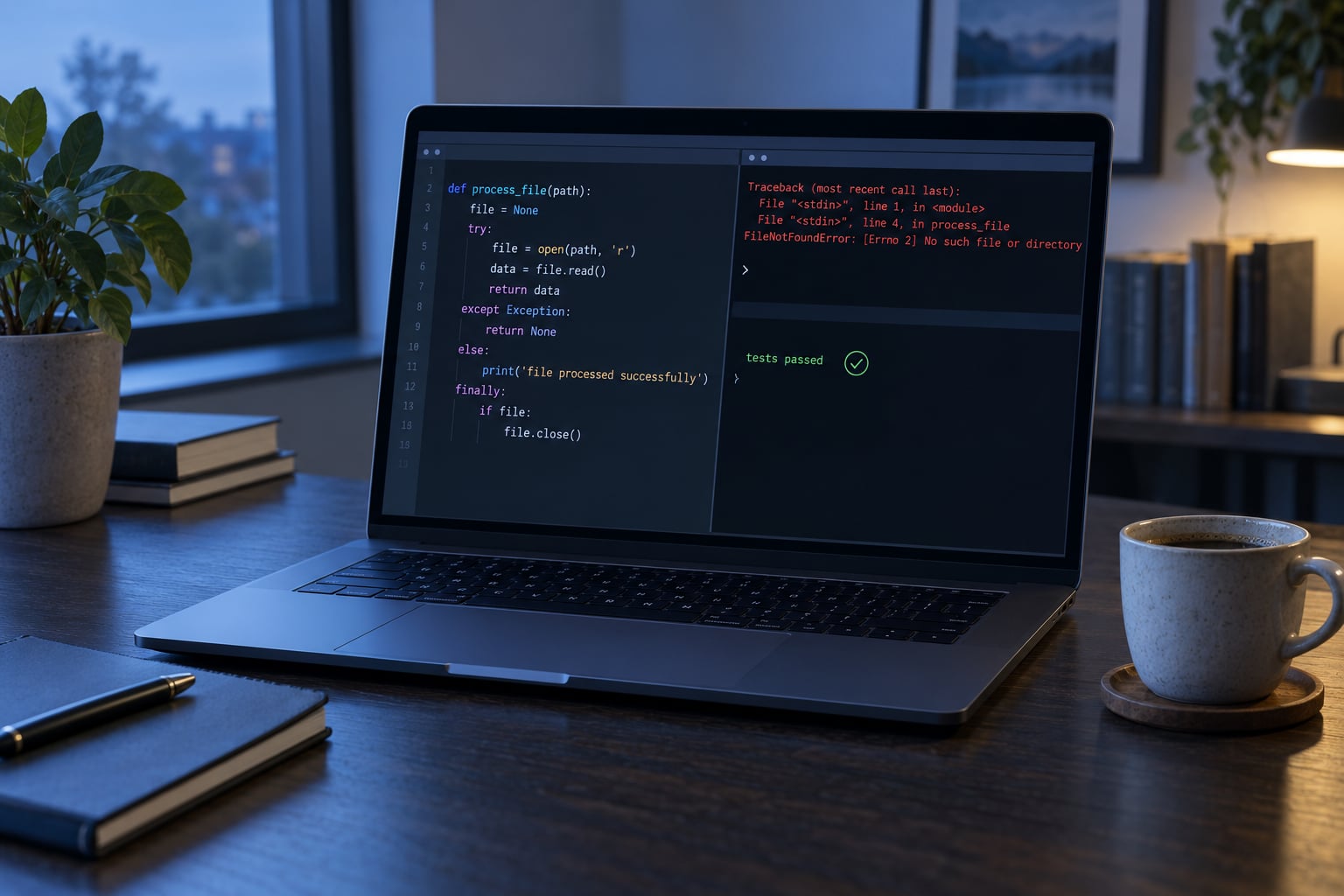
To handle errors properly in Python, put the code that can fail inside a try block, catch the specific exceptions you know how to deal with, and let anything unexpected reach a logger or the traceback instead of disappearing. Catch narrowly, add context, clean up resources, and test the failure paths as carefully as the happy path.
I have rewritten enough code that started life as except Exception: pass that the pattern is muscle memory now. The rules below are the ones that survived contact with real codebases, and every snippet runs as written on Python 3.11 or newer.
Table of Contents
- What You Need
- Step-by-Step: How to Handle Errors Properly in Python
- 1. Identify Failures You Can Anticipate
- 2. Catch Only Exceptions You Can Handle
- 3. Use try, except, else, and finally Correctly
- 4. Add Context Without Hiding the Original Error
- 5. Log Unexpected Failures for Debugging
- 6. Clean Up Resources and Test Failure Paths
- Common Mistakes
- Frequently Asked Questions
- What are the various types of errors in Python?
- How do you handle exceptions?
- How does try, except, else, and finally handle exceptions in Python?
- Why use try except in Python?
- How to break a try except in Python?
- How do I use try and except to catch value errors in Python?
- Conclusion
What You Need
Everything here uses the standard library, so there is nothing to install. You need a working Python interpreter, an editor, and a way to run tests.
- Python 3.11 or newer. That version gives you
except*andExceptionGroup. On 3.8 and earlier, drop the exception-group examples and everything else still applies. - The
loggingmodule. Built in, no dependency. contextlibforsuppressand custom context managers.tracebackandsysfor pulling structured detail out of a failure when you need more than the printed text.- A test runner.
pytestor the built-inunittestboth work.pytest.raisesis the shortest way to assert that a specific exception comes out.
Set up logging once, at program start, so the handlers are not configured in four different files.
import logging

logging.basicConfig(
    level=logging.INFO,
    format="%(asctime)s %(levelname)s %(name)s: %(message)s",
)
log = logging.getLogger(__name__)
Step-by-Step: How to Handle Errors Properly in Python
There are three jobs in error handling, and mixing them up is what makes code fragile. Handle the failures you anticipated, report the failures you did not anticipate, and release resources on every path. Each step below covers one of them.
1. Identify Failures You Can Anticipate
Not every failure deserves the same response. Some are worth recovering from, some are bugs that should stop your program loudly, and some happen before your code runs at all.
| Failure type | When it happens | Correct response |
|---|---|---|
| SyntaxError, IndentationError | Before the module runs | Fix the code. No handler can catch it at runtime. |
| Expected runtime failure | Bad input, missing file, timed-out call | Catch the specific exception, produce a clear message, continue or exit cleanly. |
| Programming mistake | A typo or wrong assumption, like AttributeError on a name you invented | Let it propagate. A handler that hides it turns a five-minute bug into an afternoon. |
| Logical error | Code runs fine and returns the wrong answer | No exception exists to catch. Only tests and review find these. |
A missing config file is a real operating condition and deserves a friendly message. A typo in a variable name is not, and catching it just moves the problem somewhere less obvious. Before writing a handler, say out loud what the program should do in that situation. If the honest answer is “crash, because this should be impossible,” let it crash.
2. Catch Only Exceptions You Can Handle
Catch the narrowest class that covers the failure, and never write a bare except. A bare handler catches KeyboardInterrupt and SystemExit too, so Ctrl+C stops doing what users expect and a deliberate sys.exit() gets swallowed.
import json

def load_config(path):
    try:
        with open(path) as handle:
            return json.load(handle)
    except FileNotFoundError:
        log.error("No config file at %s", path)
        raise SystemExit(2)
    except json.JSONDecodeError as exc:
        raise ConfigError(f"{path} is not valid JSON: {exc}") from exc
Two details matter here. The message names the offending file, so you are not squinting at a bare JSONDecodeError. And the re-raise happens after logging, so the operator sees the failure before the program stops.
Several classes can share one handler with a tuple, which is easier to read than nested blocks:
try:
    value = int(text)
except (TypeError, ValueError):
    value = 0
As a rule, catch Exception only at a boundary: the top of a script, a request handler, or a worker loop, where something has to convert a failure into a log line and an exit code. In application code, except Exception means there is a second bug underneath the first one.
3. Use try, except, else, and finally Correctly
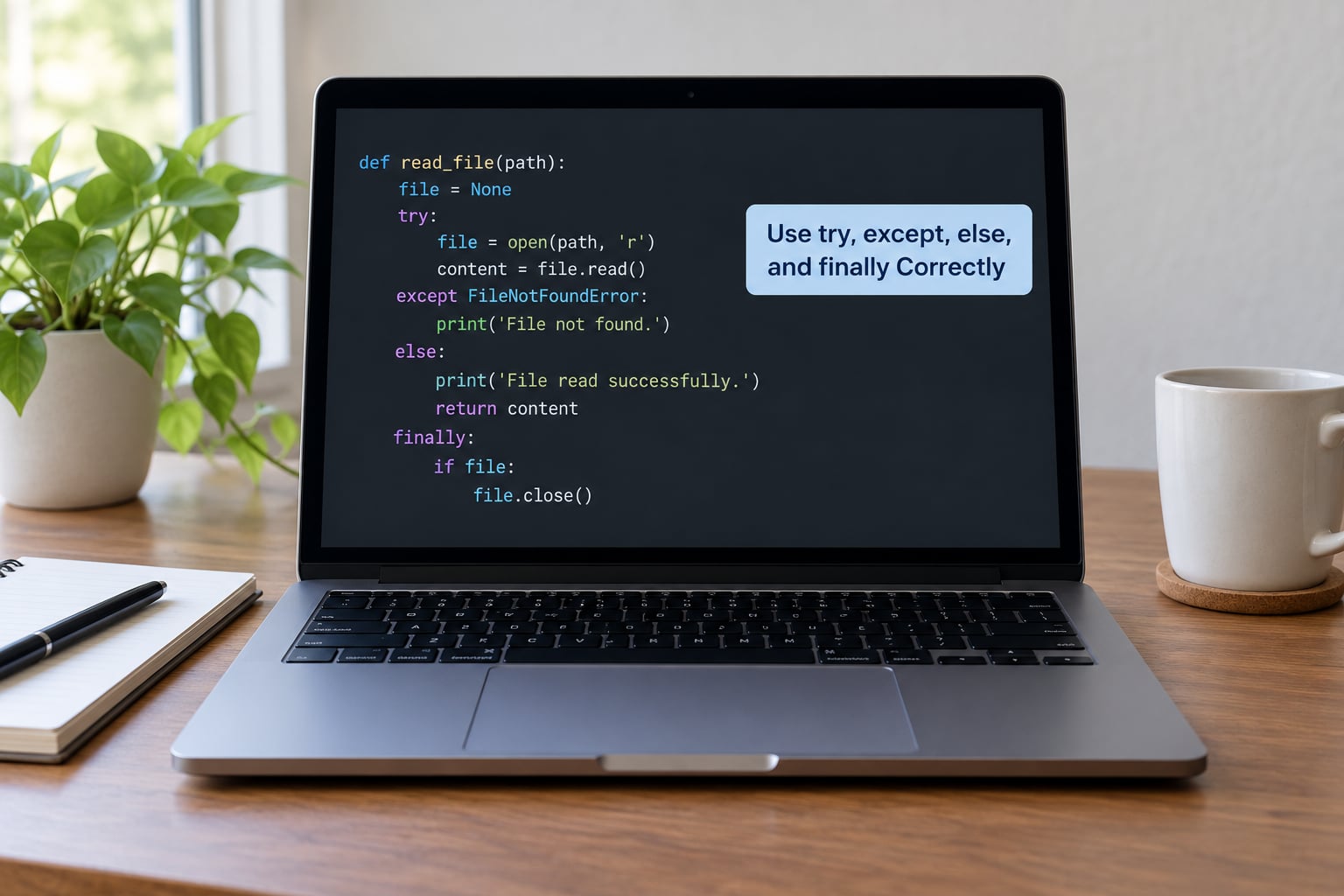
Keep the try block to the lines that can actually fail. Everything that runs only on success belongs in else, which keeps the guarded region small enough that you can see the real failure point at a glance.
def summarize(path):
    try:
        raw = Path(path).read_text()
    except FileNotFoundError:
        log.warning("Skipping missing file %s", path)
        return None
    else:
        words = raw.split()
        return {"path": path, "words": len(words)}
    finally:
        log.debug("Finished with %s", path)
The execution order is fixed. Python runs the try body. If a statement raises, the rest of the body is skipped and the matching except runs. If nothing raises, else runs. finally runs on every path, including after a return in else and after a re-raise in an except block.
One thing beginners get wrong: a finally block does not handle exceptions. It is cleanup only, and an exception raised inside it replaces whatever was in flight. That distinction came up repeatedly in a discuss.python.org thread, and the docs say the same thing plainly.
4. Add Context Without Hiding the Original Error
A bare raise re-raises the exception you are currently handling, preserving the original traceback. Using raise NewError from exc replaces it with a message that says what your program was doing, and attaches the original as the cause.
class ConfigError(Exception):
    """Raised when application configuration cannot be loaded."""

def load_settings(path):
    try:
        return parse(Path(path).read_bytes())
    except (OSError, ValueError) as exc:
        raise ConfigError(f"Cannot load settings from {path}") from exc
Both attributes exist. __cause__ is what you set with from; __context__ is the implicit link Python adds whenever an exception surfaces while another is being handled. Chained tracebacks print both, so the low-level cause is never lost.
Custom exception classes are worth the boilerplate when callers need to catch a category of your own, like ConfigError or PaymentError. Subclass Exception for expected failures. Skip a class for one-off control flow, and subclass BaseException only if you truly want KeyboardInterrupt inside your catch.
5. Log Unexpected Failures for Debugging
Use logger.exception(...) inside an except block. It logs at error level and appends the active traceback, which is exactly the detail you want at a boundary. logger.error(...) logs only your string, so a traceback is lost unless you pass exc_info=True.
def run_job(job_id):
    try:
        process(job_id)
    except Exception:
        log.exception("Job %s failed", job_id)
        return False
    return True
Two habits keep this safe. Never log credentials, tokens, or full request bodies, because exceptions frequently carry them in the message. And use parameterized logging, as above, rather than f-strings, so nothing is formatted when the level is off.
Reading the resulting traceback matters as much as producing it. Work from the bottom line upward: the last line names the exception, the line directly above it shows the failing source line, and each frame above that is one call deeper in the stack. Most of the time your answer is in the bottom two lines.
One more rule for async code. asyncio.CancelledError inherits from BaseException in modern Python, so a bare except Exception will not catch it, and that is deliberate. Catching BaseException yourself breaks task cancellation and can hang your event loop.
6. Clean Up Resources and Test Failure Paths
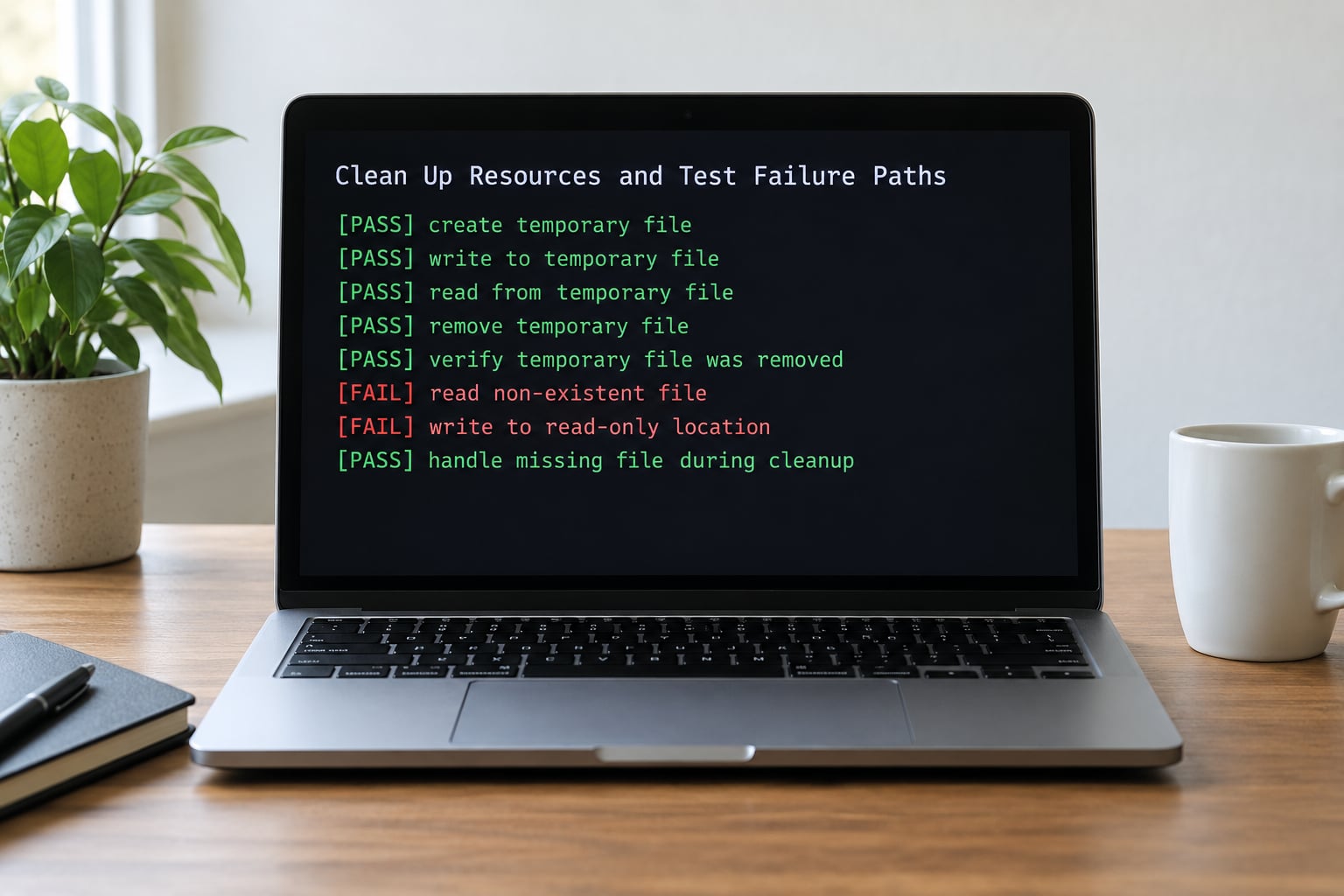
Prefer with over finally for anything holding a resource. The with statement guarantees cleanup on every path, including an early return, and keeps cleanup next to acquisition.
with tempfile.NamedTemporaryFile(mode="w", delete=False) as handle:
    handle.write(payload)
    path = handle.name
try:
    process(path)
finally:
    os.unlink(path)
When you only want to ignore a narrow, expected failure, contextlib.suppress reads better than an empty handler:
from contextlib import suppress

with suppress(FileNotFoundError):
    os.remove(path)
Then test the failure paths. Assert the exception type, assert the message, and assert that cleanup happened.
def test_missing_file_returns_none(tmp_path):
    assert summarize(tmp_path / "nope.txt") is None

def test_cleanup_runs_on_failure(monkeypatch, tmp_path):
    calls = []
    monkeypatch.setattr(Path, "read_text", lambda self: calls.append(self) or "")
    summarize(tmp_path / "a.txt")
    assert calls
Common Mistakes
Most bad error handling fails in one of six ways. Each has a short fix.
Bare except:. It swallows Ctrl+C and sys.exit(). Replace it with the specific class, or except Exception: at a boundary.
try:
    read_config()
except:            # bad
    pass

try:
    read_config()
except OSError:    # good
    log.exception("config unreadable")
Swallowing exceptions with pass. The program continues with no record that anything went wrong. Log it, or re-raise. Silence is the hardest bug to trace.
except ValueError:
    pass

except ValueError:
    log.exception("Bad value in row %d", row_number)
    raise
Wrapping a whole function in try. The handler cannot tell which line failed. Narrow the block to the risky call and put the rest in else.
Putting a return in finally. It overrides the value the function was about to return, including one returned from an except block. Cleanup in finally should only close, unlock, and delete.
Overconfident user-facing messages. “Something went wrong” tells a reader nothing. Name the input, the file, or the value that caused it.
Raising from scratch and losing context. raise ConfigError("bad config") with no from drops the original reason. Chain it instead.
| Pattern | Catches | Verdict |
|---|---|---|
except: | Everything, including KeyboardInterrupt and SystemExit | Never |
except Exception: | All normal exceptions | Boundary use only |
except ValueError: | One class and its subclasses | Default choice |
except (A, B): | A related group | Good when the recovery is identical |
If your team is weighing raising against returning error values, the top r/learnpython thread on this question lands on re-raising, because a sentinel like -1 loses the reason. The errors-as-values approach does work for code that is mostly parsing, but it makes every caller check a result the type system cannot flag.
Frequently Asked Questions
What are the various types of errors in Python?
Python failures split into three groups. Syntax and Indentation errors happen before your code runs and cannot be caught at runtime. Runtime errors are raised by the interpreter or your code, such as ValueError, KeyError, FileNotFoundError, and ZeroDivisionError, and these are what try and except handle. Logical errors never raise anything at all: the program runs cleanly and returns the wrong answer, so only tests and review find them.
How do you handle exceptions?
Put the code that can fail inside a try block, catch the specific exception classes you know how to recover from, and let everything else propagate. Add a message with enough context to act on, chain it with raise … from exc so the original cause survives, and use the with statement rather than finally to release resources. At program boundaries, log the traceback with logger.exception and exit with a non-zero code.
How does try, except, else, and finally handle exceptions in Python?
Python runs the try body first. If a statement raises, the rest of the body is skipped and the matching except handler runs. If nothing raises, the else block runs. The finally block runs last on every path, whether the code succeeded, hit an except handler, or is unwinding after a re-raise. Finally is cleanup only: it does not catch exceptions, and an exception raised inside it replaces the one in flight.
Why use try except in Python?
Without it, the interpreter halts at the first unhandled exception and every line after it never runs. With it, one bad row or one unreachable host degrades a single operation instead of killing a job that has been running for hours. It also gives you somewhere to put context and logging, so the failure is diagnosable hours later instead of only reproducible once.
How to break a try except in Python?
You cannot jump out of a try block from inside the loop running there. The supported patterns are to raise your own exception and catch it one level up, to return or break from the except block itself, or to set a flag in the except block and check it inside the loop. Raising a private control-flow exception is the most readable of the three when the loop has many iterations.
How do I use try and except to catch value errors in Python?
Name ValueError directly in the handler, since catching it is about wrong content rather than wrong type. Use except ValueError for text that will not convert, like int or float, and except TypeError when the value itself has the wrong type. Tuple several classes in one handler when the recovery is the same, then raise a domain error from the original so callers see why it failed.
Conclusion
Start with one failure you can name, such as a missing config file. Catch that single exception, write a message a user could act on, and add a test that asserts both the message and the cleanup. That is how to handle errors properly in Python: one verified case at a time. Once this one is honest, copy the pattern to the next failure.