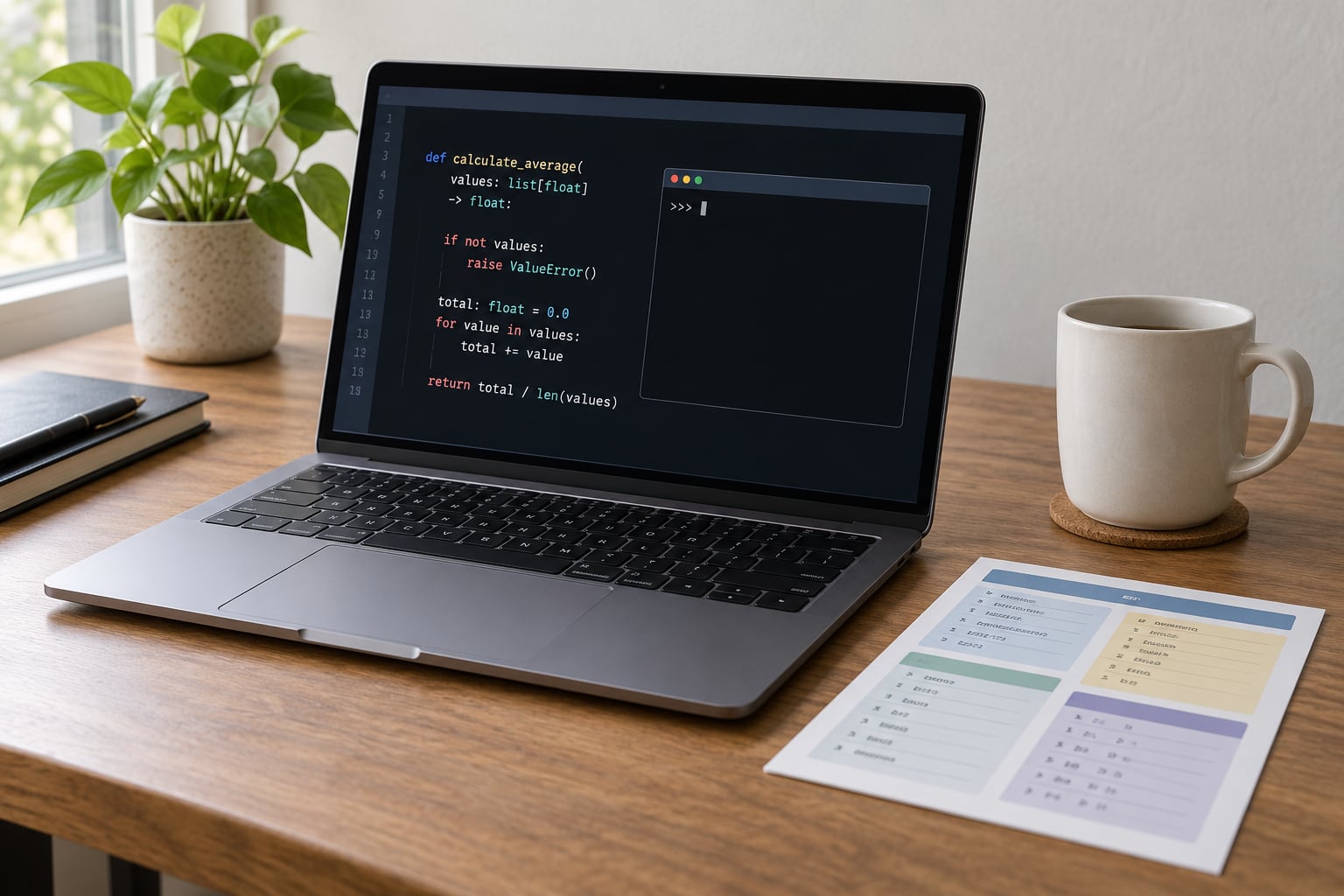
Python type hints are annotations you attach to variables, function parameters and return values to declare the types they are expected to hold, like def add(a: int, b: int) -> int:. Python itself ignores them while running your program, but editors and static type checkers such as mypy read them and use them to catch mistakes before the code ever executes.
Most write-ups on python type hints explained for beginners start with the syntax, and the syntax turns out to be the easy part. What trips people up is the assumption that Python checks anything on its own. It does not. Once that clicks, the rest is picking the right annotation for the job, and the automatic checking comes from a separate tool you run yourself.
Table of Contents
- What Are Python Type Hints?
- What type hints actually do
- Why python type hints explained for beginners usually starts with mypy
- Which Python Version Supports Type Hints?
- How to Add Basic Type Hints to Functions
- What Are the Built-In Types in Python Type Hints?
- How Do Optional and Union Types Work?
- How Can You Type Lists, Dictionaries, and Other Collections?
- What Are Type Variables and Generics?
- What Are Python Type Hint Best Practices?
- Modern syntax first, legacy second
- Annotate the boundaries, skip the middle
- How Do You Check Python Type Hints?
- Which checker should you use?
- Going further: enforcing types at runtime
- Frequently Asked Questions
- Do Python type hints make Python run faster?
- Are type hints required in Python?
- What is the difference between Optional[T] and T with a default value?
- Should beginners use list[str] or typing.List?
- How do I check whether my type hints are correct?
- Should I add type hints to every function?
- Conclusion: Where to Start with Type Hints
What Are Python Type Hints?
A type hint is a declaration of the type a value is expected to hold. You write it as a colon plus a type after a variable or parameter name, and an arrow plus a type after the parameter list for the return value.
def add(a: int, b: int) -> int:
    return a + b

age: int = 34
name: str = "Priya"
Type annotations and type hints are the same thing. The official docs say “type annotation” and “function annotation”, the community shortened it to “type hint”, and you will see both words used interchangeably in tutorials and documentation.
What type hints actually do
- They give your editor real autocomplete, so
data.pops up the methods of whatever type you declared. - They let a static type checker catch a wrong argument before you run the script.
- They document a function’s inputs and outputs inside its signature, which shortens a lot of docstrings.
- They make refactoring safer, because a checker can tell you which call sites break when you change a signature.
- They give library users meaningful errors and completion if you publish a package.
What they do not do is stop anything at runtime. Pass a string where an int was declared and Python runs it anyway, quietly, until something further down breaks.
def add(a: int, b: int) -> int:
    return a + b

print(add("3", "4"))   # prints 34, no error at all
That behaviour is deliberate. Python reads annotations into a dictionary called __annotations__ and then carries on exactly as if you had written nothing. The checking is somebody else’s job.
Why python type hints explained for beginners usually starts with mypy
Two separate things are confusing nearly every beginner here. The typing module is where the type names live; it describes, it does not check. The checker, usually mypy, is a separate program you install and run, and it is the one that reports errors.
Most people in the r/learnpython thread asking what the point is land on the same honest answer. On a two-week throwaway script the value is close to zero. On a module you will return to in six months, or a library someone else installs, it is large.
Which Python Version Supports Type Hints?
Type hints arrived in Python 3.5 and the useful versions have been added steadily since, so the version you run decides which syntax you should write.
| Python version | What it added |
|---|---|
| 3.5 (PEP 484) | Function annotations and the typing module |
| 3.6 (PEP 526) | Variable annotations, so age: int = 34 works |
| 3.7 and 3.8 | Postponed evaluation with from __future__ import annotations |
| 3.9 (PEP 585) | Built-in generics, so list[str] replaces List[str] |
| 3.10 (PEP 604) | Pipe unions, so int | None replaces Optional[int] |
| 3.11 and later | Faster checkers, better error messages, typing improvements like Self |
Check what you have with python3 --version in a terminal, or inside Python with import sys; print(sys.version). If you are writing new code on 3.10 or newer, use the built-in and pipe forms throughout this guide.
How to Add Basic Type Hints to Functions
Add a colon and the type after each parameter name, then put the return type after an arrow. That is the entire pattern for a function type hint.
def greet(name: str, excited: bool = False) -> str:
    if excited:
        return f"Hello, {name}!"
    return f"Hello, {name}."
The type goes before the default value, not after it. def greet(name: str, excited: bool = False) is correct; writing the default first is a syntax error.
A function that returns nothing still gets annotated, with -> None. Forgetting that arrow is the single most common beginner slip, and a checker will not assume anything you did not declare.
def log(message: str) -> None:
    print(f"[log] {message}")
Return several kinds of value from the same function and use a union. Return either a list or nothing meaningful and you have an optional, which comes next.
What Are the Built-In Types in Python Type Hints?
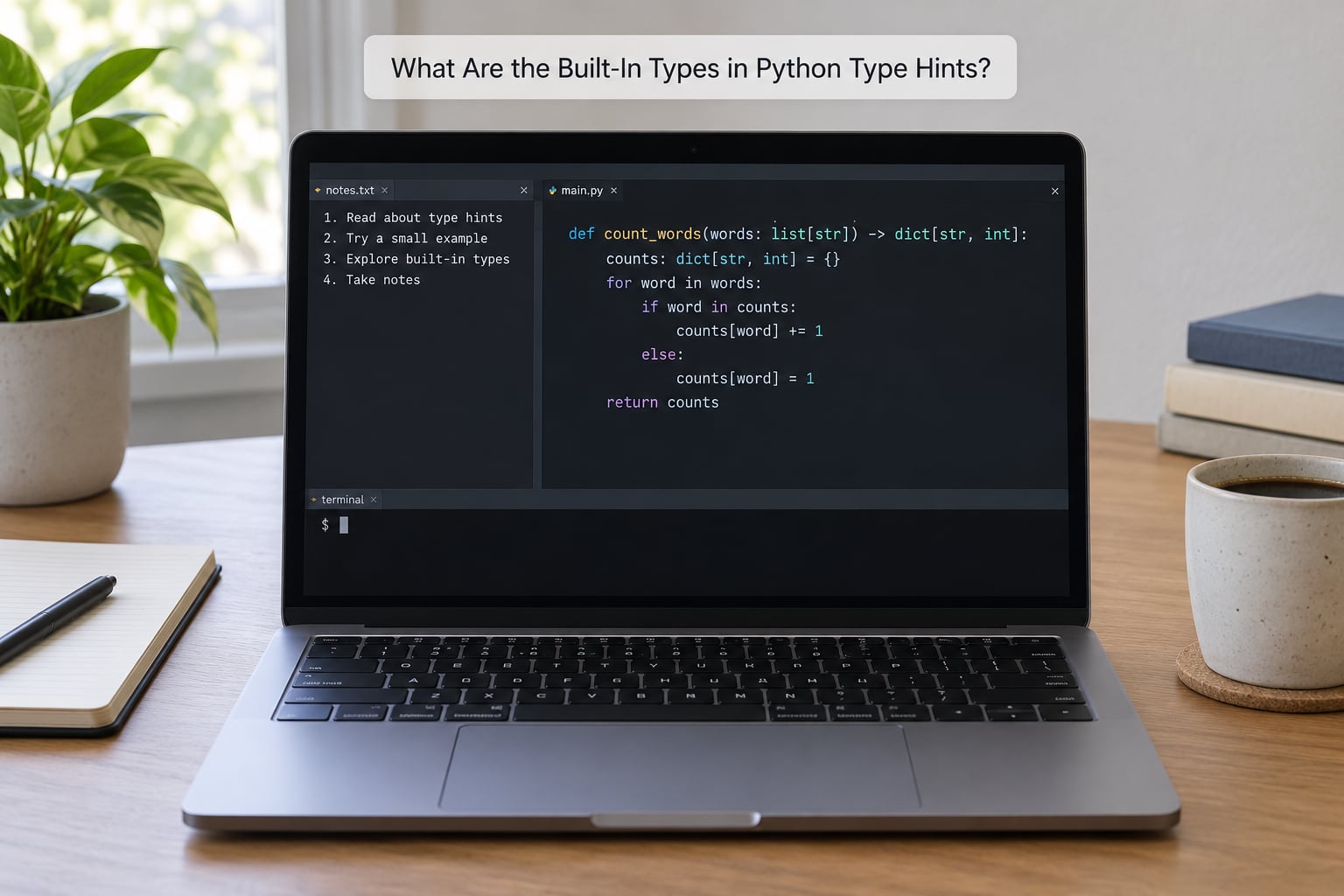
Most of what you need on day one is already built in. You do not import str or int from anywhere.
| Annotation | What it describes |
|---|---|
str | Text such as “hello” |
int | Whole numbers |
float | Decimal numbers, including a whole number passed in |
bool | True or False |
bytes | Raw byte data |
None | The single value None |
list[str] | A list where every item is a string |
dict[str, int] | A dictionary from string keys to integer values |
tuple[int, str] | A pair, an int followed by a str |
set[int] | A set of integers |
Any | Anything at all, imported from typing |
The lowercase container forms work directly in Python 3.9 and later. On 3.8 and older you import the capitalised versions from the typing module instead.
A useful distinction that beginners miss: list is the container, str is what goes inside it. Writing list on its own says nothing about the contents, so a checker will let [1, 2, "three"] through.
How Do Optional and Union Types Work?
A function that returns a value or returns nothing has two possible types. You write that as a union, and when one of the options is None it has the conventional name Optional.
def find_user(user_id: int) -> str | None:
    return "Priya" if user_id == 1 else None
The older spelling is identical in meaning and works on more versions.
from typing import Optional, Union

def find_user(user_id: int) -> Optional[str]:
    return "Priya" if user_id == 1 else None

def parse(raw: str) -> int | str:
    ...
Optional[str] is only shorthand for Union[str, None]. It changes what the annotation says, never what Python does.
The mistake that catches nearly everyone is treating Optional as a default value. These two lines mean different things.
def find_user(user_id: int, fallback: str = "unknown") -> str:
    ...                      # always returns a str

def find_user(user_id: int = None) -> str | None:
    ...                      # may return None
The first guarantees a string on the way out. The second promises you have to handle None yourself, and a checker will flag every place you use the result without checking.
How Can You Type Lists, Dictionaries, and Other Collections?
Annotating a collection takes two slots for a dictionary, one for a list. For a list you describe the element type, for a dictionary you describe the key type then the value type.
names: list[str] = ["Ada", "Grace"]
scores: dict[str, int] = {"Ada": 98, "Grace": 97}
point: tuple[int, int] = (3, 4)
seen: set[int] = {1, 2, 3}
mixed: list[int | str] = [1, "two", 3.0]
An empty container is the awkward case, because items = [] gives a checker nothing to work with and it infers the type from later usage inside the same scope. Annotate the variable at creation instead.
items: list[str] = []       # fine, checker knows it is list[str]
rows: dict[str, dict] = {}   # declare the shape you expect
A tuple annotation is a promise about its shape. tuple[int, str] means exactly two items, an int then a str, and a checker will complain if you return three or swap the order. When a tuple has a repeatable shape, tuple[int, ...] means any number of ints.
When a dict has known keys, TypedDict describes it properly.
from typing import TypedDict

class User(TypedDict):
    name: str
    age: int
Nested containers nest the same way: dict[str, list[int]] reads as a dictionary from strings to lists of ints.
What Are Type Variables and Generics?
Some functions return the same kind of thing they were given. def first(items): return items[0] should return a list when handed a list and a string when handed a string, and a plain annotation forces you to pick one.
A TypeVar links the two together so the relationship survives.
from typing import TypeVar

T = TypeVar("T")

def first(items: list[T]) -> T:
    return items[0]

reveal_result = first(["a", "b"])   # typed as str
That is the whole idea of a generic function: it works for any type T and keeps the output type matched to the input. You will write one eventually, but you can read and use them long before you need to write them.
What Are Python Type Hint Best Practices?
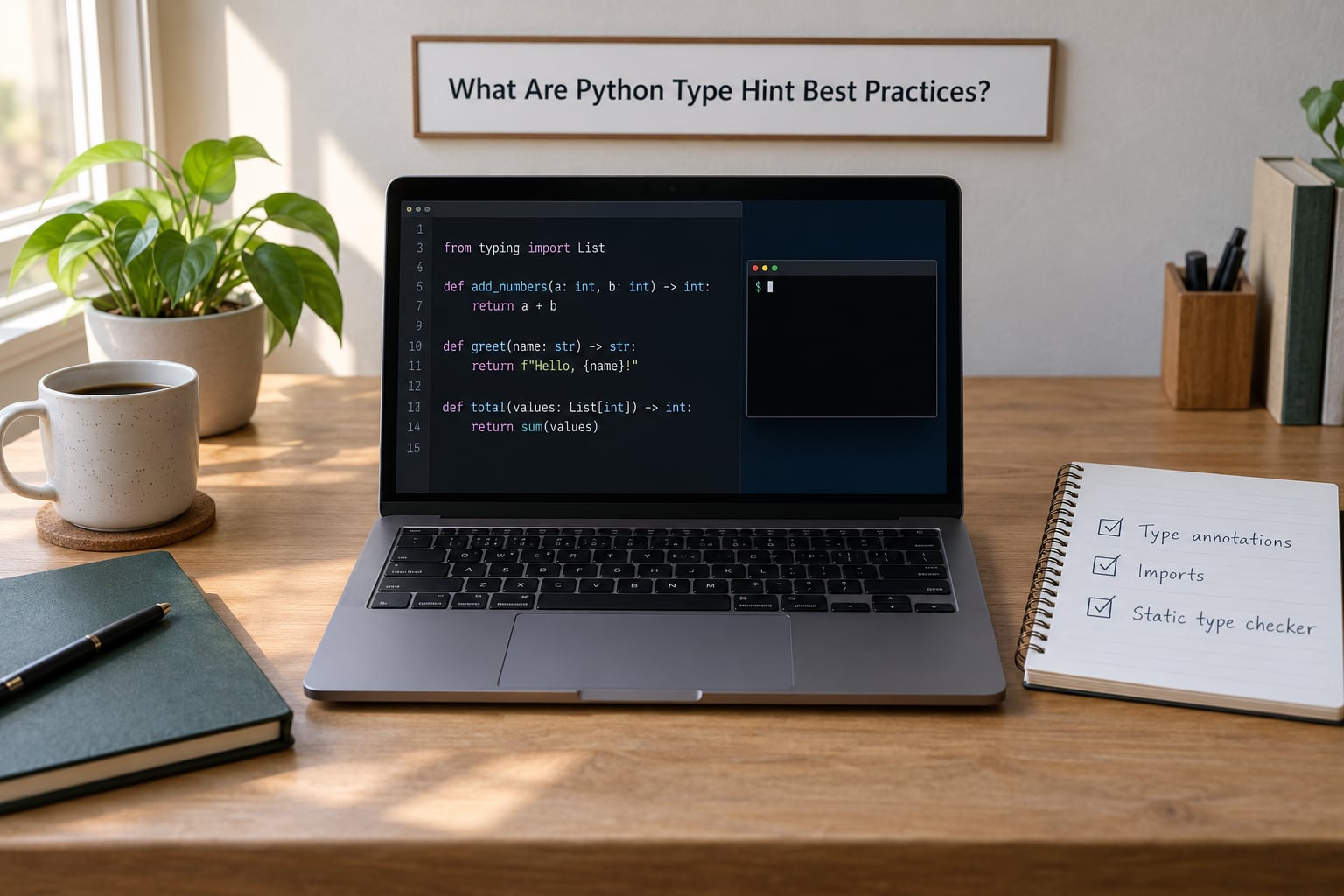
The aim is documentation and machine-checkable correctness, not showing off. A few habits keep it there.
Modern syntax first, legacy second
| Modern (3.10+) | Legacy typing module form |
|---|---|
list[str] | List[str] |
dict[str, int] | Dict[str, int] |
tuple[int, ...] | Tuple[int, ...] |
int | None | Optional[int] |
int | str | Union[int, str] |
None as a return type | No annotation at all |
If you maintain code for 3.9 or older, use the legacy column consistently instead. Mixing both styles in one file is worse than picking either one.
Annotate the boundaries, skip the middle
Annotate every public function signature, class attributes, and module-level constants. Local variables inside a function you understand already rarely earn the noise. self is never annotated, and neither is cls.
class Counter:
    def __init__(self, start: int = 0) -> None:
        self.value: int = start          # annotate the attribute, not self

    def bump(self, by: int = 1) -> int:
        self.value += by
        return self.value
Never shadow a builtin with a variable name. list = [1, 2, 3] inside a function quietly breaks list[str] annotations in that scope, and the error message points somewhere else entirely.
A type alias shortens a long annotation you use repeatedly.
type UserId = int                     # Python 3.12+
UserId = int                          # works on any modern version

def lookup(uid: UserId) -> dict[str, int]: ...
How Do You Check Python Type Hints?
mypy is the tool most people start with, and the install is one command.
python3 -m pip install mypy
python3 -m mypy yourmodule.py
Point it at a file with a deliberate mistake and you get a real error rather than a promise.
def add(a: int, b: int) -> int:
    return a + b

print(add("3", "4"))
yourmodule.py:4: error: Argument 1 to "add" has incompatible type "str"; expected "int"
print(add("3", "4"))
^^^
Found 1 error in 1 file (yourmodule.py:4)Python runs that file happily and prints 34. mypy refuses it. That gap between the two is the entire reason a checker exists.
Most editors run a checker in the background, so you see the squiggle while typing. VS Code with the Pylance extension, and PyCharm with its bundled mypy mode, both do this out of the box. Once a project grows, run the checker in CI or through a pre-commit hook so nobody merges a mismatch.
Two flags worth knowing. --strict turns on a much larger set of checks and is brutal on old code, so turn it on per module rather than project-wide on day one. # type: ignore[misc] silences one specific complaint on one line, which is useful when a library you do not control has no types.
Which checker should you use?
| Checker | Notes |
|---|---|
| mypy | The long-standing default, mature, biggest library of documentation. Start here. |
| pyright | Written in TypeScript, very fast, powers Pylance in VS Code. Popular for editor-first workflows. |
| ty | A newer checker from the Astral team behind uv, built for speed. |
| Pyrefly | Another new entrant in the same space, written in Rust. |
All four read the same annotations, so nothing in this article changes if you switch. Pick one, run it, and move on.
Going further: enforcing types at runtime
If you actually want a wrong type to stop execution, a checker is not enough. Three libraries fill that gap. Pydantic inspects your annotations when it builds a model and raises a ValidationError on bad input, which is why it became the default for API data. typeguard and beartype check arguments as a function is called, decorating the function or installing an import hook. All three are worth knowing about even if you only need them on one boundary.
Frequently Asked Questions
Do Python type hints make Python run faster?
No, and they are not meant to. Annotations are stored in a __annotations__ dictionary and never used while your program runs. The only measurable cost is importing the typing module, a few milliseconds once at startup. Add from __future__ import annotations and the annotation expressions are not even evaluated at runtime.
Are type hints required in Python?
No. Every function in the standard library and most code on PyPI runs without a single annotation. Python added them so that tools could check types, not so that the language could demand them. You can annotate one function in a project of a thousand and nothing complains.
What is the difference between Optional[T] and T with a default value?
They describe different things. A default value changes what the function uses when an argument is omitted; the type says what the value is. Optional[T] means the value may also be None, and that is a promise you must honour. A parameter typed T with a default of None contradicts its own annotation.
Should beginners use list[str] or typing.List?
Use list[str] on Python 3.9 and later. That built-in generic form came from PEP 585 and needs no import, while List comes from the typing module and was the only option before 3.9. Both mean the same thing. If your project supports 3.8 or older, use the typing module forms everywhere.
How do I check whether my type hints are correct?
Install a static type checker and run it. python3 -m pip install mypy, then python3 -m mypy yourmodule.py. It reports arguments of the wrong type, missing return annotations, and empty containers it cannot infer. VS Code with Pylance runs the same checks as you type.
Should I add type hints to every function?
Learn the syntax now, because it is cheap and every serious codebase uses it. You do not need to annotate everything while you are still learning the language. Annotate public function signatures and class attributes first, leave obvious locals alone, and skip throwaway scripts entirely.
Conclusion: Where to Start with Type Hints
Pick one small file you already understand and do four things. Annotate a single function with str, int and -> None where they apply, mark every empty list or dictionary with the type you expect it to hold, and treat str | None as a decision to check for None rather than a convenience. Then run python3 -m mypy on it and read what it says.
That last step is where the value shows up. Everything before it is just writing on the code. Once a checker is in the loop, Python type hints stop being decoration and start catching the string that should have been a number, which is a mistake you would otherwise find three files away from its cause on a Tuesday afternoon.