Skip to content

Evil Bitz

  • Home
  • Linux And Windows
  • Virtualization And Home Lab
  • Scripting And Automation
  • Hardware And Internals
  • Security Basics
  • Developer Tools
  • About Us
  • Contact Us
  • Privacy Policy

Tobias Reinholt

Windows internals and virtualization are what Tobias Reinholt covers, favoring walkthroughs built from configurations he has rebuilt from a blank machine more than once.

How to Access Linux Files From Windows: 4 Ways (2026)
October 3, 2026 by Tobias Reinholt
how to access linux files from windows

How to access Linux files from Windows comes down to where those files actually live. If they sit in a WSL distribution, a network server, or a NAS, Windows can reach them natively through a share. If they sit on a physical ext4 partition, no amount of clicking in File Explorer will help, because Windows … Read more
Categories Linux And Windows Leave a comment

Docker vs Virtual Machine Explained: Which Fits (October 2026)

October 3, 2026 by Tobias Reinholt
docker vs virtual machine explained

If you take one thing away from this docker vs virtual machine explained guide, it is this: a Docker container is an isolated process that shares your host’s kernel, while a virtual machine is a fully simulated computer that boots its own guest operating system and kernel. That single difference drives everything else you will … Read more

Categories Virtualization And Home Lab Leave a comment

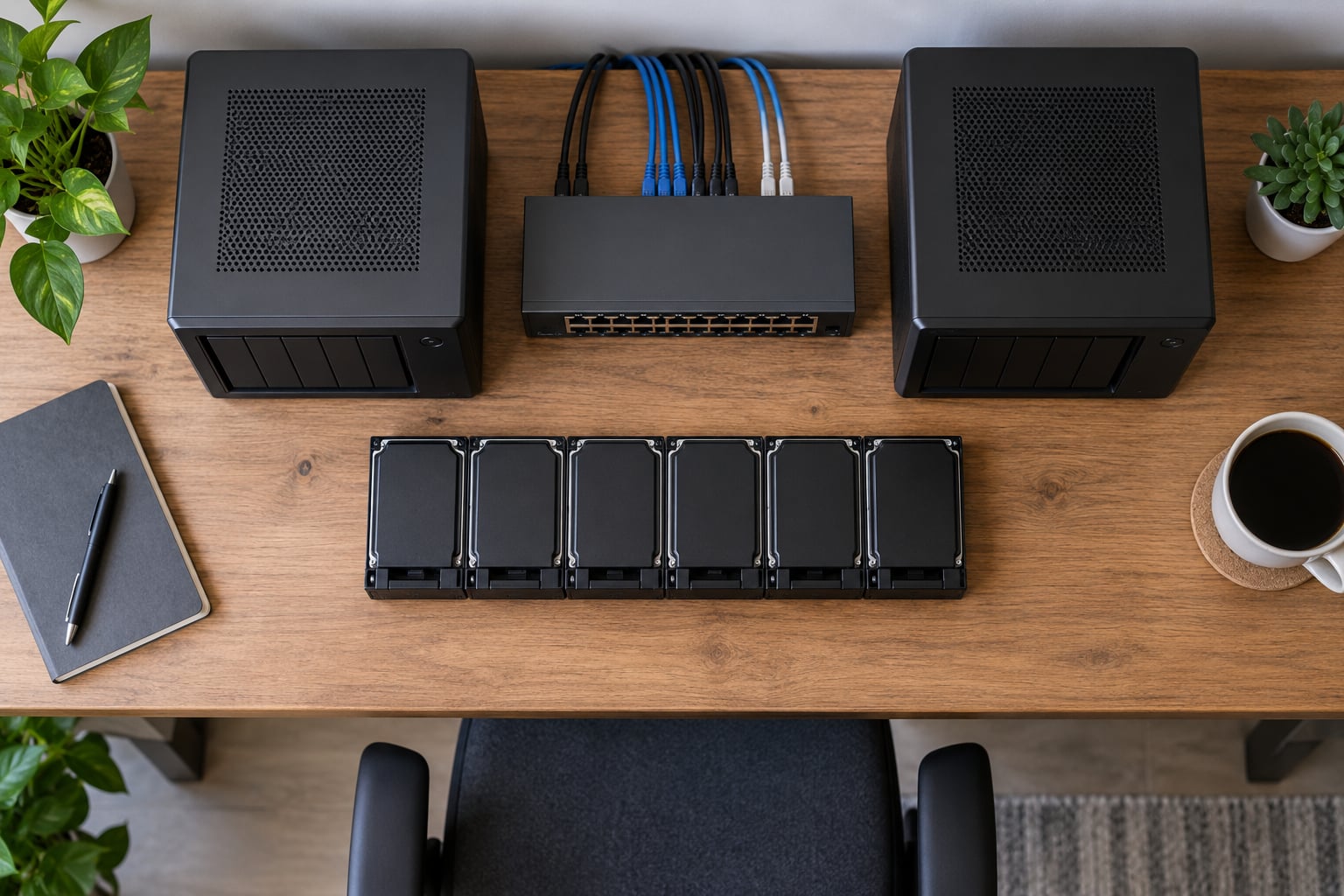
How to Set Up a NAS at Home: A Simple Beginner’s Guide (2026)

October 3, 2026 by Tobias Reinholt
how to set up a nas at home

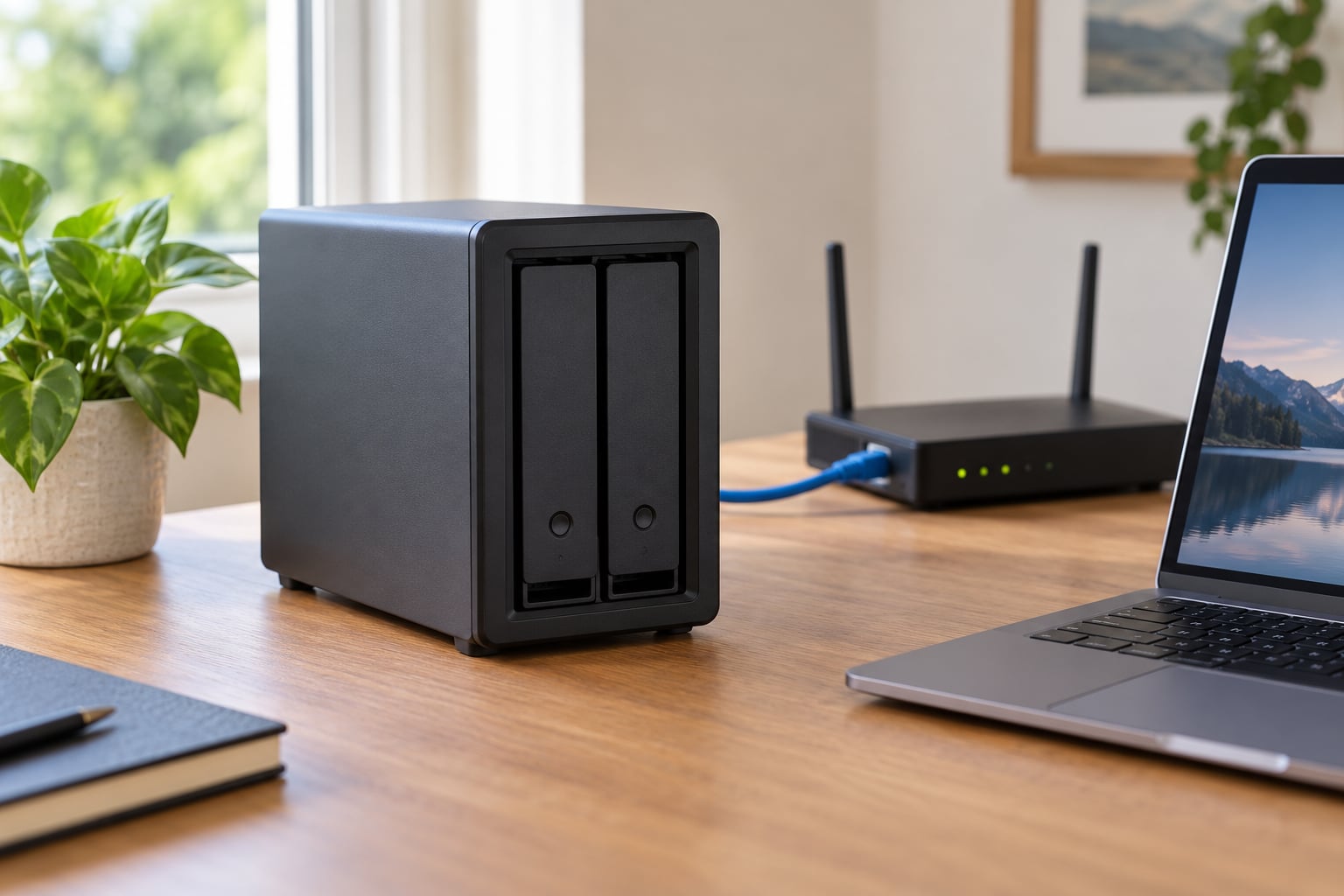
To set up a NAS at home, you need a box with at least two drive bays, a set of NAS-rated hard drives, and an Ethernet cable to your router. Plug it in, run the setup wizard from a browser, create a few shared folders, and turn on scheduled backups. Most people finish the whole … Read more

Categories Hardware And Internals Leave a comment

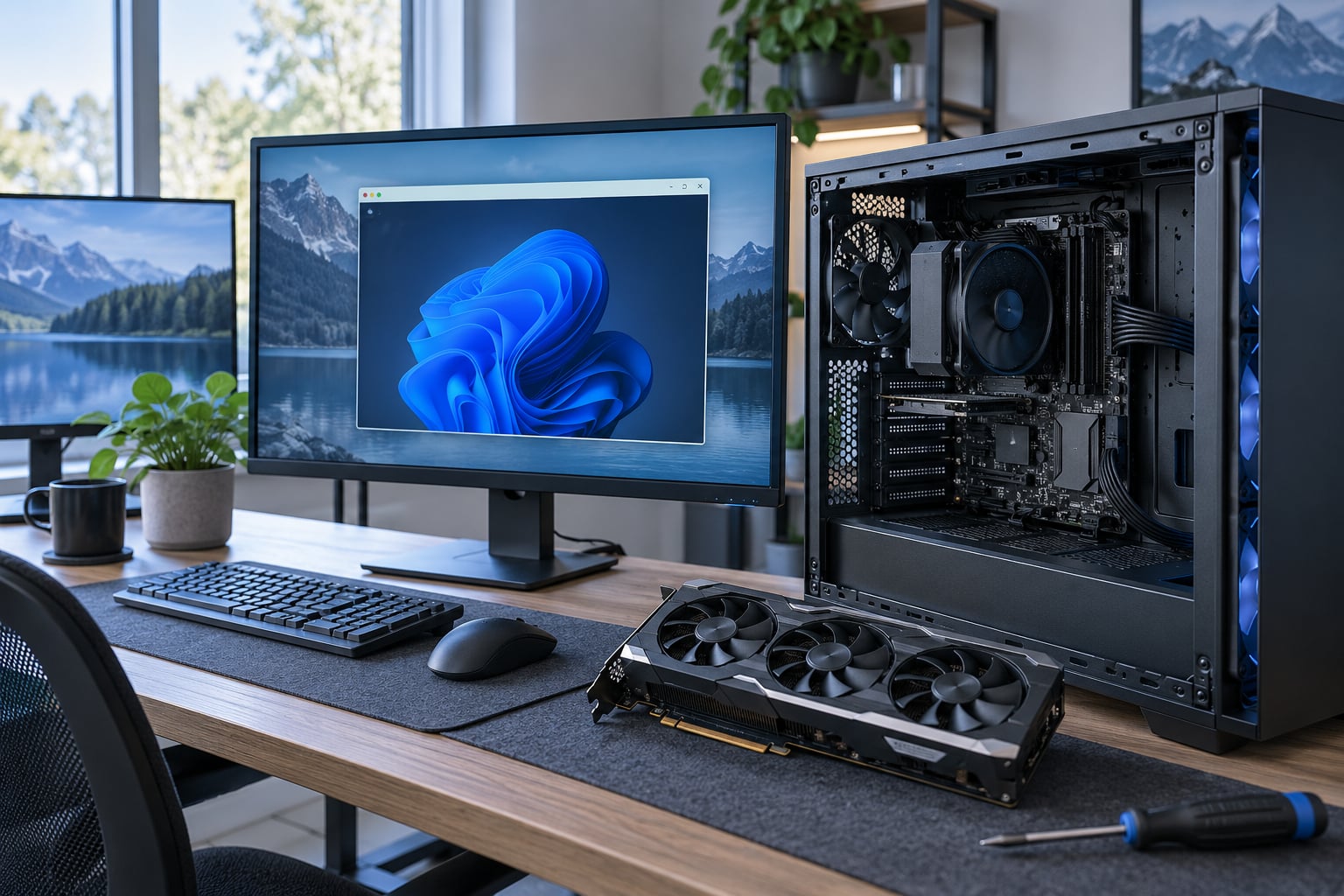
How to Pass Through a GPU to a Virtual Machine (October 2026)

October 3, 2026 by Tobias Reinholt
how to pass through a gpu to a virtual machine

Passing a GPU through to a virtual machine means giving one VM direct control of a physical graphics card, so the guest loads real drivers and gets close to bare-metal speed instead of a software-rendered virtual display. It takes about an hour the first time and a couple of hours of reboot cycles after that. … Read more

Categories Virtualization And Home Lab Leave a comment

Proxmox vs ESXi for Home Lab: The Better Choice in 2026

October 3, 2026 by Tobias Reinholt
proxmox vs esxi for home lab

For a home lab, Proxmox VE is the better choice for almost everyone. It has no software cost, runs on hardware VMware’s compatibility list would reject, and gives you full virtual machines plus LXC containers with clustering and backups already built in. ESXi still wins in one narrow case: a lab that has to mirror … Read more

Categories Virtualization And Home Lab Leave a comment

How to Build a Home Lab Server for Beginners (October 2026)

October 3, 2026 by Tobias Reinholt
how to build a home lab server for beginners

If you want to know how to build a home lab server for beginners, it comes down to four things: a spare computer, one clear job for it, a network cable, and an operating system you can reinstall without panic. Pick a machine you already own, give it a reserved address on your LAN, install … Read more

Categories Virtualization And Home Lab Leave a comment

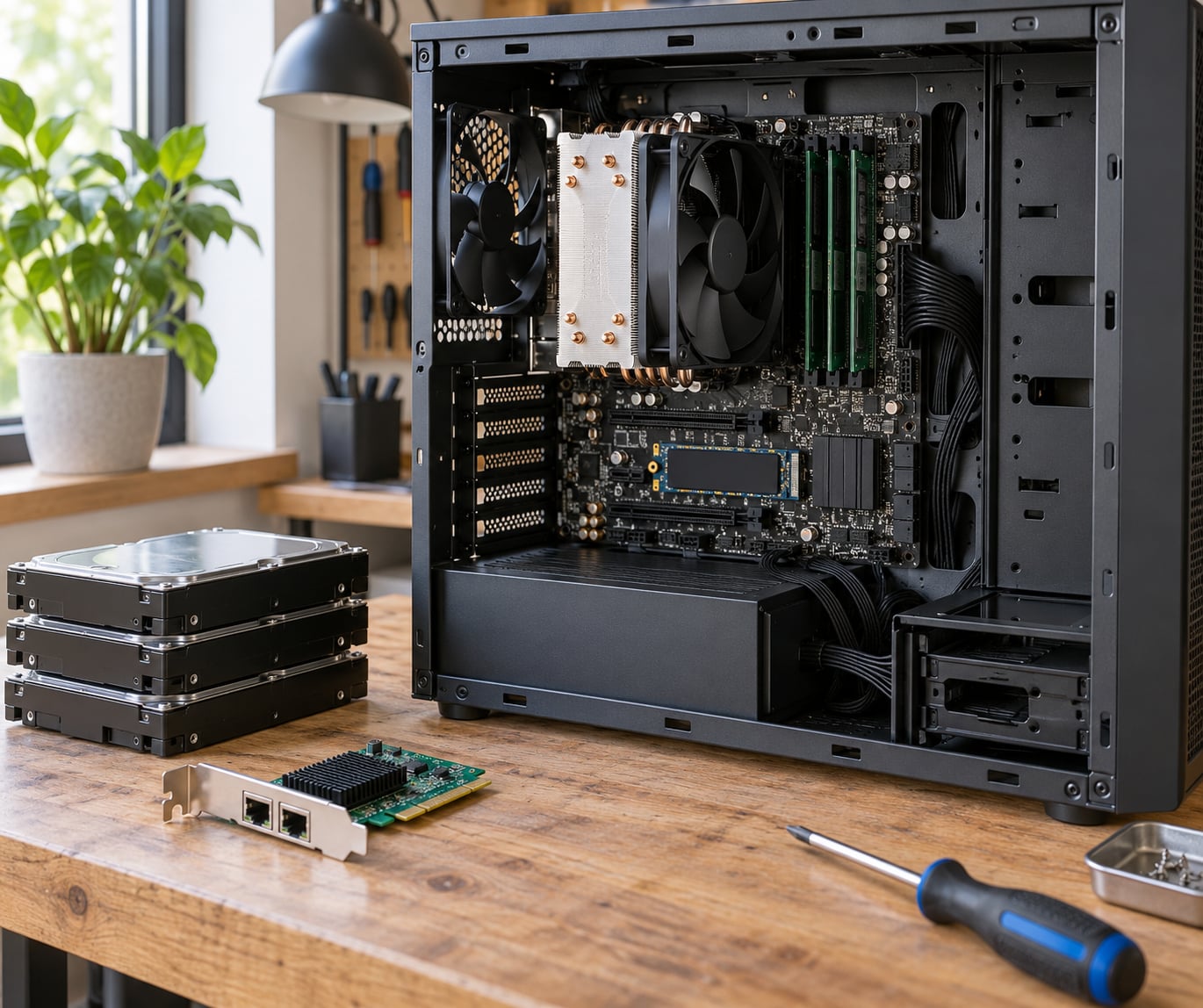
How to Build a PC for Virtualization Workloads (2026)

October 3, 2026 by Tobias Reinholt
how to build a pc for virtualization workloads

A PC built for virtualization workloads is sized backward from the guests, not forward from the parts list. You decide how many virtual machines you want running at once, what operating system each one boots, and how much I/O they generate, then you buy enough physical cores, memory, and storage throughput to carry that load … Read more

Categories Virtualization And Home Lab Leave a comment

How to Self Host a Password Manager (2026) Step by Step

October 3, 2026 by Tobias Reinholt
how to self host a password manager

Self hosting a password manager means running the vault server on your own machine or VPS and pointing the standard Bitwarden apps at your own domain. In short: pick a server, run the container, put HTTPS in front of it, connect the apps, then automate and test your backups — the backup step is the … Read more

Categories Security Basics Leave a comment

How Much Power Does a Home Server Use? Energy Guide (2026)

October 3, 2026 by Tobias Reinholt
how much power does a home server use

A typical home server draws roughly 20 to 100 watts, which works out to about 15 to 72 kilowatt-hours a month, or somewhere between 2 and 13 USD at US residential rates. Efficient mini PCs sit at the low end and rack servers with a graphics card sit at the high end. Since a server … Read more

Categories Virtualization And Home Lab Leave a comment

How to Set Up Email Alerts for Server Problems in 2026

October 3, 2026 by Tobias Reinholt
how to set up email alerts for server problems

Learning how to set up email alerts for server problems takes about an hour and a handful of built-in Linux tools. A small Bash script checks disk space, memory, load and service state on a schedule, then sends one email when a fault appears and another when it clears. No monitoring stack to install, no … Read more

Categories Linux And Windows Leave a comment

Recent Posts

  • Why Virtualization Is Disabled in BIOS and How to Fix It (2026)
  • VirtualBox vs VMware Workstation for Developers (October 2026)
  • How to Backup a Virtual Machine Properly: A Proven Guide 2026
  • How to Install Docker on Windows With WSL2 (2026) Guide
  • What Is a Hypervisor and How Does It Work? A 2026 Guide
© 2026 Evil Bitz