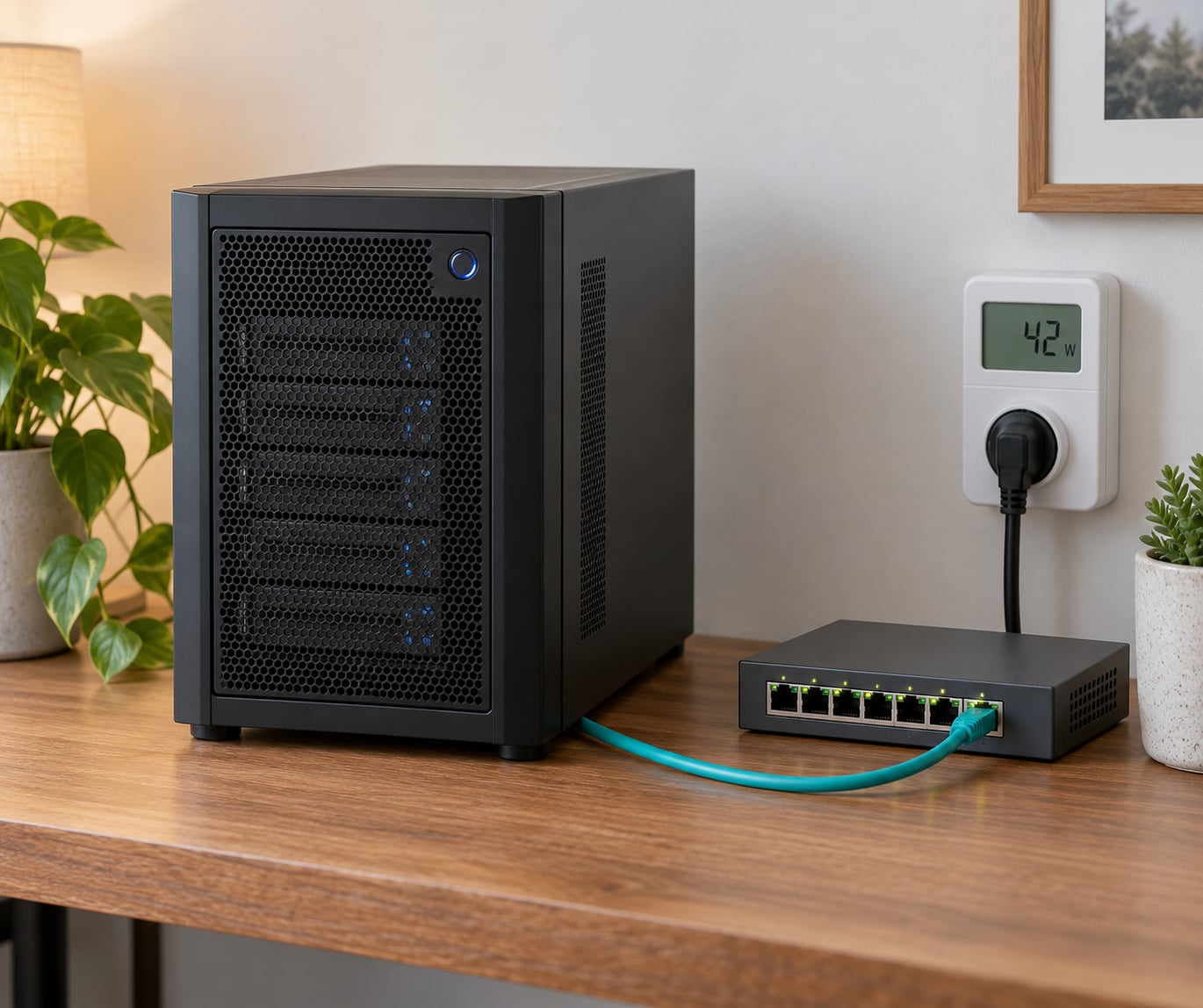
A typical home server draws roughly 20 to 100 watts, which works out to about 15 to 72 kilowatt-hours a month, or somewhere between 2 and 13 USD at US residential rates. Efficient mini PCs sit at the low end and rack servers with a graphics card sit at the high end. Since a server idles most of the time, idle draw matters far more than peak draw.
The confusing part is that almost every spec sheet quotes the wrong number. A power supply rated at 500 watts tells you nothing about what the box pulls from the wall, and a CPU TDP rating describes thermal design, not consumption. So when people ask how much power does a home server use, the only trustworthy figure is what a meter reads between the wall and the plug.
This guide breaks the numbers down by setup type, shows where the watts actually go inside a machine, and gives you the arithmetic to work out your own bill. All cost figures here are typical US rates and change with region, utility, season and time of use.
Table of Contents
How Much Power Does a Home Server Use?
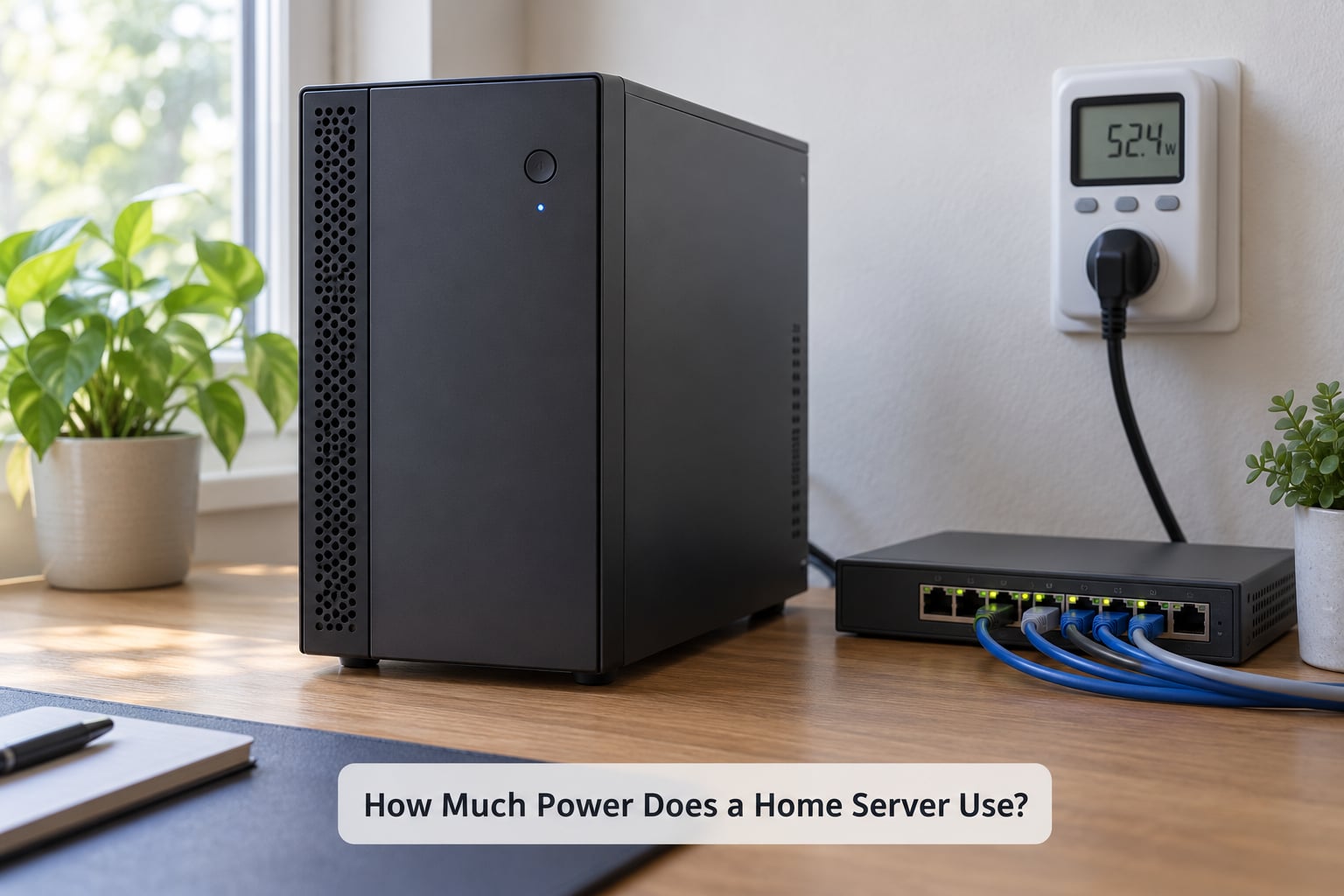
Short answer: budget 20 to 100 watts for most setups, and assume the machine spends about 90% of its time drawing its idle figure rather than its peak figure. The table below gives realistic bands for common homelab builds, with monthly energy computed at 24 hours a day for 30 days.
| Setup | Idle watts | Peak watts | Monthly kWh | Monthly cost at 0.18 USD per kWh |
|---|---|---|---|---|
| Mini PC, N100 or N150 class, 2 NVMe drives | 6 to 12 | 18 to 25 | 5 to 9 | 1 to 2 USD |
| Two to four bay NAS enclosure with drives | 18 to 25 | 45 to 60 | 13 to 18 | 2 to 4 USD |
| Used office tower or SFF, older Core i5 | 45 to 70 | 110 to 150 | 32 to 50 | 6 to 9 USD |
| DIY storage server, Ryzen board, 8 to 12 drives | 55 to 90 | 150 to 200 | 40 to 65 | 7 to 12 USD |
| 1U or 2U rack server, Xeon E5 v4 class | 80 to 140 | 250 to 400 | 58 to 100 | 10 to 18 USD |
| GPU node for transcoding or passthrough | 90 to 160 | 300 to 500 | 65 to 115 | 12 to 21 USD |
| Full setup: server, switch, router, Wi-Fi access point | add 15 to 45 | add 30 to 60 | add 11 to 32 | add 2 to 6 USD |
That last row is where most people get surprised. The server is usually not the biggest load in the closet. Routers, switches and wireless access points that nobody thinks about add up to a permanent 15 to 45 watts, and a PoE switch with three cameras plugged into it can pull more than a small NAS.
A user on r/homelab reported around 50 to 70 watts total for a Ryzen DIY home server plus two AiMesh routers, which matches this table closely once you count the networking gear. Another r/HomeServer builder running a 90TB media server with an i5-13500, 48GB of RAM and three NVMe drives measured about 150 watts idle and 200 to 250 watts under load, which lands near the rack server row.
How to Calculate Your Home Server’s Power Draw
There are five ways to get a number, and they disagree with each other. Here is what each one actually tells you.
| Method | What it reports | Accuracy |
|---|---|---|
| Kill-A-Watt or smart plug between wall and PSU | True at-the-wall draw in watts | Exact, includes PSU losses and every drive |
| UPS with a wattage display | Draw at the UPS output | Very close, but read while on battery to avoid double conversion loss |
| BMC, iLO or iDRAC telemetry | PSU input wattage, sometimes plus a per-rail breakdown | Usually within a few watts of the wall |
| Per-component readouts in the OS | Rapl, turbostat, hwmon, smartctl | Good for attribution, ignores the PSU’s own overhead |
| Power supply rating or CPU TDP | Nothing useful | Capacity, not consumption |
Start with the wall meter. Plug the server into a smart plug or Kill-A-Watt, leave it for a normal day with your usual services running, and note the reading every hour. Then run your heaviest typical job, a ZFS scrub, a Plex transcode or a full backup, and note that peak as well. Those two numbers are all you need for good estimates.
Multiply average watts by 24 to get daily watt-hours, divide by 1000 for daily kWh, multiply by 30 for a month and by 365 for a year. Then multiply your monthly kWh by your utility’s rate per kWh.
Here is a worked example for a mixed setup: a Proxmox host with eight hard drives, 32GB of RAM and a 10GbE card, averaging 42 watts across a normal day including overnight scrubs and weekend transcodes.
- Daily energy: 42 x 24 = 1008 Wh, or 1.008 kWh.
- Monthly energy: 1.008 x 30 = about 30 kWh.
- Yearly energy: 1.008 x 365 = about 368 kWh.
- At 0.14 USD per kWh: about 4.20 USD a month, 52 USD a year.
- At 0.18 USD per kWh: about 5.40 USD a month, 66 USD a year.
- At 0.33 USD per kWh: about 10 USD a month, 121 USD a year.
Regional rates vary roughly threefold across the US, which is why a cost figure from another country rarely transfers. Check your own utility bill for the exact line item, usually expressed in cents per kWh.
What Hardware and Workloads Affect Power Use?
Once you have the total, it helps to know where it goes. The biggest consumers in an always-on machine are the CPU at idle, the spinning drives, and the base overhead of the board and management controller.
| Component | Idle | Under load |
|---|---|---|
| Efficient CPU such as N100 or N150 | 4 to 6 W | 10 to 25 W |
| Desktop Core i5 or Ryzen 5 | 8 to 20 W | 45 to 120 W |
| Older Xeon E5-2600 v4 | 25 to 60 W | 80 to 140 W |
| 32GB RAM as four 8GB DDR4 DIMMs | 7 to 11 W | 8 to 12 W |
| 64GB server RDIMM | 15 to 25 W | 16 to 28 W |
| 3.5 inch hard drive, spinning | 4 to 6 W each | 6 to 9 W each |
| 3.5 inch hard drive, spun down | 0.5 to 1.5 W each | not applicable |
| NVMe SSD | 0.5 to 2 W | 3 to 7 W |
| Motherboard, chipset, onboard controllers | 10 to 25 W | 15 to 30 W |
| BMC or IPMI controller, if enabled | 3 to 8 W | 3 to 8 W |
| Case fans | 1 to 3 W each | 2 to 5 W each |
| 10GbE NIC or SFP+ port pair | 6 to 10 W | 9 to 13 W |
| Power supply losses at typical load | 5 to 15 percent | 5 to 15 percent |
Three things stand out. Memory is cheap in watts, so a stack of 32GB is not the problem people expect. Management controllers are a permanent tax that most home labs never use. And drive count adds up linearly until something like a ZFS scrub keeps every disk spinning all night, which quietly erases any spin-down savings you configured.
That last point deserves emphasis because it catches almost everyone. A scrub, a backup or a sync job reads across every drive and resets the idle timer each time, so a filesystem that would otherwise sit quiet at 6 watts runs at 60 watts for an hour or two a day. Scheduling scrubs and backups inside one overnight window makes the rest of the day cheap.
Workload phase matters as much as hardware. The same machine draws different amounts at different moments, and the ones that matter are the ones that happen every day.
| Phase | Watts | How long it lasts |
|---|---|---|
| Idle, drives spun down | 35 to 45 | Most of the day, if nothing wakes the disks |
| Idle, drives spinning | 65 to 85 | Default behaviour on most installs |
| Backup or sync job | 90 to 140 | One to four hours a night |
| ZFS scrub | 100 to 160 | A few hours a month |
| Plex hardware transcode | 110 to 180 | Evenings and weekends |
| Virtual machine consolidation or backup | 70 to 110 | Short bursts |
Networking deserves its own line because it is measured separately so often. A basic eight-port gigabit switch draws roughly 6 to 12 watts. A 24-port managed switch pulls 25 to 45 watts no matter how many ports are in use, because the management chip and fans do not sleep. A MikroTik CRS305 style 10GbE switch idles around 3 to 5 watts, which is why enthusiasts pick them for a storage network.
For sizing a UPS, work from the idle figure rather than the nameplate. A 600VA unit supplies roughly 300 watts continuously, so a server idling at 55 watts sits at under a fifth of capacity. A small 12V 9Ah battery holds about 108 Wh, which at a realistic 85 percent inverter efficiency gives a 55 watt server about one hour of runtime. If you need a full evening, size for the average draw over the outage, not for the peak.
Enterprise gear carries a higher floor. TrueNAS Community posters point out that c’t measured 13 watts idle on a Supermicro X11SCL-IF board, and the same thread recommends avoiding IPMI and extra PCIe cards that block deep C-states, and preferring Linux with PowerTOP over a BSD-based install for reaching them. On the Unraid forums a user dropping the CPU to 800 MHz with the pstate utility measured around 19 watts total. ServeTheHome threads make the point that moving from a dual-CPU server to a single one cuts draw, though the savings from a lower base-frequency part alone is modest.
Ways to Save Power Without Slowing Down Your Server
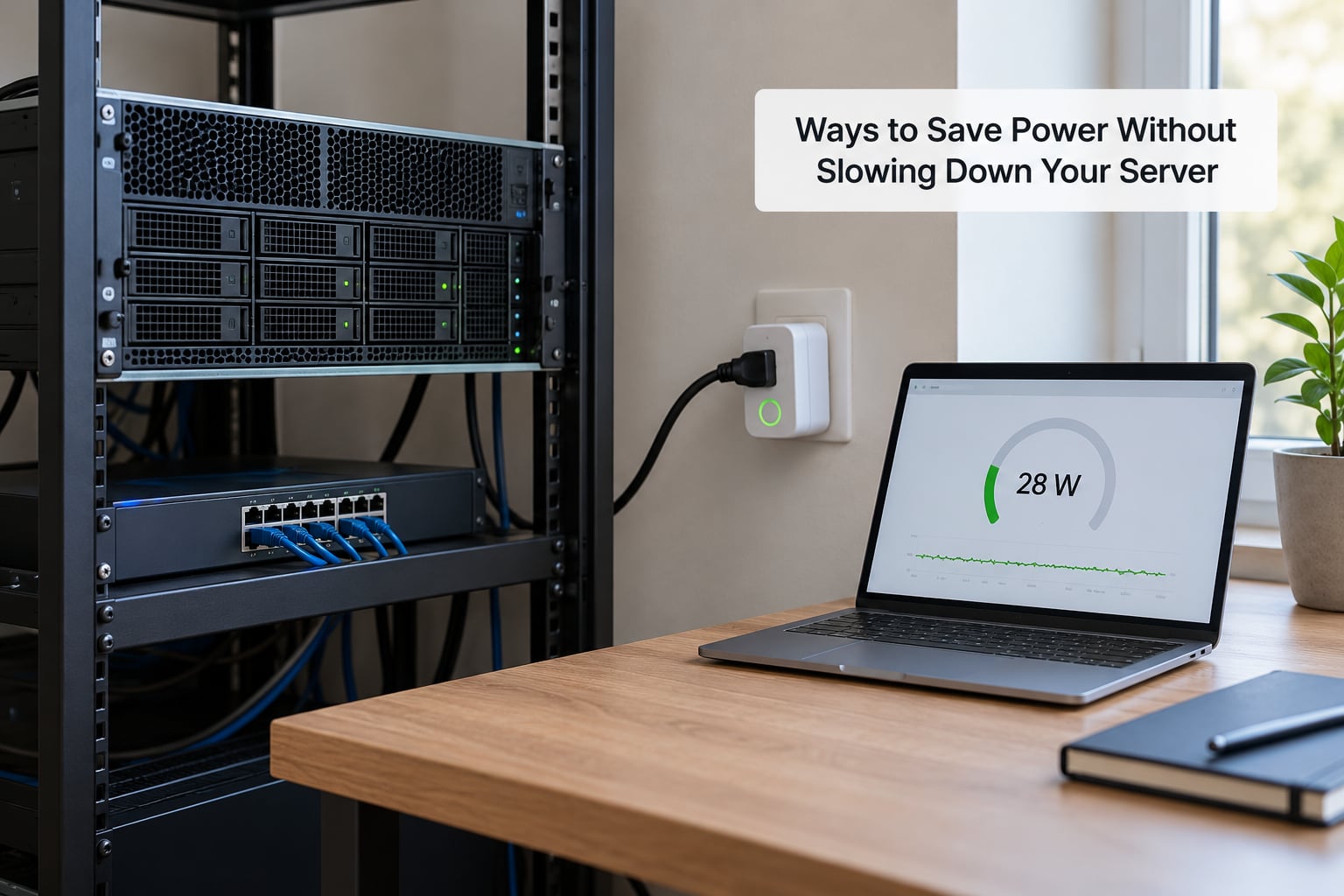
Most of the savings come from the CPU floor and the drives, not from the power supply. Work through these in order and measure after each one rather than trusting the theory.
- Right-size the hardware. A modern N100 or N150 class mini PC handles a surprising amount of light virtualization and a small ZFS pool in a fraction of a watt budget. Moving a 110 watt average rack server to a 12 watt mini PC saves about 70 kWh a month, which is roughly 13 USD a month and 150 USD a year at 0.18 USD per kWh. That is usually the single largest saving available.
- Set the CPU scaling governor. Check what is active with
cpupower frequency-info, then trycpupower frequency-set -g powersaveorschedutilon Linux. Processors with low base frequencies drop into deeper idle states faster. - Turn off the BMC if you do not use it. On boards with an IPMI controller, disabling it in the BIOS removes a constant 3 to 8 watts. You lose remote console and sensor access, so only do this once you are comfortable logging in physically.
- Configure drive spin-down. Set an idle timeout and aggressive power management per disk with
hdparm -S 60 -B 127 /dev/sdXand persist it in/etc/hdparm.conf. Check the result withhdparm -C /dev/sdX. Expect to lose a few seconds of wake latency each time the disk spins back up. - Use SATA aggressive power management. Setting the link policy to min_power for each host lets idle SATA links drop to a low-power state. It is safe on modern controllers and worth a few watts across eight ports.
- Let the CPU reach deep C-states. Add
intel_idle.max_cstate=6to your boot arguments and verify with PowerTOP. An OS and kernel combination that keeps waking the CPU for background work will sit at a higher floor even with an efficient processor. - Batch your noisy work. Schedule scrubs, backups and sync jobs so they run in one window instead of trickling through the day. The energy cost of a job depends on how long the drives stay awake, not just on how much data moves.
- Consolidate nodes. Two idle nodes cost roughly twice one idle node. Unless you are testing redundancy, a single machine with more drives or memory usually wins on watts.
- Power down what you do not use. Wireless radios on a main router, unused PoE ports and extra USB devices all draw. A timer or smart plug on a machine that only needs to run overnight can cut its daily runtime in half.
- Replace the drives. Eight spinning 3.5 inch drives cost about 50 watts between them. A mixed tier approach with NVMe or SSD for anything hot, and spinning drives only for bulk storage with aggressive spin-down, removes the largest idle load in most homes.
None of this involves touching mains wiring. If you want to rewire a circuit for a rack, get a licensed electrician, and keep the power supply’s own load and ventilation requirements in mind. The savings come from software settings and hardware choices, not from hardware changes to the supply.
Frequently Asked Questions
How many watts does a typical home server use?
A typical home server uses 20 to 100 watts depending on the class of hardware. Mini PCs with efficient processors idle at 6 to 12 watts, NAS enclosures sit around 18 to 25 watts, and older rack servers with Xeon processors idle at 80 to 140 watts. Add your switch, router and access point, and a full setup commonly lands between 40 and 160 watts at the wall.
How much electricity does a home server use per month?
A 40 watt server running 24 hours a day uses about 29 kilowatt-hours a month, which is roughly 4 to 10 USD at US residential rates between 0.14 and 0.33 USD per kWh. A 100 watt rack server reaches about 72 kilowatt-hours a month and 10 to 24 USD. Since servers idle most of the time, the idle reading matters far more than the peak.
Should I measure a home server with a smart plug or UPS?
Use a smart plug or Kill-A-Watt between the wall and the power supply for the base reading, since it captures PSU losses and every connected drive. A UPS with a wattage display works too, but read it while running on battery to avoid counting conversion loss twice. Take one reading during a normal day and one during your heaviest typical job.
Is a 500-watt power supply bad for home-server energy use?
No. The wattage printed on a power supply is the maximum it can deliver, not what it consumes. A 500-watt unit in a server drawing 60 watts still only draws 60 watts, plus a few watts of conversion overhead. However, oversized supplies do run at lower efficiency in the low-load range, and their fans may cycle noisily. Match the rating to your peak load with headroom.
Can a home server use less power than a desktop computer?
Yes, often by a wide margin, because desktops are built to idle fast and wake fast, while a server is built to stay quiet and cool. A modern mini PC can idle at 6 to 12 watts where a desktop with a six-core processor idles at 30 to 50 watts. The exception is gaming, where a desktop’s graphics card draws several hundred watts that a server simply does not have.
Conclusion
A home server usually runs 20 to 100 watts while active, and a full setup with networking gear pushes closer to 160. Idle draw sets your bill, not peak draw, because the box sits idle for roughly 90% of its life. Remember that a power supply rating and a CPU TDP describe capacity, not consumption, so neither one belongs in your cost estimate.
Start by plugging the server into a wall meter for one normal day and writing down the idle figure, then run your heaviest typical job and record that peak. Two numbers give you a monthly kWh figure and an honest cost, and they tell you immediately whether the box is worth keeping or whether swapping it for an efficient mini PC would pay for itself within a year.