argparse is Python’s built-in module for command-line arguments: you describe the flags and values your program accepts, and it validates the input, converts types, and writes the help text for you. To make a Python CLI tool with argparse you create an ArgumentParser, add one add_argument() line per input, call parse_args(), and you have a tool that runs anywhere Python is installed with nothing to install. The finished tool here is quicklist, a small note-taking utility, and the whole build takes about 20 minutes.
Everything below runs on the standard library, which matters more than it sounds. The consensus on r/learnpython is that argparse is the right choice for a first CLI tool because it is always available and adds no dependencies. A tool your team can copy onto a server with no pip step is worth a little extra typing.
Table of Contents
- What You Need
- Step-by-Step: Build a Python CLI Tool with argparse
- 1. Define the Script’s Purpose and Command Structure
- 2. Create the ArgumentParser
- 3. Add Positional and Optional Arguments
- 4. Add Choices, Types, Defaults, and Help Text
- 5. Handle Validation and Application Logic
- 6. Organize a Larger Tool with Subcommands
- 7. Test the CLI and Package the Project
- Common Mistakes
- Frequently Asked Questions
- What is argparse used for in Python?
- How do I make an argument optional in argparse?
- How do I add subcommands to a Python CLI?
- How do I test argparse code?
- Should I use argparse or click for a Python CLI?
- How do I package a Python command-line tool?
- Conclusion
What You Need
You need Python 3.9 or newer, an editor, and a terminal. That is genuinely the whole list.
- Python 3.9+. argparse has been in the standard library since Python 2.7 and 3.2. One visible change to know: Python 3.10 renamed the help heading from
optional arguments:tooptions:, so screenshots you find online may not match your terminal. - argparse. Shipped with CPython, so there is no
pip install argparsestep. If a tutorial tells you to install it, that tutorial is wrong. - An editor and a terminal. Any editor works. You will spend most of your time reading
--helpoutput, so keep both open. - pytest (optional). Only needed for the testing step further down. The
unittestmodule in the standard library does the same job.
Save your work as quicklist.py in an empty folder. Every snippet below belongs in that one file, and the terminal examples run from the same folder.
Step-by-Step: Build a Python CLI Tool with argparse
1. Define the Script’s Purpose and Command Structure
Write the command line you want to type before you write any Python. Mine is:
quicklist "ship the release" -t ops -p 1 -f work/notes.txtThat single line tells me the interface. One required positional value (the note text), four optional flags, one of which repeats. If you cannot write the command you want, the parser code will not save you.
Keep the first version small. One command, four flags, under 60 lines. Subcommands come later, once the plain form feels boring.
2. Create the ArgumentParser
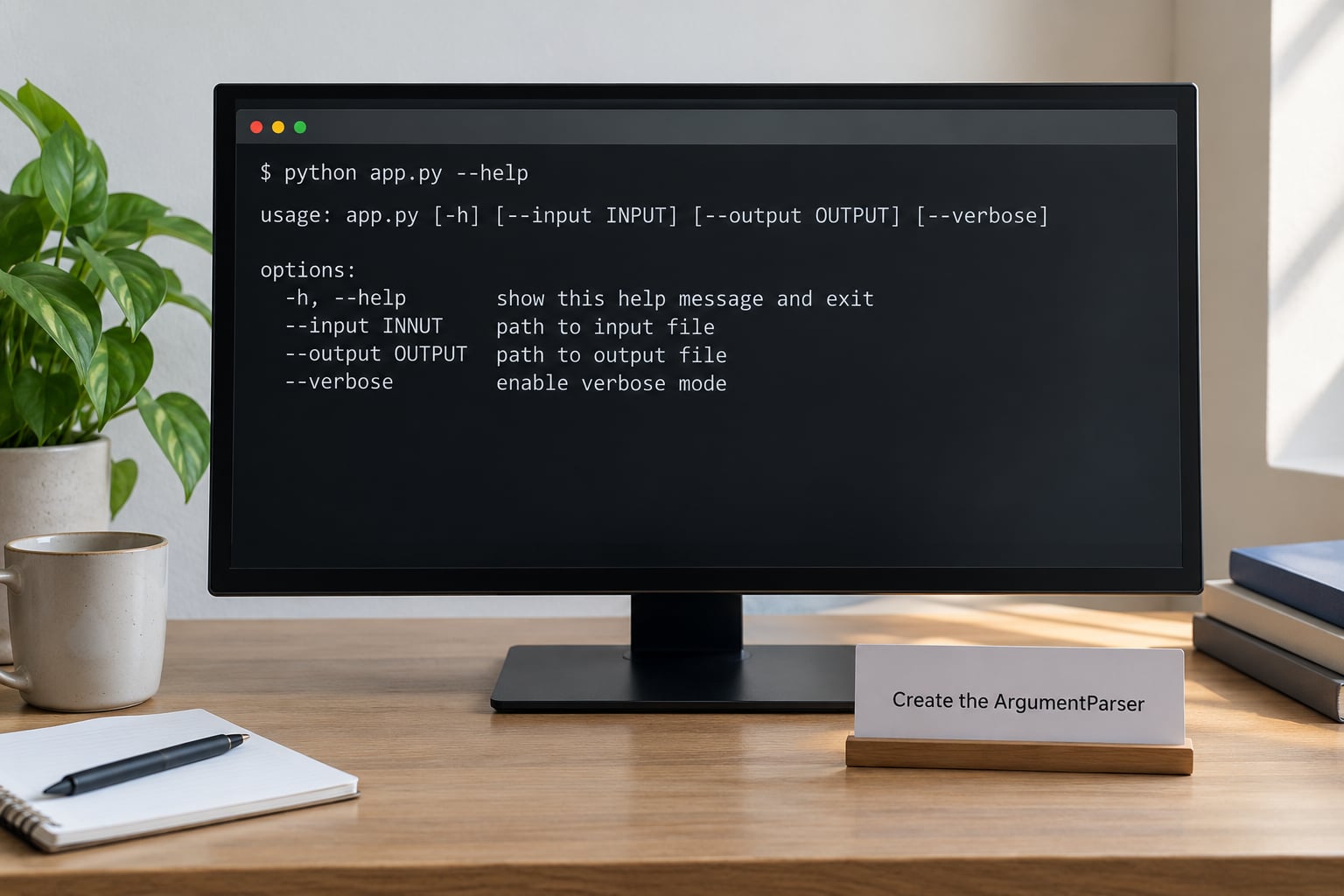
The parser is the object that owns your CLI definition. Four arguments on it pay for themselves every time someone runs --help.
import argparse
from pathlib import Path

VERSION = "0.3.0"

def build_parser():
    parser = argparse.ArgumentParser(
        prog="quicklist",
        description="Keep short notes in a plain text file and search them later.",
        epilog='Example: quicklist "ship the release" -t ops -p 1',
        formatter_class=argparse.RawDescriptionHelpFormatter,
    )
    parser.add_argument("--version", action="version", version=f"quicklist {VERSION}")
    return parser
These four lines are the whole setup. prog sets the name printed in usage messages, description and epilog are the top and bottom text, and RawDescriptionHelpFormatter stops argparse from rewrapping your example line.
Run it to see the payoff:
$ python quicklist.py --help
usage: quicklist [-h] [--version]
...
The -h flag and that usage string were not written by hand. Add a few arguments and they fill in on their own.
3. Add Positional and Optional Arguments
A positional argument has no dash and its position is its name. An optional argument starts with - or -- and is set by keyword. Here is the difference that trips up most beginners:
| Aspect | Positional argument | Optional argument |
|---|---|---|
| Written as | parser.add_argument("note") | parser.add_argument("-p", "--priority") |
| Required? | Always, unless you set nargs="?" or default | Only if you pass required=True |
| Reached as | args.note | args.priority |
| Order matters? | Yes, position decides the value | No, the flag name decides |
    parser.add_argument("note", help="Text of the note to store.")
    parser.add_argument("-f", "--file", type=Path, default=Path("notes.txt"),
                        metavar="PATH", help="Text file that stores the notes.")
    parser.add_argument("-t", "--tag", action="append", default=[],
                        help="Tag for the note. Repeat the flag for more tags.")
    parser.add_argument("-v", "--verbose", action="store_true",
                        help="Log what happens to stderr.")
Read the flag names aloud: -t and -f for tags and file, -v for verbose. Short flags save typing, but they are the first thing that collides when a tool grows. Add the short form when you have one, never instead of the long one.
Notice the options landing on the namespace. note becomes args.note, --file becomes args.file with dashes turned into underscores, and --verbose arrives as True when the flag is present and False when it is absent. No dictionary lookups, no string comparisons.
4. Add Choices, Types, Defaults, and Help Text
This is where a script turns into a tool. Six parameters on add_argument() do most of the work, and every one of them shortens your own validation code.
type=converts the string during parsing.type=int,type=Path,type=float. A bad value fails at parse time with a message that names the flag, instead of crashing twenty lines later inside your logic.choices=accepts only the values you list, and the error message lists them for the user automatically.default=fills in the attribute when the flag is absent, soargs.fileis neverNone.required=Trueturns an option into a mandatory one. Required optionals exist, and they are how you make--configmandatory without making it positional.metavar=changes the placeholder in the usage line.-p LEVELreads better than-p {1,2,3}.help=is the one line that shows up under--help. Write it as a phrase, not a fragment.
Here they are together:
    parser.add_argument("note", help="Text of the note to store.")
    parser.add_argument("-f", "--file", type=Path, default=Path("notes.txt"),
                        metavar="PATH", help="Text file that stores the notes.")
    parser.add_argument("-t", "--tag", action="append", default=[],
                        metavar="TAG", help="Tag for the note. Repeat for more tags.")
    parser.add_argument("-p", "--priority", type=int, choices=(1, 2, 3), default=2,
                        metavar="LEVEL", help="Priority, 1 (high) through 3 (low).")
    parser.add_argument("-v", "--verbose", action="store_true",
                        help="Log what happens to stderr.")
The full help output on Python 3.12:
$ python quicklist.py --help
usage: quicklist [-h] [--version] [-f PATH] [-t TAG] [-p LEVEL] [-v] note

Keep short notes in a plain text file and search them later.

positional arguments:
  note                   Text of the note to store.

options:
  -h, --help            show this help message and exit
  --version             show program's version number and exit
  -f PATH, --file PATH  Text file that stores the notes. (default: notes.txt)
  -t TAG, --tag TAG     Tag for the note. Repeat for more tags.
  -p LEVEL, --priority LEVEL
                        Priority, 1 (high) through 3 (low). (default: 2)
  -v, --verbose         Log what happens to stderr.

Example: quicklist "ship the release" -t ops -p 1
A user who has never seen your tool now knows every flag, every default, and one example. Write the --version line exactly as above: action="version" makes argparse print the string and exit with status 0, which is what CI pipelines and package managers expect.
5. Handle Validation and Application Logic
Keep the parser and the work in separate functions. build_parser() returns a parser, main() takes parsed arguments and returns an exit code. That split is what makes the tool testable in the next step.
Anything argparse can check, let argparse check. For what it cannot, write a custom type callable that raises argparse.ArgumentTypeError and argparse formats it exactly like its own errors:
def existing_file(value):
    path = Path(value)
    if not path.is_file():
        raise argparse.ArgumentTypeError(f"no such file: {value}")
    return path
Attach it with parser.add_argument("--import", type=existing_file) and a user who passes a missing path gets a clean one-line message and exit code 2, not a traceback.
Now the application logic, which is deliberately boring:
import sys

def main(argv=None):
    parser = build_parser()
    args = parser.parse_args(argv)

    tags = args.tag or [t for t in os.environ.get("QUICKLIST_TAG", "").split(",") if t]
    line = f"{args.priority:02d} {','.join(tags) or '-'} {args.note}"

    if args.verbose:
        print(f"appending to {args.file}", file=sys.stderr)

    with args.file.open("a", encoding="utf-8") as handle:
        handle.write(line + "n")
    return 0

if __name__ == "__main__":
    sys.exit(main())
Two details matter here. Errors go to stderr, real results go to stdout, so quicklist ... | grep ops behaves. And main() returns a code rather than calling sys.exit() in the middle, so the caller decides the exit status.
You now have three exit codes worth knowing, and shell scripts and cron depend on them:
| Code | Meaning | When it happens |
|---|---|---|
| 0 | Success | The tool finished its work |
| 1 | Runtime failure | Your main() returns 1, for example an unreadable file |
| 2 | Parse error | argparse itself rejected the command line |
$ python quicklist.py "ship the release" -p 9
quicklist: error: argument -p/--priority: invalid choice: 9 (choose from 1, 2, 3)
$ echo $?
2
When a CLI grows past a dozen settings, add a config file and environment variables underneath the flags. The precedence order people expect, highest first: command-line flag, then environment variable, then config file, then the argparse default. Merge them into a plain dict after parsing, so the rest of the code reads from one place.
6. Organize a Larger Tool with Subcommands
Subparsers are how you get the git commit and git push shape, and they are how you learn to make a Python CLI tool with argparse beyond the single-command version. Reach for them when the tool has distinct verbs with different arguments, not when you merely have many flags.
def build_parser():
    parser = argparse.ArgumentParser(prog="quicklist", description="Quick notes.")
    parser.add_argument("-v", "--verbose", action="store_true", help="Log to stderr.")
    sub = parser.add_subparsers(dest="command", required=True)

    add_p = sub.add_parser("add", help="Add a note.")
    add_p.add_argument("text", help="Note text.")
    add_p.add_argument("-t", "--tag", action="append", default=[], help="Repeatable tag.")
    add_p.set_defaults(func=cmd_add)

    remove_p = sub.add_parser("remove", help="Remove notes by tag.")
    remove_p.add_argument("tag", help="Tag to remove.")
    remove_p.set_defaults(func=cmd_remove)

    list_p = sub.add_parser("list", help="List notes.")
    list_p.add_argument("--all", action="store_true", help="Include untagged notes.")
    list_p.set_defaults(func=cmd_list)

    return parser

def main(argv=None):
    parser = build_parser()
    args = parser.parse_args(argv)
    if not hasattr(args, "func"):
        parser.print_help()
        return 0
    return args.func(args)
Three things are doing the work. dest="command" stores the chosen verb so you can log it, required=True on the subparsers stops a bare quicklist from silently doing nothing, and set_defaults(func=...) attaches a handler to the namespace so the dispatch line is one call instead of an if-elif chain.
Each cmd_* function is a plain function taking args and returning an exit code. That is the whole architecture, and it is why argparse tools stay testable as they grow.
Give each subcommand its own -h:
$ python quicklist.py add --help
usage: quicklist add [-h] [-t TAG] text
...
7. Test the CLI and Package the Project
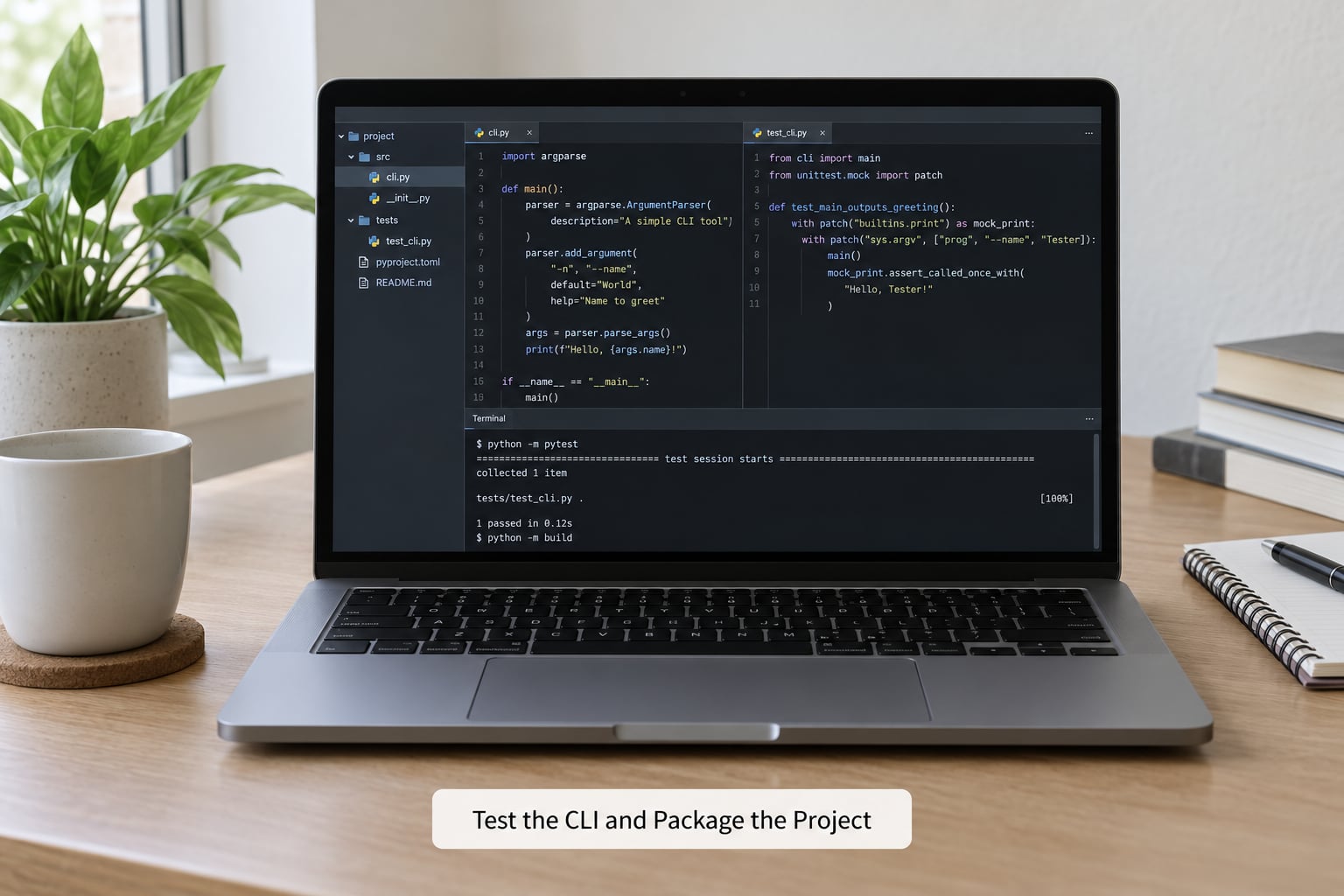
Testing an argparse tool is easier than most tutorials imply, and it is the step no beginner guide covers. Because parse_args() accepts an optional list of strings, you inject arguments instead of mutating sys.argv. No subprocess, no monkeypatching, no shell quoting bugs in your tests.
import pytest
from quicklist import build_parser, main

def test_defaults_apply():
    args = build_parser().parse_args(["ship the release"])
    assert args.priority == 2
    assert args.tag == []

def test_repeated_flag_builds_a_list():
    args = build_parser().parse_args(["ship", "-t", "ops", "-t", "urgent"])
    assert args.tag == ["ops", "urgent"]

def test_invalid_choice_exits_with_two():
    with pytest.raises(SystemExit) as excinfo:
        build_parser().parse_args(["ship", "-p", "9"])
    assert excinfo.value.code == 2

def test_main_writes_the_note(tmp_path, capsys):
    notes = tmp_path / "notes.txt"
    assert main(["ship the release", "-f", str(notes), "-t", "ops"]) == 0
    assert "01 ops ship the release" in notes.read_text()

def test_verbose_logs_to_stderr(tmp_path, capsys):
    main(["ship it", "-f", str(tmp_path / "notes.txt"), "-v"])
    assert "appending to" in capsys.readouterr().err
Two patterns to steal. Passing the argument list into parse_args() and main() keeps parsing separate from reading sys.argv. And because argparse calls sys.exit() on a parse error, a failing parse raises SystemExit, which pytest.raises catches for you.
Click’s test story is the reason its CliRunner exists. With argparse you do the injection yourself, and it costs one function argument.
Now make the script runnable on its own, with a shebang on line one and the executable bit set:
#!/usr/bin/env python3$ chmod +x quicklist.py
$ ./quicklist.py "ship the release" -t opschmod +x is a one-time flag on the file. If ./quicklist.py gives you a permission error, that is the step you skipped.
For anything other than a personal script, package it so users type quicklist with no python prefix and no .py. That is the packaging question at the top of the Stack Overflow results, and it comes down to a [project.scripts] table in pyproject.toml:
[build-system]
requires = ["setuptools>=68"]
build-backend = "setuptools.build_meta"

[project]
name = "quicklist"
version = "0.3.0"
description = "Keep short notes in a plain text file."
requires-python = ">=3.9"
dependencies = []

[project.scripts]
quicklist = "quicklist:main"
The value on the right is module:function. Install it in editable mode and the entry point appears on your PATH:
$ pip install -e .
$ quicklist --help
$ quicklist "ship the release" -t ops -p 1
Structure the folder so the parser stays importable, which is what made the tests above work:
quicklist/
├── pyproject.toml
├── quicklist.py       # build_parser(), main(), cmd_* handlers
└── test_quicklist.py
Zero dependencies in that dependencies list, because argparse ships with Python. Your tool is now installable on a server with nothing but a Python interpreter.
Common Mistakes
Almost every argparse complaint I have seen traces back to one of these, and most of them appear only in bug reports rather than tutorials.
Your REPL keeps exiting. parse_args() calls sys.exit() on a parse error, so a typo inside an interactive session kills the interpreter. It is the single most common beginner trap on r/learnpython. Fix: pass an explicit list, parser.parse_args(["-v"]), while you experiment, and only call the bare form in main().
A subparser silently overwrites a parent value. If a parent parser defines --file and a subparser defines --file too, the subparser’s value lands in the same namespace slot. bugs.python.org has a long trail of reports about this. Fix: give subcommand arguments distinct names, or set defaults on the subparsers only and leave the parent alone.
Negative numbers are read as flags. A value like -5 looks like an option, so argparse rejects it. bugs.python.org issue 29715 covers it. Fix: put -- before the values, as in quicklist -- -5.
Abbreviation works and then surprises you. argparse accepts unambiguous prefixes, so --pri resolves to --priority. It also means a newly added flag can change how an old abbreviation resolves. Fix: parser.allow_abbrev = False if you want exact matching.
Unknown arguments blow up or vanish. parse_args() errors on anything it does not recognise, which is right for a CLI but wrong when your tool must forward extra arguments to another program. bugs.python.org issue 23058 covers the confusing cases. Fix: parse_known_args() and decide explicitly what to do with the leftovers.
Someone types a flag and forgets its value. An option that takes an argument swallows the next flag as its value, which produces a baffling error far from the cause. Fix: put the flags that take values in their own add_argument_group() in the help output, and prefer positional arguments for things a user must supply.
Help output looks wrong compared to the tutorial. If the heading says options: and the tutorial says optional arguments:, you are looking at Python 3.10 or newer against an older screenshot. Nothing is broken.
A few habits that keep a tool maintainable once more than one person uses it: keep build_parser() side-effect free so it can be called repeatedly in tests, return exit codes instead of calling sys.exit() inside main(), send diagnostics to stderr so stdout stays pipeable, and put defaults in one place rather than scattering default= across handlers.
One last decision, since it comes up constantly: if the boilerplate is getting to you, argparse is a reasonable default but not the only one. Click gives you decorators and a test runner, Typer adds type-hint inference on top of Click.
| Aspect | argparse | Click | Typer |
|---|---|---|---|
| Dependencies | None, standard library | Click plus its own deps | Typer plus Click |
| Style | Imperative, you build a parser object | Decorators on plain functions | Decorators plus type hints |
| Boilerplate | Most typing, as developers in r/Python note | Least | Little |
| Subcommands | add_subparsers() plus dispatch | Native groups | Native groups |
| Testing | Inject a list into parse_args() | CliRunner | CliRunner |
| Best for | Internal tools, no-dependency rules, one or two commands | Public CLIs with many commands | Teams already writing type hints |
The rule I use: start with argparse because it is free, and move to Click or Typer the day you need prompts, password input, or a command count where the boilerplate costs more than the dependency.
Frequently Asked Questions
What is argparse used for in Python?
argparse is the standard-library module that turns raw command-line strings into named, typed, validated Python values. You describe each flag or positional argument once, and the module handles type conversion, error messages, defaults and the generated help page. It ships with Python, so a tool built on it needs no pip install on any machine that already has a Python interpreter.
How do I make an argument optional in argparse?
There are two meanings here. To make an option not required, leave off required=True and give it a default, for example parser.add_argument(‘-v’, ‘u002du002dverbose’, action=’store_true’). To make a positional argument optional instead, give it nargs=’?’ and a default: parser.add_argument(‘note’, nargs=’?’, default=”). A plain positional argument with no nargs and no default is always required.
How do I add subcommands to a Python CLI?
Call add_subparsers on your parser, then add_parser once per command, giving each one its own arguments. Store the chosen name with dest=’command’, and attach each command’s handler with set_defaults(func=…). At the end you call args.func(args) instead of an if-elif chain. Pass required=True to add_subparsers so a bare command name shows help rather than doing nothing.
How do I test argparse code?
Pass an explicit list of strings into parse_args instead of letting it read sys.argv, so tests never depend on how pytest was launched. A parse error raises SystemExit, which pytest.raises catches, and you can assert the exit code is 2. Keep parsing in a build_parser() function so tests can call it directly, and use capsys to check what your handlers wrote to stdout and stderr.
Should I use argparse or click for a Python CLI?
Use argparse when you want zero dependencies, a small number of commands, or a tool that has to run wherever Python is installed. Choose Click when the command count grows, when you want prompts and progress output, or when testing convenience matters. Typer sits on Click and infers types from annotations. Moving from argparse to Click later is cheap, so starting with argparse rarely boxes you in.
How do I package a Python command-line tool?
Move the code into an importable module, add a pyproject.toml file, and declare a console entry point in a project.scripts table mapping the command name to module:function, for example quicklist = ‘quicklist:main’. Then run pip install -e . in the project folder. The command is placed on your PATH, and pip is what makes it work on other machines. A shebang plus chmod +x covers single scripts you run in place.
Conclusion
To make a Python CLI tool with argparse, write the command you want to type first, then build it in one pass: create the ArgumentParser with a real description, add one add_argument() line per input with type, default and help, call parse_args() in a main() that returns an exit code, and check --help before you write any application logic. Add subcommands when the verbs diverge, and add the [project.scripts] entry point when someone else needs to run it.
Start with one command and four flags today. It runs, and it will still be running in 2026, because argparse is part of every Python install your users already have.