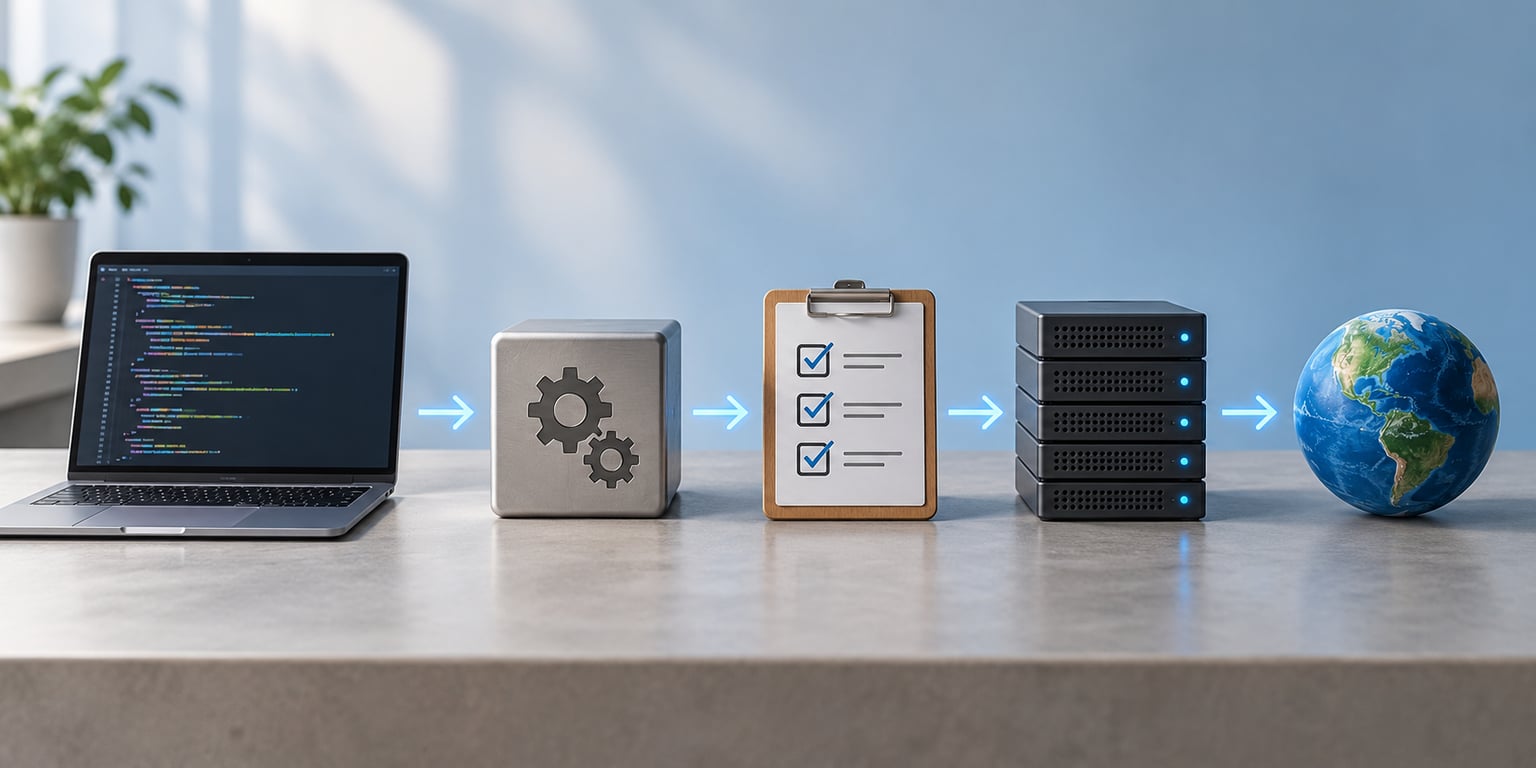
What is CI CD explained for beginners? CI/CD is a set of practices, backed by an automated pipeline, that takes a code change from a developer’s machine into production. Every time someone pushes to a shared repository, the pipeline automatically builds the project, runs the tests, and deploys the result. In plain English: a push goes in, tested running software comes out, and nobody has to upload files by hand.
If you have ever shipped a project by running a build command, copying a folder to a server, and hoping, you already understand the problem CI/CD solves. The work is repetitive, easy to get wrong at 11pm, and impossible to do consistently at scale.
Table of Contents
- What Is CI/CD?
- How Does CI/CD Work?
- What Is the Difference Between CI and CD?
- What Does a Beginner CI/CD Pipeline Look Like?
- Which CI/CD Tools Should Beginners Use?
- What Are the Main Benefits and Challenges?
- How Can You Start Learning CI/CD?
- Frequently Asked Questions
- Can you explain a CI/CD pipeline in a simple way?
- What is CI CD for dummies?
- Is CI CD difficult to learn?
- What is continuous integration vs continuous delivery?
- Do I need a CI/CD pipeline as a solo developer?
- How do I explain CI CD in an interview?
What Is CI/CD?
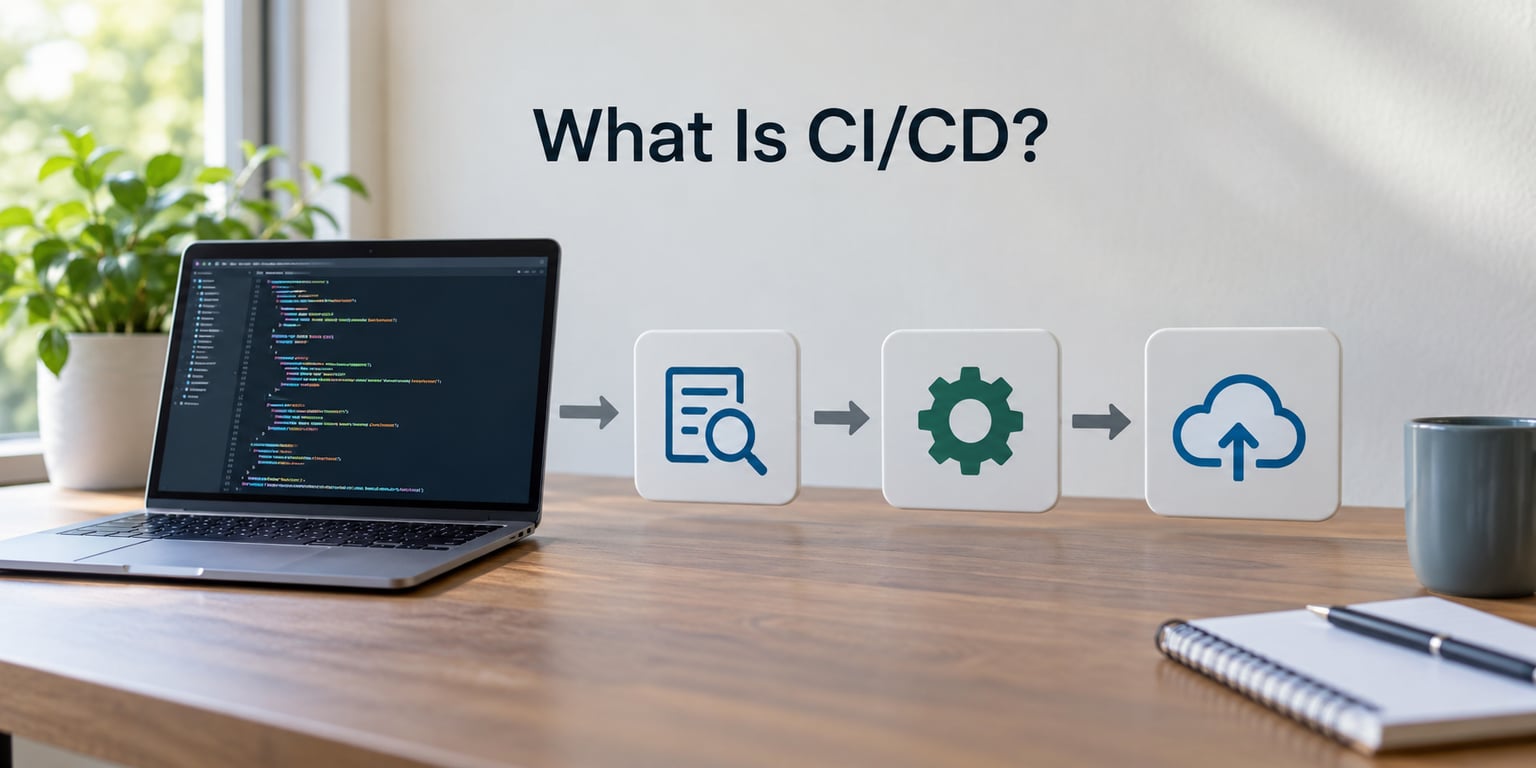
CI/CD stands for continuous integration and continuous delivery or continuous deployment. Continuous integration means every change a developer pushes gets merged into shared code and checked automatically. Continuous delivery means that verified build is kept ready to release at any moment, and continuous deployment goes one step further, sending it live without a human pressing a button.
The C’s matter less than the outcome. Instead of collecting a month of changes and releasing them on a Friday afternoon, you ship small pieces daily and let automation catch the breakage first.
Developers in beginner forums tend to land on the same framing: CI/CD is a methodology, not a product. The tool is almost incidental. People new to it often assume they need Docker, Kubernetes and a dozen services before they qualify, and that worry is the single biggest reason they never start.
How Does CI/CD Work?
A pipeline is a series of stages your code passes through, in order, every time something triggers it. Here is the path a single commit takes on a fairly ordinary web project.
- Commit and push. You commit your change and push it to a shared repository such as GitHub or GitLab. The commit is small and focused.
- Trigger. The push fires an event, usually a webhook, that tells your CI tool a build is needed. Most tools also trigger on a pull request.
- Lint and static checks. Formatting and type errors get caught here, before anything is compiled. This stage is fast and saves time downstream.
- Build. The code compiles or bundles into something runnable, often a container image. The output is stored as an artifact.
- Test. Unit tests and integration tests run automatically. Any failure fails the build and marks the pull request.
- Review gate. A teammate approves the change, or an automated check does. This is the point where a human deliberately adds friction.
- Deploy to staging. The exact artifact that passed testing is deployed to a staging environment that mirrors production.
- Deploy to production. Either a person approves the release, or the pipeline does it on its own.
- Monitor and roll back. Error rates and latency are watched after release. If something breaks, you redeploy the previous artifact rather than fixing forward under pressure.
The important detail is that the artifact built in step 4 is the one you deploy in step 8. Rebuilding at the last minute, which is a very common habit, is what makes a release different from what you tested.
What Is the Difference Between CI and CD?
Continuous integration is about catching problems early. Continuous delivery is about being ready to release on demand. Continuous deployment removes the final human decision. Everything up to and including testing is identical in all three; only the ending changes.
| Aspect | Continuous Integration | Continuous Delivery | Continuous Deployment |
|---|---|---|---|
| Main goal | Catch broken code quickly | Keep every build release-ready | Ship to production automatically |
| Trigger | Push or pull request | Manual approval, or a schedule | No human step at all |
| Test coverage needed | Unit tests at minimum | Unit and integration tests | Heavy automated test suite |
| Team focus | Code quality | Process and predictability | Automation and monitoring |
| Typical user | Every developer | Most product teams | High-trust, high-test teams |
In practice the two letters get used loosely, and that is fine. Most teams say CI/CD when they really mean continuous delivery, because a human approval before production is the sensible default. The label matters far less than knowing exactly where your approval gates are.
What Does a Beginner CI/CD Pipeline Look Like?
Start with one small repository and one useful check. Here is a realistic pipeline for a small web application on GitHub Actions, defined in a file called .github/workflows/ci.yml in your repository.
name: CI
on:
  push:
    branches: [main]
  pull_request:
jobs:
  build-and-test:
    runs-on: ubuntu-latest
    steps:
      - uses: actions/checkout@v4
      - uses: actions/setup-node@v4
        with:
          node-version: 20
          cache: npm
      - run: npm ci
      - run: npm run lint
      - run: npm test
      - run: npm run build
Line by line, in plain English. The workflow triggers on pushes to main and on every pull request. It runs on a hosted runner, which is just a disposable virtual machine GitHub spins up for you. The checkout step pulls your code down, and the setup step installs your Node version. The cache option speeds up installs by reusing downloaded packages between runs.
Then npm ci installs the exact versions in your lockfile, the linter checks style and common mistakes, the tests run, and the build produces a dist folder. If any single step fails, the run is marked red and the pull request shows it.
That is a complete CI pipeline. Deployment is one more job attached to the same file, and it runs only on main so you never deploy a pull request by accident. Add a manual approval in GitHub’s environment settings when you want continuous delivery instead of continuous deployment.
One thing beginners miss: if your hosting platform already deploys from your repository on every push, you have a CD pipeline whether you named it that or not. Vercel, Netlify and Cloudflare Pages all work this way. Add tests and linting to that flow when real bugs start reaching production, which is generally the right moment and not a moment earlier.
Which CI/CD Tools Should Beginners Use?
Pick the tool that already hosts your code, and only move when you have a concrete reason. Switching platforms to learn CI/CD is the most common detour beginners take, and it costs weeks.
| Tool | Hosting model | Setup difficulty | Best fit |
|---|---|---|---|
| GitHub Actions | Hosted runners, config lives in the repo | Low | Code already on GitHub, solo and small teams |
| GitLab CI/CD | Hosted or self-hosted runners | Low to medium | Teams wanting CI in the same platform as the code |
| Jenkins | Self-hosted server you operate | High | Environments needing custom infrastructure and plugins |
| CircleCI | Hosted, config in the repo or dashboard | Medium | Teams wanting fast hosted builds with strong caching |
| Azure DevOps | Hosted or on-premises | Medium | Organisations already invested in Microsoft tooling |
Jenkins gets described as obsolete fairly often, and that is not quite fair. It is a mature self-hosted tool with a huge plugin ecosystem, and plenty of large organisations still rely on it heavily. For a beginner, though, it is a lot of server administration before you write a single pipeline. GitLab users often report finding it more approachable than GitHub Actions when starting out, largely because the pipeline and the code sit in the same place.
A Java developer working in Spring Boot will find the same concepts in Jenkins, GitHub Actions or AWS CodePipeline. The stage names change, the principles do not.
What Are the Main Benefits and Challenges?
The benefits are mostly about feedback speed and release size. You find out your change broke something in about five minutes instead of discovering it in production a week later. Releases become small, which makes them faster, easier to review, and far easier to undo. The process is written down in a file, so onboarding a new developer is a matter of reading the pipeline rather than shadowing a colleague.
The challenges show up in the same places every time. Flaky tests are the big one: a test that fails occasionally teaches the team to ignore red builds, which quietly destroys the whole point. Slow builds burn both patience and hosted runner minutes, and caching is usually the fix.
Secrets management is the other one worth warning about early. Never commit an API key, a database password or a deploy token into a repository. Every major tool has a settings page for encrypted secrets, and if a key ever lands in a commit, treat it as public and rotate it.
Over-automation is the quiet risk. Building a nine-stage pipeline for a project with twelve users costs more than it returns. A community view worth repeating is that practitioners recommend adding checks specifically when real bugs start reaching production, not before.
How Can You Start Learning CI/CD?
The learning path is short if you go in order. Get genuinely comfortable with Git first, since every pipeline is triggered by version control events and most beginner confusion is really Git confusion.
Then reproduce CI locally. Run your lint command and your test command from a terminal the way the pipeline will. When a test fails locally, you know the failure is real. When it only fails on the runner, you have a caching or environment problem.
Next, automate one small project. Add a workflow file that runs lint and tests on every pull request. Nothing more. Once that is green and stable, protect the main branch and require that check to pass before merging.
From there, add coverage reporting, then a build artifact, then a deployment to a staging environment, then production with a manual approval. Each of those steps is a small addition to a file you already understand.
How long does that take? Most beginners report a working test pipeline in an afternoon, and feeling comfortable editing one within a couple of weeks. The stage that takes longest is not the YAML. It is learning to read a failing test and decide quickly whether the code is wrong or the test is.
If an interview comes up, keep it simple. CI/CD means every code change is automatically built and tested as soon as it is pushed, and a verified build is then deployed, either on approval or automatically. Continuous integration is the testing half, continuous delivery and deployment are the shipping half, and the whole thing exists to make releases smaller, faster and reversible.
Frequently Asked Questions
Can you explain a CI/CD pipeline in a simple way?
A CI/CD pipeline is the automated path code takes from a push to production. A commit triggers a build, then automated tests, then a deploy to an environment, with monitoring and a rollback option afterwards. Each stage gates the next, so a failing test stops the release before broken code reaches users. The whole flow is defined in a file you commit alongside your code.
What is CI CD for dummies?
Think of it as an assembly line for software. A developer writes code and pushes it to a shared repository, and a computer takes over from there: it builds the project, runs the tests, and ships the result. Nobody copies files by hand or logs into a server to restart a service. The name is really CI, continuous integration, plus CD, continuous delivery or continuous deployment.
Is CI CD difficult to learn?
The concepts are not hard, but the YAML is new if you have never written it. Most beginners get a working test pipeline running in an afternoon, and feel comfortable editing one within a couple of weeks. The harder skill is not the configuration. It is learning to read a failing test and decide quickly whether the code broke or the test is flaky.
What is continuous integration vs continuous delivery?
Continuous integration is about catching problems early: every push is merged and tested automatically. Continuous delivery is about being able to release at any moment, which means the tested build is always packaged and ready, usually behind a manual approval. Add continuous deployment and the human step disappears entirely, so every green build goes straight to production on its own.
Do I need a CI/CD pipeline as a solo developer?
You may already have one. Platforms like Vercel, Netlify and Cloudflare Pages deploy from your repository on every push, which is continuous delivery whether you set it up deliberately or not. Adding automated tests and linting to that flow is worth it once real bugs reach production. For a side project with a handful of users, a simple test workflow is plenty, and a full multi-stage pipeline is overkill.
How do I explain CI CD in an interview?
Keep it to two parts. First, explain the mechanic: every code change is built and tested automatically when it is pushed, and a verified build is deployed either after approval or automatically. Second, explain the reason: smaller, more frequent, reversible releases mean faster feedback and fewer bugs reaching users. Naming continuous integration as the testing half and continuous delivery or deployment as the shipping half is usually enough.
Do one thing this week: add a workflow file to a small repository that runs your existing test command on every pull request. Once that is green and stable, the rest of CI/CD is additions to a file you already understand.