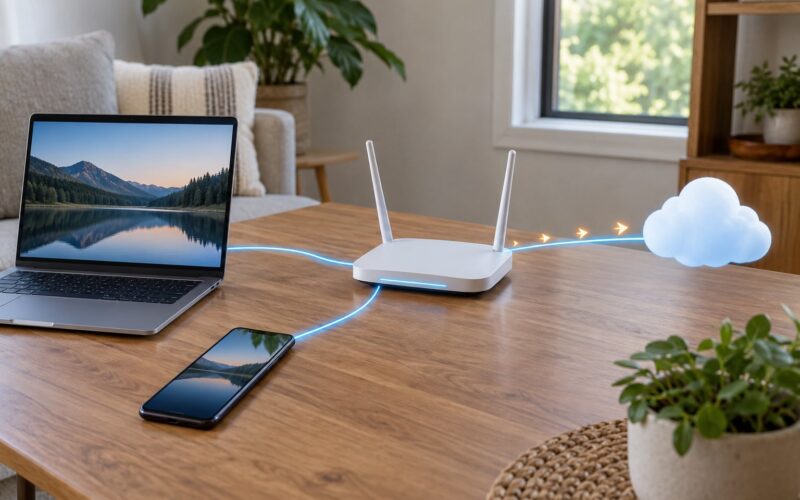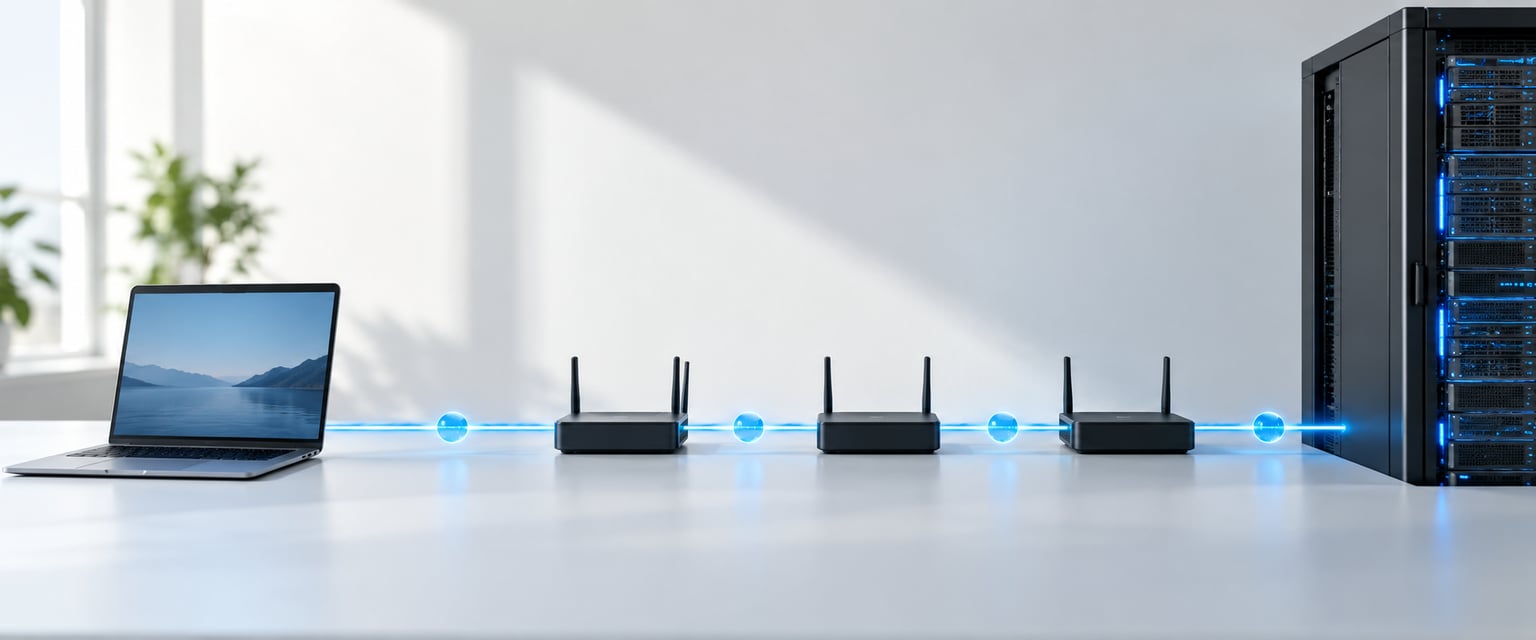
A packet is a small chunk of data carrying a header of addressing information plus a payload of actual content, and packets are how data travels the internet: your device splits a message into them, every router reads only the header and forwards it toward the destination, and the receiving device reassembles everything in order.
Nothing special happens to the data while it moves. A photo you upload becomes bytes, the bytes get wrapped in labels, and a few dozen machines each pass the parcel one street closer. Here are the five things worth holding on to before the detail:
- A packet is header plus payload, usually with a trailer at the end.
- Networks send many small packets instead of one long stream, and no single packet owns the journey.
- Routers forward based on the destination IP address, never on what is inside the payload.
- TCP packets are tracked, ordered and retransmitted. UDP packets are fired and forgotten.
- Packets of one conversation can take different paths and arrive out of order. That is normal.
Table of Contents
- What Is a Packet?
- Why the Internet Divides Data Into Packets
- What Is Inside a Network Packet?
- How Data Travels the Internet: From Sender to Receiver
- The Layers That Carry a Packet
- What Happens at the Sender’s Device?
- How a Packet Gets Its IP Address
- What Happens Inside a Router?
- How TCP and UDP Handle Delivery
- What Happens When the Packet Arrives?
- A Simple End-to-End Packet Example
- How to Inspect Packets in Practice
- Common Misunderstandings About Packets
- Frequently Asked Questions
- What is the difference between a packet and a data frame?
- Why do packets sometimes take different routes to the same destination?
- Are packets encrypted on the internet?
- What does a packet’s source and destination address tell you?
- Does UDP always mean data is delivered unreliably?
- How can I inspect internet packets without reading private data?
- Conclusion: Follow One Packet End to End
What Is a Packet?
The cleanest definition: a packet is a small, self-contained unit of data with its own addressing header that networks move independently between two points. “Small” is relative, but on ordinary networks a packet tops out around 1,500 bytes of payload before the link layer adds its own framing.
The vocabulary around it gets muddy fast, because people use packet, frame, segment and datagram as if they were synonyms. They are not. The word packet is a general term for any labelled unit of data; the specific names describe which layer built it.
| Term | Layer | What addresses it | Example |
|---|---|---|---|
| Frame | Layer 2 (link) | Source and destination MAC address | An Ethernet frame crossing your switch to the router |
| Packet | Layer 3 (internet) | Source and destination IP address | An IPv4 datagram crossing the internet |
| Segment | Layer 4 (transport, TCP) | Source and destination port, sequence number | A chunk of a web page download |
| Datagram | Layer 4 (transport, UDP) | Source and destination port only | A DNS query |
| Message | Application | Whatever the app protocol uses | An HTTP request line and headers |
A packet on the wire is actually a stack of these. One IP packet rides inside one Ethernet frame, carrying one TCP segment. You will see people say “an Ethernet packet” and mean the whole stack, and honestly nobody will be offended.
Why the Internet Divides Data Into Packets
The alternative was tried. Circuit switching, used by the old telephone network, reserves a dedicated path end to end and holds it open for the whole call, whether or not anyone is talking.
Packet switching wins on three points:
- Shared links. Thousands of conversations multiplex over the same fiber at once, instead of one path per conversation.
- Independent routing. Each packet picks its route at every hop, so a congested or broken link affects only some packets, not the whole session.
- Cheap repair. If one packet is corrupted or dropped, only that packet is retransmitted. A circuit has to be rebuilt.
The cost is that you now have to reassemble and reorder everything at the end, and diagnose losses that a circuit would have hidden. That trade is why virtually every network you touch today is packet-switched.
What Is Inside a Network Packet?
Three parts, in order: header, payload, and often a trailer. The header says where the packet is going and how it should be handled; the payload is the actual content; the trailer carries check values used to detect corruption in transit.
The fields you will see in an IPv4 packet, by layer:
- Link layer (Ethernet): source and destination MAC addresses, EtherType, frame check sequence.
- Internet layer (IPv4): source and destination IP address, Time to Live, protocol number, header checksum, total length, fragment offset.
- Transport layer (TCP or UDP): source and destination port, sequence and acknowledgment numbers (TCP), header checksum, flags such as SYN, ACK and FIN.
- Payload: the bytes from your application, often a TLS-encrypted blob.
The MAC addresses change at every hop. The IP addresses and ports generally do not, end to end, except where NAT rewrites them inside your own network.
How Data Travels the Internet: From Sender to Receiver
This is the part most explainers skip. When you press Enter in a browser, here is the actual order of events:
- The application builds a message. Your browser turns the request into bytes and hands them to the operating system with a destination host and port.
- DNS resolves the hostname. A UDP datagram goes to a DNS resolver, comes back with an IP address, and the browser caches it.
- The transport layer segments the data. TCP chops the message into segments with sequence numbers, or UDP passes it through as a datagram.
- IP encapsulation happens. Each segment gets a source and destination IP address and a TTL value, becoming an IP packet inside an Ethernet frame.
- Your local router takes over. The first hop is your own gateway, which translates your private address to a public one with NAT and forwards the packet to your ISP.
- Interior routers forward it. Every hop reads the destination IP, decrements TTL by one, looks up the best route and pushes the packet out the next interface.
- The packet crosses backbone links. Long stretches are fiber, including undersea cables, and traffic may pass through an internet exchange or a CDN edge server close to you.
- The destination reassembles. The server’s stack strips the headers, TCP puts the segments in order, and the application gets its message back.
For a typical page load that is roughly 10 to 20 router hops, and the whole exchange usually finishes in well under a second. Try it yourself with traceroute and you will see the exact list.
The Layers That Carry a Packet
Encapsulation is the wrapping-on-the-way-down, decapsulation is the unwrapping-on-the-way-up. Each layer adds its own header and trusts the layer beneath to move the result one hop further.
Take a web page load. The HTTP message is handed to TCP, which adds ports, sequence numbers and flags. That segment goes to IP, which adds the addresses and TTL. IP output goes to Ethernet, which adds MAC addresses and a check value. The frame leaves the network interface as light in fiber or as voltage on copper.
On the receiving side it runs in reverse: the frame is checked, the IP packet is checked and handed up, TCP reassembles the segments and hands clean bytes to the application. The application never sees a MAC address.
What Happens at the Sender’s Device?
Your app does not build IP headers. It opens a socket, something like a file descriptor with a destination attached, and writes bytes into it.
The kernel picks the protocol and the local port, normally an ephemeral number in the range above 1023 that the operating system chooses and reuses later. It looks up the route to the destination, decides the next hop and the source interface, then builds the IP and transport headers and hands the finished frame to the network interface card. The NIC puts it on the wire.
If the route needs a new source IP address, the kernel picks the address of the interface that leads toward the destination. That is why your laptop may use its Wi-Fi address rather than its Ethernet address depending on where the route points.
How a Packet Gets Its IP Address
The destination IP address usually comes from DNS, the Domain Name System. Your device asks a resolver for the address behind a hostname, and the resolver answers with one or more records it may already have cached.
Three identifiers that people mix up:
- Hostname is a name for humans, like a domain or a NetBIOS name. It is not carried inside the packet.
- IP address is the end-to-end logical address. It is carried in every IP packet and it survives the trip.
- MAC address is a link-layer address burned into an interface. It only means anything on the local segment and is rewritten at every hop.
A worked example: you request example.org. The browser queries DNS, gets 93.184.x.x back, and every packet it sends for that connection carries your 192.168.1.x as source and 93.184.x.x as destination, until your router swaps in its public address through NAT.
What Happens Inside a Router?
A router does five things, in this order, and stops there:
- Reads the destination IP address out of the header.
- Decrements TTL by one; if it hits zero, the packet is dropped and an error is sent back.
- Looks up a routing table and finds the best matching prefix, using longest-prefix match.
- Chooses the outgoing interface and next hop, then re-encapsulates the packet in a fresh frame with new MAC addresses.
- Forwards it and repeats the whole cycle at the next router.
On “how does a router know the next hop”: it does not know the full path. Each router only holds enough state to send toward a destination, and that state comes from direct configuration, interior protocols like OSPF inside one operator’s network, and BGP between operators, which exchanges reachability rather than per-flow instructions.
Because forwarding depends only on the header, a router can move an HTTPS packet without ever seeing the web page inside it. Encryption hides the payload but leaves the addresses readable, which is why network monitoring tools remain useful even on fully encrypted traffic.
How TCP and UDP Handle Delivery
Both ride on IP packets. They differ in what they promise about delivery.
| Behaviour | TCP | UDP |
|---|---|---|
| Connection | Three-way handshake before data | None |
| Ordering | Sequence numbers, reassembled in order | Whatever order it arrives in |
| Retransmission | Missing segments resent after a timeout | None at the protocol level |
| Flow and congestion control | Both, via window size and congestion avoidance | Neither |
| Typical use | Web pages, file transfers, email, SSH | DNS, video calls, gaming, live streams |
For TCP the handshake alone is three packets: SYN, SYN-ACK, ACK. Then data flows, each segment acknowledged. For UDP there is no ceremony at all, which is exactly why a video call prefers it: a late frame is worthless, so retransmitting it would waste the effort. A well-built UDP application adds its own reliability where it matters, such as audio codecs with a small jitter buffer.
What Happens When the Packet Arrives?
The destination interface checks the frame’s check value and drops it if it is damaged. If it survives, the IP layer verifies the header checksum, confirms TTL has not expired, and hands the payload up based on the protocol number.
At the transport layer, the port number decides which application gets the data. That lookup is why one machine can run a web server on 443, SSH on 22 and DNS on 53 without any of them knowing the others exist.
Failure modes are the interesting part. A corrupted packet fails its checksum and is dropped silently, hoping a retransmission arrives. A duplicate gets discarded by sequence number. A packet that arrives late is buffered by the receiving TCP stack until its turn, or thrown away if the application gave up waiting. A packet that never arrives triggers a timeout and another retransmission, which is why one lost piece of a download usually costs you a fraction of a second.
Packet loss, latency and jitter are three different problems. Loss is a packet that never showed up. Latency is delay. Jitter is delay that varies from packet to packet, and it is the one that wrecks real-time audio.
A Simple End-to-End Packet Example
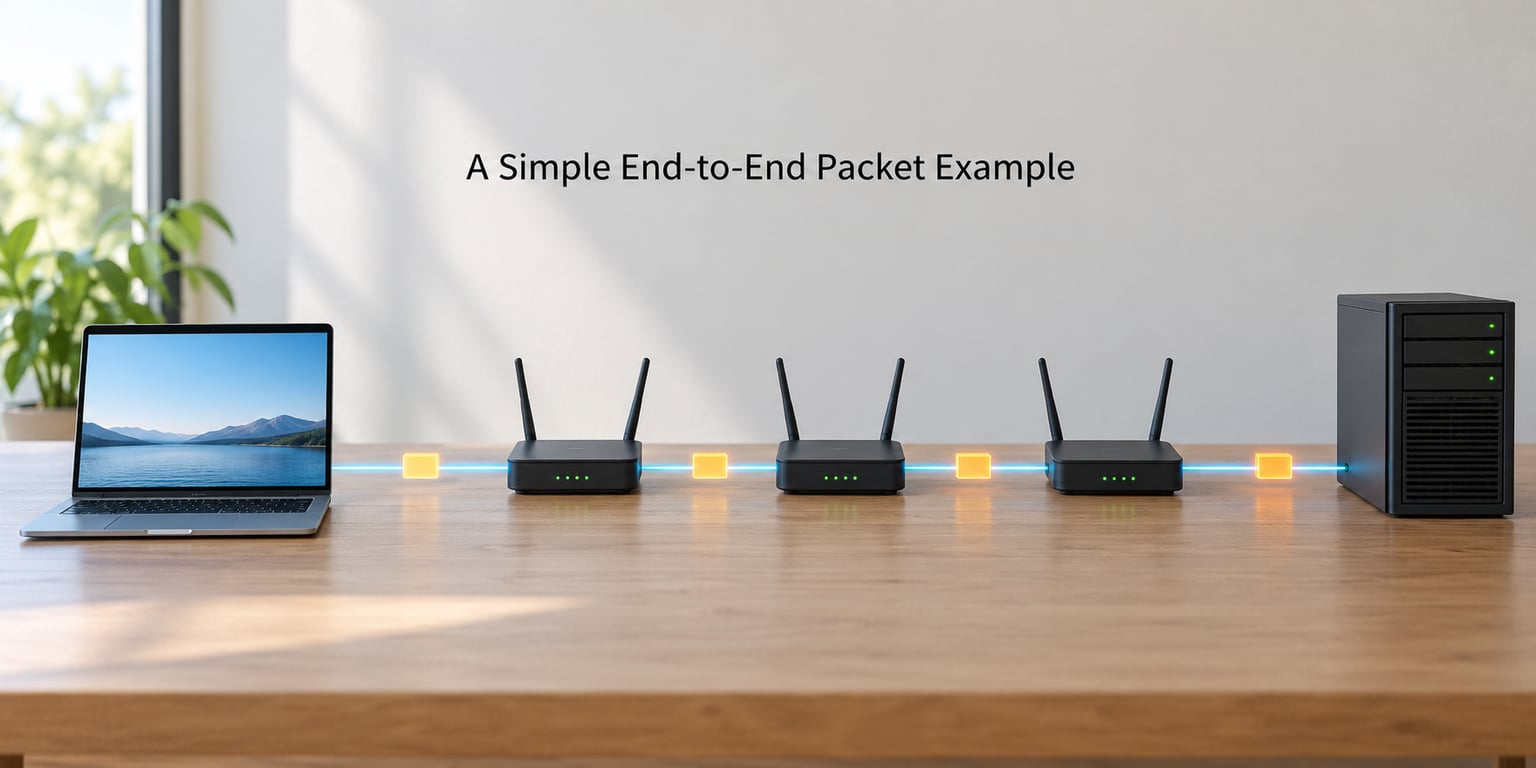
Let’s follow one DNS query for example.org, because it is small enough to trace and shows every step that matters.
| Time | What happens | Packet detail |
|---|---|---|
| 0 ms | You press Enter | Application writes a query to the resolver socket |
| 1 ms | Local gateway via UDP | src 192.168.1.x:53000, dst resolver IP:53, TTL 64 |
| 3 ms | NAT rewrite at the router | source becomes the public address; TTL now 63 |
| 18 ms | Four backbone hops | TTL 59, new MACs each hop, same IP addresses |
| 31 ms | Resolver answers | UDP datagram back, same ports reversed, TTL 60 |
| 32 ms | Browser caches the address | TCP connection to 93.184.x.x:443 starts |
The whole exchange is one request, one response, about 60 bytes each way plus headers. Everything else on the page follows the same pattern, scaled up.
How to Inspect Packets in Practice
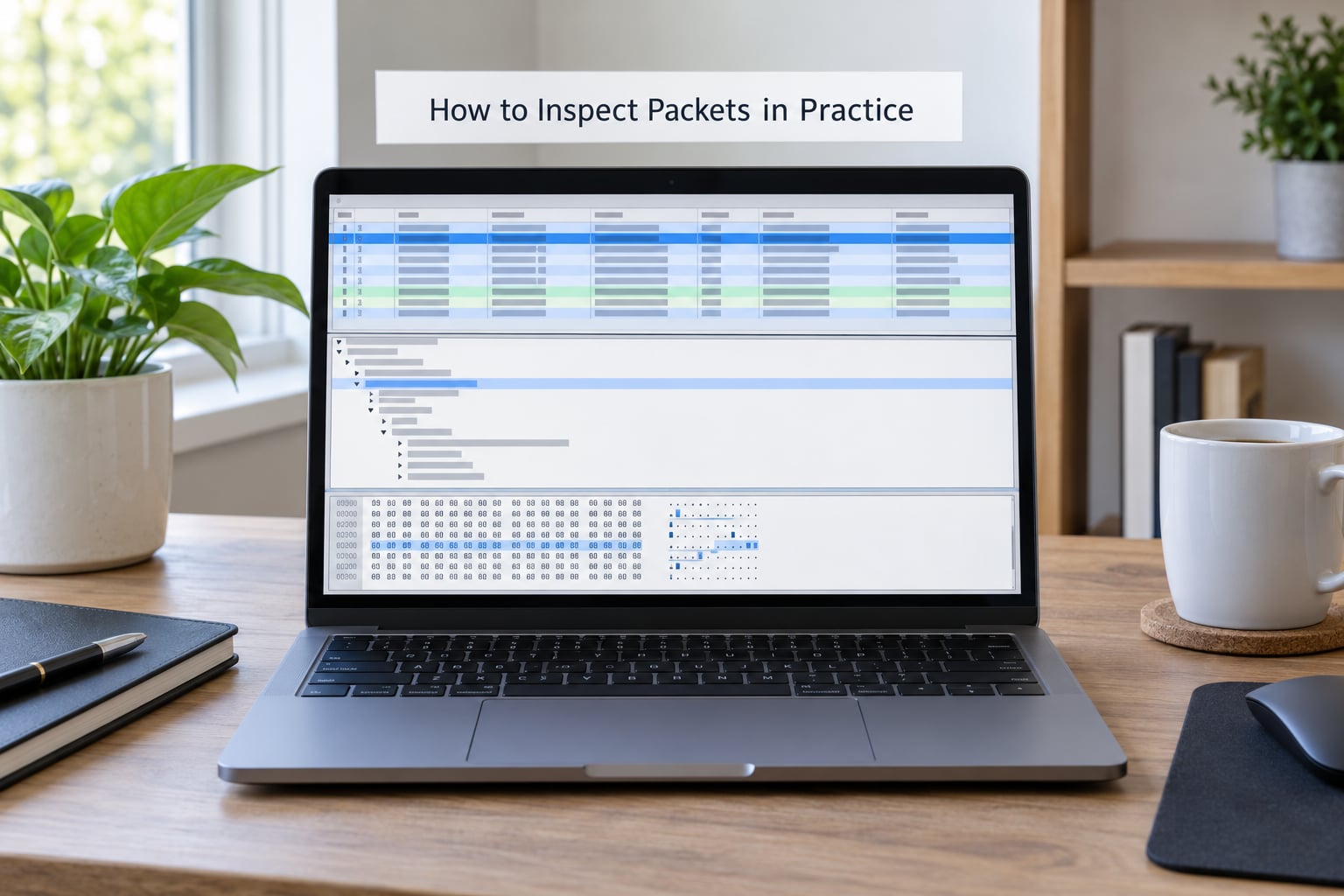
Reading about packets is fine. Watching one move is better. On Linux, ping and traceroute give you the quickest picture:
ping -c 4 example.org
traceroute example.org
The ping output shows loss and round-trip time per probe. The traceroute output is the more interesting one: each line is a hop, the asterisks are hops that chose not to answer, and the jump in the last column is usually where a link got slower.
For real packet contents, capture with tcpdump on a Linux box, then open the file in Wireshark on any platform:
tcpdump -i any -w capture.pcap host example.org and port 443
tshark -r capture.pcap -Y dns -T fields -e ip.src -e ip.dst
In Wireshark the display filter box accepts ip.addr == 203.0.113.10, tcp.port == 443, udp.port == 53 and dns. Two habits keep this safe: capture only what you own, and filter at the capture step with a host clause so unrelated traffic never lands on disk. HTTPS payloads show as encrypted bytes, which is the expected result, not a broken capture.
Users on r/networking consistently give the same advice for real problems: capture as close to the source as you can and work backwards, and packet analysis is the only way to actually debug network behaviour rather than guess at it.
Common Misunderstandings About Packets
- A packet is not a message. A message is what your app wrote; a packet is a slice of it with a header stapled on. One HTTP response can become hundreds of TCP segments.
- Not every packet takes the same route. Routing changes with congestion, failures and load balancing. This is the most persistent myth in the comments of any networking thread.
- MAC addresses are not end-to-end. They only mean anything on one local link and get rewritten at every router.
- UDP is not the same as unreliable. UDP itself promises nothing, but applications built on it, such as QUIC and video streaming, add their own ordering and retry logic.
- A router does not need to break encryption. Forwarding reads the header only.
- The internet is not in the cloud. It is fiber, copper, radios, data centres and a very large number of switches.
Frequently Asked Questions
What is the difference between a packet and a data frame?
A packet is the general term for any labelled unit of data, while a frame specifically means a Layer 2 unit that moves across one local link. A frame carries source and destination MAC addresses and is consumed by the switch or router at the end of that segment. A Layer 3 IP packet carries IP addresses and is what travels between networks. In practice one IP packet is usually encapsulated inside an Ethernet frame.
Why do packets sometimes take different routes to the same destination?
Because routing is recalculated constantly. Each router forwards toward the best match in its own routing table, and those tables change when links congest, fail, or get reconfigured, or when operators adjust policy. Load balancers deliberately spread a single connection across several paths. So two packets from one TCP conversation can cross different cities, and the receiving stack still puts the data back together using sequence numbers.
Are packets encrypted on the internet?
Sometimes, and only the payload. HTTPS, SSH and VPN tunnels encrypt the contents carried inside TCP or UDP packets, so an observer sees the addresses, ports, timing and sizes but not the content. The IP header itself is not encrypted by default, and neither are MAC addresses. Protocols such as IPsec and WireGuard can add their own outer protection, but plain HTTP traffic on port 80 remains readable to anyone along the path.
What does a packet’s source and destination address tell you?
The destination address tells each router where to send the packet next and, at the end, which host owns it. The source address tells the receiver who to reply to and lets a server see roughly where the request came from. Layer 3 addresses are end-to-end, so they stay constant across the internet, while Layer 2 MAC addresses change at every hop. Ports narrow it further to a specific application on that host.
Does UDP always mean data is delivered unreliably?
No. UDP itself makes no delivery guarantees, but reliability can live in the application instead of the transport. QUIC, which powers HTTP/3, runs over UDP and implements its own acknowledgments, retransmission and congestion control. Many video and gaming protocols add limited retry logic because full reliability would make them wait too long. So the datagram arrives unordered, while the experience the user gets may still be perfectly solid.
How can I inspect internet packets without reading private data?
Capture only traffic you are responsible for and filter at the source. On Linux, tcpdump with a host or port clause keeps unrelated conversations off disk, and the resulting file can be opened in Wireshark for display. Display filters such as ip.addr, tcp.port or dns narrow the view without moving any data. If you only need one hop picture, ping and traceroute read round-trip timings and nothing else.
Conclusion: Follow One Packet End to End
A packet is a small labelled chunk of data, and data travels the internet by being split, addressed, forwarded hop by hop and reassembled. Routers only ever read the header, so no single machine holds the whole picture and no single route has to stay open for the whole conversation.
Do one thing first: open Wireshark, filter on dns, and run a single lookup you trigger yourself. Find the query and response, then read off the source IP, destination IP, transport protocol and port. Once you can see those four fields in a real capture, the rest of this stops being theory.
After that, traceroute against the same host shows you the path, and the TTL values will explain why your own machine shows 64 while a server two hops further along shows something lower.