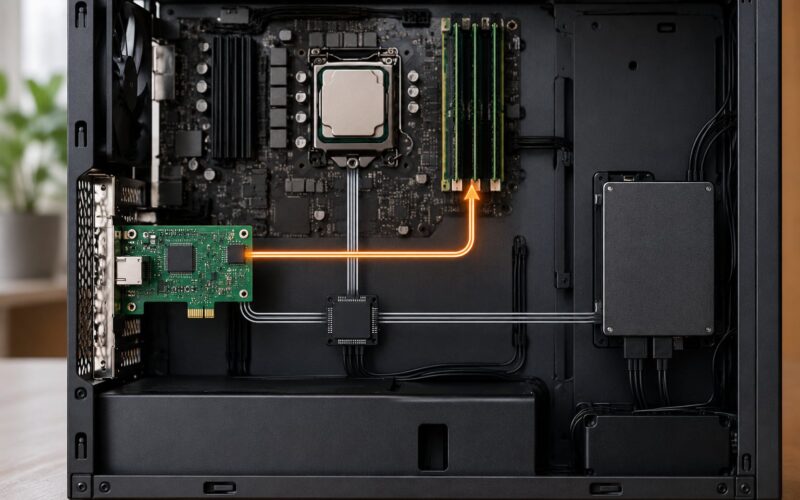
A CPU interrupt is a signal that pauses the processor’s current execution so it can save its place and run a short routine handling whatever needs attention.
That is the whole idea. A keyboard controller, a network card or the system clock pulls a line, the processor notices it finishes the instruction it is on, and control jumps to code the operating system installed for that particular event. Once that code is done, the processor restores the saved state and picks up exactly where it left off, as if nothing happened.
Getting a handle on how CPU interrupts work explained simply comes down to unpacking that sentence piece by piece: who raises the signal, how the processor knows where to jump, what it saves first, why some interrupts get to go ahead of others, and what breaks when a handler misbehaves. I have pulled the register-level detail up to the point where it stops being useful and started being decoration, because the mental model matters more than the instruction encodings.
Quick answer: a device raises an interrupt request, an interrupt controller (PIC, APIC or NVIC) passes it to the CPU, the CPU checks for pending interrupts between instructions, finishes the current instruction, pushes the program counter, flags and general registers onto the stack, looks up the handler address in a vector table, runs the interrupt service routine, and returns.
Table of Contents
- What Is a CPU Interrupt?
- Why the CPU checks between instructions instead of mid-instruction
- What an interrupt is not
- What Happens When a CPU Interrupt Is Raised?
- How CPU Interrupts Work Explained Simply
- How CPU interrupts work explained simply, in four steps
- What Are the Main Types of CPU Interrupts?
- What Is an Interrupt Vector and Interrupt Handler?
- How Does the CPU Prioritize Interrupts?
- What Happens to Registers During an Interrupt?
- Why an interrupt entry is not a context switch
- How Do Real Interrupts Look in Practice?
- What Can Go Wrong with CPU Interrupts?
- Why System Interrupts shows 100% CPU in Windows Task Manager
- Hard IRQ vs soft IRQ in Linux
- Common interrupt handler bugs and their fixes
- Frequently Asked Questions
- What is a CPU interrupt?
- How does a CPU determine if an interrupt has been raised?
- When the CPU detects an interrupt, what does it save?
- What are the four types of interrupts?
- What is an IRQ interrupt and how does the interrupt controller work?
- Why are system interrupts taking 100% of my CPU?
- Conclusion
What Is a CPU Interrupt?
An interrupt is the CPU’s doorbell. Something happened that the processor cannot learn about by executing instructions alone, and it needs attention before the next instruction stream continues.
The office analogy does most of the work here. Imagine you are halfway through a spreadsheet calculation and the phone rings. You do not teleport to the other end of the building, and you do not abandon the spreadsheet. You note where you are, answer the call, hang up, and resume the cell you were editing. The interrupt is the ring, saving your place is the context save, the phone system is the interrupt controller, and the conversation is the handler.
Why the CPU checks between instructions instead of mid-instruction
Because an instruction may be several steps wide internally. A single divide or a memory write can take many clock cycles, and yanking the processor out halfway through would leave hardware state half-updated with no way to resume.
So the check happens at an instruction boundary. The processor is never interrupted in the middle of executing something; it simply asks a question it always asks anyway. If no interrupt is pending, the answer costs almost nothing and the next instruction fetches.
What an interrupt is not
It is not the same as a function call, and it is not the same as an exception. A function call is fully predictable and lives in your program. An interrupt is asynchronous: it arrives from outside the instruction stream, at a moment your code never chose. Exceptions are also synchronous, raised by the instruction being executed itself, and I cover the split properly further down.
It is not polling either. Polling means your program asks “anything happen yet?” in a loop, over and over, burning cycles whether or not there is an answer.
| Approach | What it costs | Response time |
|---|---|---|
| Polling loop | CPU pegged at 100% even when idle | Only as fast as the loop |
| Interrupt driven | One check per instruction boundary | Bounded by interrupt latency |
For a keyboard, polling means asking millions of times a second for a keypress that arrives a few times a minute. The interrupt inverts that: the CPU costs nothing while idle and responds the moment the event happens.
What Happens When a CPU Interrupt Is Raised?
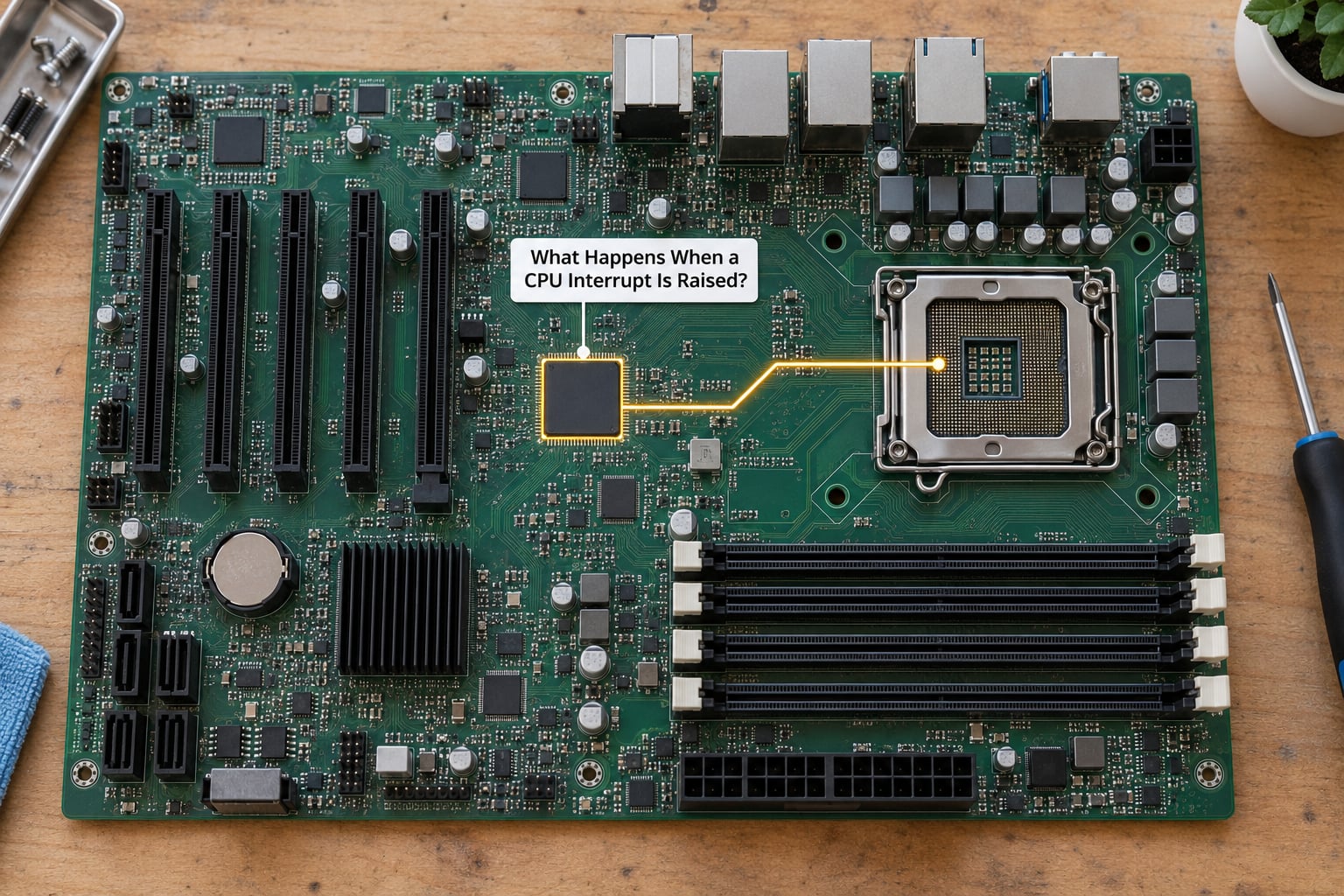
Here is the path in order, which is the single most useful thing to internalise about how CPU interrupts work.
- The device raises the request. The keyboard controller has a new scancode in its buffer. Instead of sitting on it, it asserts its interrupt request line and holds it active until someone clears it.
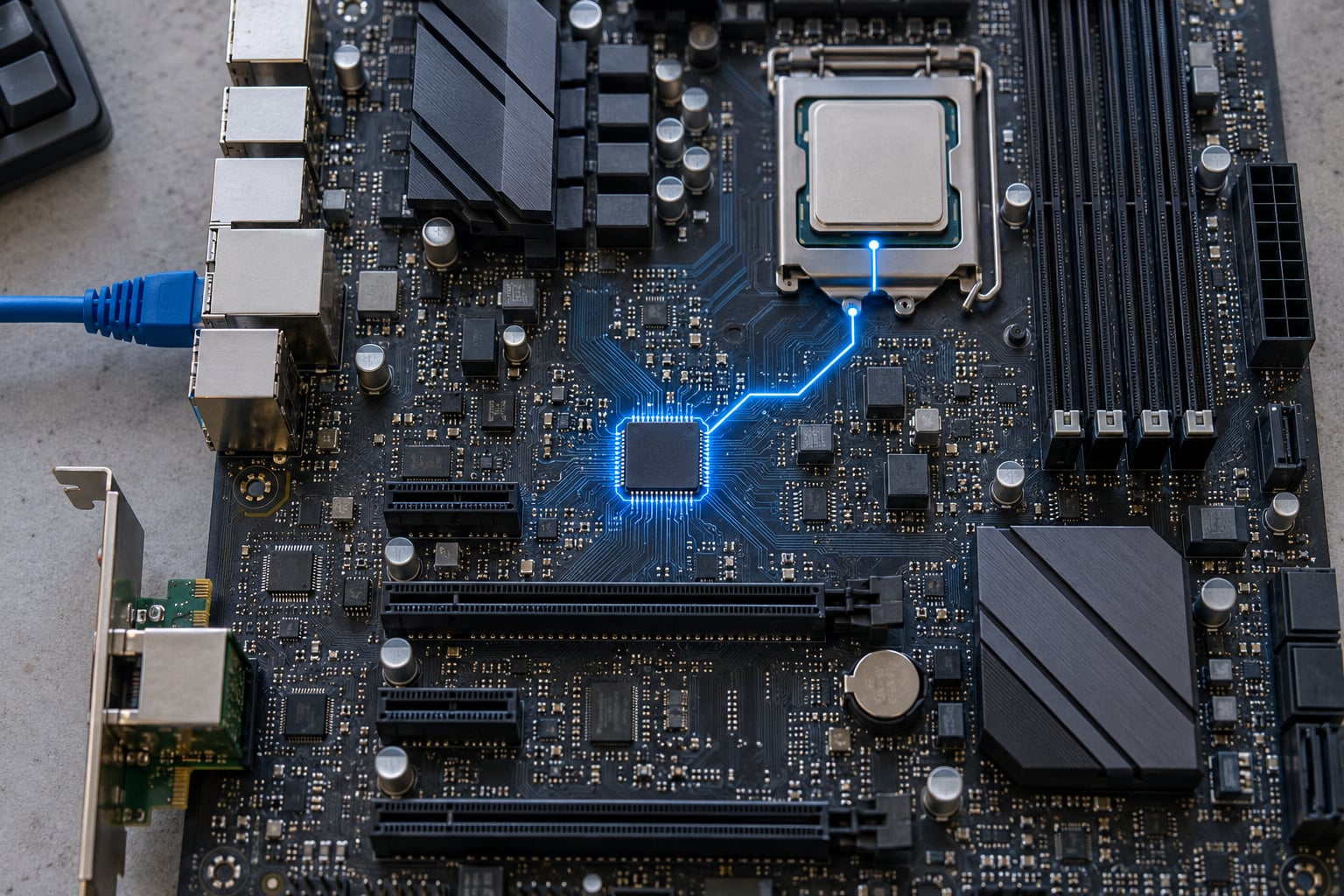
- The interrupt controller collects and prioritises. A single chip gathers a dozen or more device lines, decides which one wins if several are pending, and presents one signal to the processor.
- The CPU notices at the next instruction boundary. The check is part of the fetch-execute loop. Pending but masked? It is ignored for now.
- The current instruction finishes. Nothing is abandoned mid-instruction. This is why worst-case latency is bounded by instruction length, not by your program.
- Processor state is pushed to the stack. Program counter, flags and often the general registers go onto the stack, and the stack pointer moves accordingly. On x86 this is what a PUSHAD/CPU-saved area is doing for you.
- The handler address is looked up. The interrupt number indexes a vector table, which yields the address of the interrupt service routine the OS installed for that device.
- Control transfers to the ISR. The processor loads the new program counter, switches to kernel mode if it was in user mode, and the handler runs. On most architectures the handler acknowledges the interrupt at the controller before or during its first instructions.
- The ISR returns. It pops the saved state back, restores the mode it came from, and the processor resumes the interrupted instruction stream at the exact instruction after the one it was on.
Steps 5 through 8 are a mechanism the processor and the OS share. That is worth pausing on, because it explains something people often trip over: a system call, a page fault and a network interrupt all travel the same road, differing only in what caused the entry.
How CPU Interrupts Work Explained Simply
If you keep only one loop in your head, keep this one.
forever:
    fetch an instruction
    execute it
    if an interrupt is pending:
        save state, run the handler, restore state
The check is a third step bolted onto what you probably already know as the fetch-execute cycle. That single addition is what makes a CPU able to react to the world without any code asking it to.
How CPU interrupts work explained simply, in four steps
Strip away the hardware and four roles remain. The interrupt source is the device or code that raises the request; it knows nothing about what the CPU will do. The interrupt controller is the hub that tracks which lines are active, resolves conflicts and applies priority. The CPU is the part that pauses, saves and transfers control. The operating system supplies the handler, and the handler decides what actually happens next.
Keeping the four separate is what makes the concept click. Beginners tend to assume the keyboard talks to the CPU directly, or that the handler is built into the processor. Neither is true on any modern machine.
What Are the Main Types of CPU Interrupts?
Four categories cover nearly everything, and they split along one useful axis: whether the cause came from outside the CPU or from the instruction currently executing.
| Type | What raises it | Typical example | Synchronous? |
|---|---|---|---|
| Hardware interrupt | A device on an IRQ line | Keypress, network packet, disk completion | No, asynchronous |
| Software interrupt | An instruction the program executes | System call via syscall/svc/ecall | Yes |
| Exception (fault or trap) | The executing instruction itself | Divide by zero, unmapped memory access, illegal opcode | Yes |
| Software-generated / deferred | Kernel work raised, run in kernel context | Linux softirq bottom halves | No, deferred |
A trap is an exception where the program continues at the next instruction. A fault is an exception where the instruction is retried after the handler fixes the cause, which is why a page fault on a lazily mapped page re-runs the very instruction that faulted rather than skipping it.
As of 2026, every mainstream architecture handles all four through that same entry path, which is why learning one CPU’s interrupt flow transfers reasonably well to the others.
What Is an Interrupt Vector and Interrupt Handler?
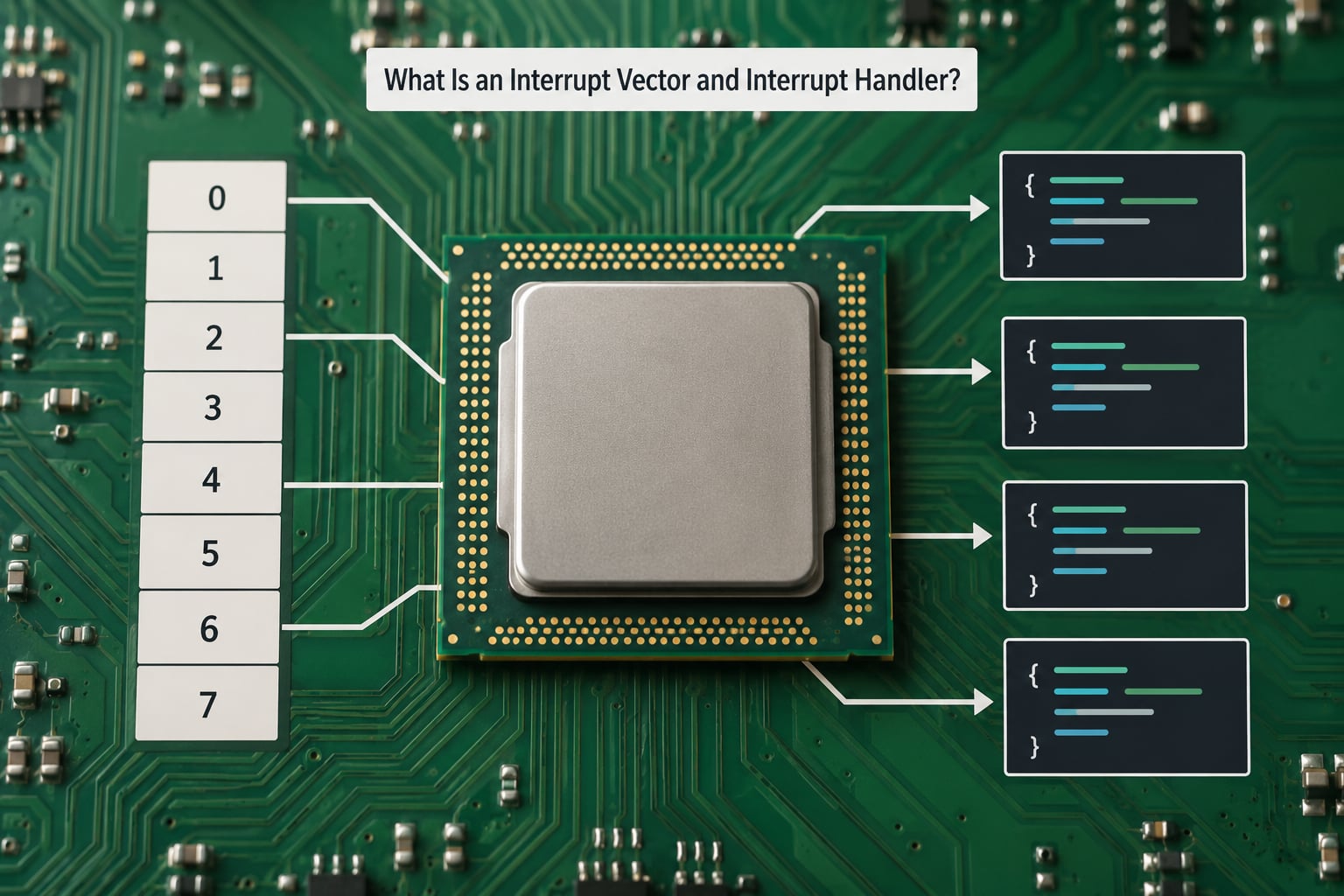
An interrupt vector is a number identifying one source. On x86 timer interrupt 32 is the classic example, and vector 46 is the one you will see if you divide by zero in protected mode.
A vector table is the lookup structure mapping those numbers to addresses. On x86 that table is the Interrupt Descriptor Table, a kernel-mode array of entries describing each gate. On ARM Cortex-M, the vector table lives at a fixed address near the start of flash, and each entry is the address of a handler. On RISC-V, mtvec holds a base address that the processor adds the cause code to.
The interrupt service routine, or ISR, is the code the OS installs at that entry. It is deliberately narrow: read or acknowledge the device, clear the interrupt at the controller, record that the event happened, and get out.
| Architecture | Controller | How the handler is found |
|---|---|---|
| x86 | Legacy 8259 PIC, then local APIC | Index into the IDT by vector number |
| ARM Cortex-M | NVIC, built into the core | Index a fixed table in memory by exception number |
| ARM Cortex-A | GIC | Interrupt ID from the controller indexes a table |
| RISC-V | Platform interrupt controller | mtvec base plus cause code |
Cortex-M is the odd one out in a useful way: the hardware pushes general registers onto the stack automatically on entry, so a handler can be written as an ordinary function and the compiler handles the rest. x86 makes the entry stub do that work in software.
How Does the CPU Prioritize Interrupts?
Interrupts are not a queue, and they are not strictly first-come-first-served. Each source carries a priority, and when several are pending the highest one wins.
Interrupt latency is the total delay between the moment the event happens and the moment the handler starts executing. It has three parts: time until the current instruction retires, time in the controller picking the winner, and time in entry overhead. Scheduling, cache misses and a busy memory bus all stretch it.
Masking is how software keeps low-priority interrupts out. The CPU has a global flag plus per-source enables, and masking buys a short window of no interruption. That window has a cost, which is the subject of the next section. What matters here is that interrupt priority and masking together determine which event the processor handles first when many are pending.
Nested interrupts mean a higher-priority source interrupting a handler already running. This is normal and desirable, but it only works if a handler re-enables interrupts at the right moment and the architecture switches to a separate kernel stack per interrupt.
USB controllers and NVMe SSDs are exactly why this matters. A single device completion can arrive split across a dozen interrupts, and a priority scheme stops a flood of low-priority traffic from starving something that genuinely cannot wait.
What Happens to Registers During an Interrupt?
When the CPU detects an interrupt, it saves its current state before running anything else. The essential items are the program counter, the flags register, the general-purpose registers, and the stack pointer. Plus whatever the architecture adds: on x86 the segment registers and possibly an FPU/SSE state, on ARM the stack and status registers in an exception frame.
The save happens by pushing onto the current stack, then the OS switches to a kernel stack so a user program cannot overflow or corrupt it. In the simple case the interrupted program was already in kernel mode and the same stack is used.
On the way out, a return instruction such as iret on x86 or eret on ARM and RISC-V pops everything back in the right order, restoring flags last so the arithmetic flags match the state the program last saw.
Why an interrupt entry is not a context switch
This trips people up. An interrupt entry saves registers and jumps; a context switch saves an entire process and switches the scheduler’s notion of what is running.
An interrupt almost always returns to the same program it interrupted. A scheduling timer interrupt can return to a completely different program, and that return happens to be indistinguishable from an ordinary interrupt return. One mechanism, two outcomes.
How Do Real Interrupts Look in Practice?
Trace a single keystroke. The keyboard controller detects a key and asserts its IRQ line. The controller forwards it to the CPU, which takes the interrupt at the next instruction boundary, saves state and jumps to the keyboard driver’s ISR. The ISR reads the scancode from the controller’s I/O port, translates it to a character, acknowledges the interrupt, and returns.
The interesting part is what did not happen inside that ISR. No buffer formatting, no writing to the terminal, no window redraw. The driver drops the scancode into the input layer’s queue and returns, because interrupt handlers run with interrupts effectively held off and are the worst possible place to spend time. The actual processing happens later, in ordinary thread context, and that separation is the single habit that separates working drivers from firmware that deadlocks the machine.
Other examples follow the same shape. A timer interrupt fires on a fixed schedule so the kernel can run the scheduler, expire timeouts and advance the clock. A disk interrupt says a queued read finished, and the driver wakes whichever process was blocked on it. A network interrupt announces that frames arrived, which on a busy machine is thousands of them per second.
That last case explains a lot. On a loaded server, interrupt handling can dominate CPU time even though your application looks idle, which is why systems measure and bound it separately.
What Can Go Wrong with CPU Interrupts?
Interrupt bugs are nasty because the failure rarely points at the interrupt. Most of the common ones come from handlers that are too long, run at the wrong priority, or fail to acknowledge the request.
The single most common beginner bug, and the one that fills osdev forums, is a handler that re-runs forever. You enter, the interrupt flag is still asserted because nothing cleared it, you return, and you immediately take the same interrupt again. Forever, at full speed, usually right after a fault or a debugger break.
Other recurring patterns:
- Interrupts masked too long. A handler that disables interrupts and then does real work adds that work to every other device’s latency. This is how one slow driver makes an entire machine feel sluggish.
- Priority inversion. A low-priority handler holds a resource a high-priority interrupt handler needs, so the urgent event waits on the unimportant one. Priority inheritance exists to bound this.
- Re-enabling interrupts too early. If the handler re-enables before saving context, or touches shared state before it is consistent, the re-entrant interrupt corrupts it.
- Interrupt storms. A device with a flow-control bug asserts its line continuously and floods the processor with entries until nothing else runs. This is both a performance failure and a hard lockup risk.
Why System Interrupts shows 100% CPU in Windows Task Manager
System Interrupts is not a program. It is the accounting bucket Windows uses for time spent servicing interrupts and deferring that work to kernel threads. Seeing it at 100% on an otherwise idle machine means something is interrupting in a tight loop.
In practice the cause is nearly always a driver rather than the CPU itself. The usual suspects are network, audio or power-management drivers, and USB or storage drivers that have started failing to complete an operation. To narrow it down, watch whether the spike correlates with one device or one application, then update or roll back the driver for the most recently installed piece of hardware. Disabling devices one at a time is slow but definitive.
Hard IRQ vs soft IRQ in Linux
Linux splits interrupt handling in two because interrupt context cannot sleep. A hard IRQ runs immediately in interrupt context with preemption disabled. A softirq is work the driver deferred, run later by the kernel in its own context, normally the ksoftirqd thread.
| Aspect | Hard IRQ | Soft IRQ |
|---|---|---|
| Raised by | A device IRQ line | Kernel deferring work |
| Runs in | Interrupt context | Process context, often ksoftirqd |
| Can sleep? | No | Yes |
| Diagnostic | /proc/interrupts, IRQ counters rising | /proc/softirqs, softirq counters rising |
Both show up as high CPU in top, which is why the two-step diagnosis matters. Rising IRQ counters point at hardware or a driver; rising softirq counters usually mean deferred work is not draining fast enough, often a network or storage bottleneck.
Common interrupt handler bugs and their fixes
Keep the handler short, acknowledge the source before returning, save context before re-enabling interrupts, and never block. If you need to sleep, allocate memory, or touch a disk, you are past the boundary of what belongs in a handler; queue the work and handle it outside.
Frequently Asked Questions
What is a CPU interrupt?
A CPU interrupt is a signal that pauses the processor’s current execution so it can save its place and run a short routine handling whatever needs attention. The processor checks for pending interrupts between instructions, saves its registers, jumps to a handler the operating system registered, and resumes exactly where it stopped once the handler returns.
How does a CPU determine if an interrupt has been raised?
The CPU polls its interrupt request lines as part of the fetch-execute loop, checking after each instruction completes rather than mid-instruction. A controller chip such as an APIC or NVIC tracks which device lines are active and which has the highest priority, and raises a single signal. If interrupts are enabled and something is pending, the processor takes the interrupt.
When the CPU detects an interrupt, what does it save?
It pushes the program counter, the flags register, and typically the general-purpose registers onto the stack, plus any extra state the architecture requires. On most systems the OS switches to a dedicated kernel stack first. A return instruction then pops everything back and the interrupted program resumes at the instruction after the one in progress.
What are the four types of interrupts?
Hardware interrupts come from devices on an IRQ line and are asynchronous. Software interrupts are raised deliberately by an instruction, which is how system calls work. Exceptions are raised by the executing instruction itself, such as a divide by zero or an unmapped memory access. Deferred or software-generated interrupts, such as Linux softirqs, run kernel work outside the immediate interrupt handler.
What is an IRQ interrupt and how does the interrupt controller work?
An IRQ is one numbered hardware request line a device uses to ask the processor for attention. The interrupt controller gathers many lines, tracks which are active, applies priority when several are pending, and forwards a single request to the CPU along with the number identifying the source. Legacy x86 used the 8259 PIC; modern systems use APIC, and ARM cores use the NVIC or GIC.
Why are system interrupts taking 100% of my CPU?
System Interrupts in Windows Task Manager is a bucket for time spent servicing interrupts, not a program you can close. Sustained 100% there almost always points to a driver in a tight interrupt loop, commonly network, audio, USB or power management. Update or roll back the most recently installed device driver, and check whether the spike tracks one specific device.
Conclusion
The model to keep is short: a device raises a request, a controller prioritises it, the CPU pauses at an instruction boundary, saves its registers, jumps through a vector table, runs a brief handler, and returns to where it was. Every detail above hangs off that one path, including the ones that look unrelated, like why a system call and a page fault travel the same road as a keypress.
Start with a single timer interrupt. Set a breakpoint on your OS’s timer handler and watch the entry stub, the context save and the return fire once. Once you have watched that loop run in a debugger, how CPU interrupts work explained simply stops being a vocabulary list and becomes something you can navigate by.