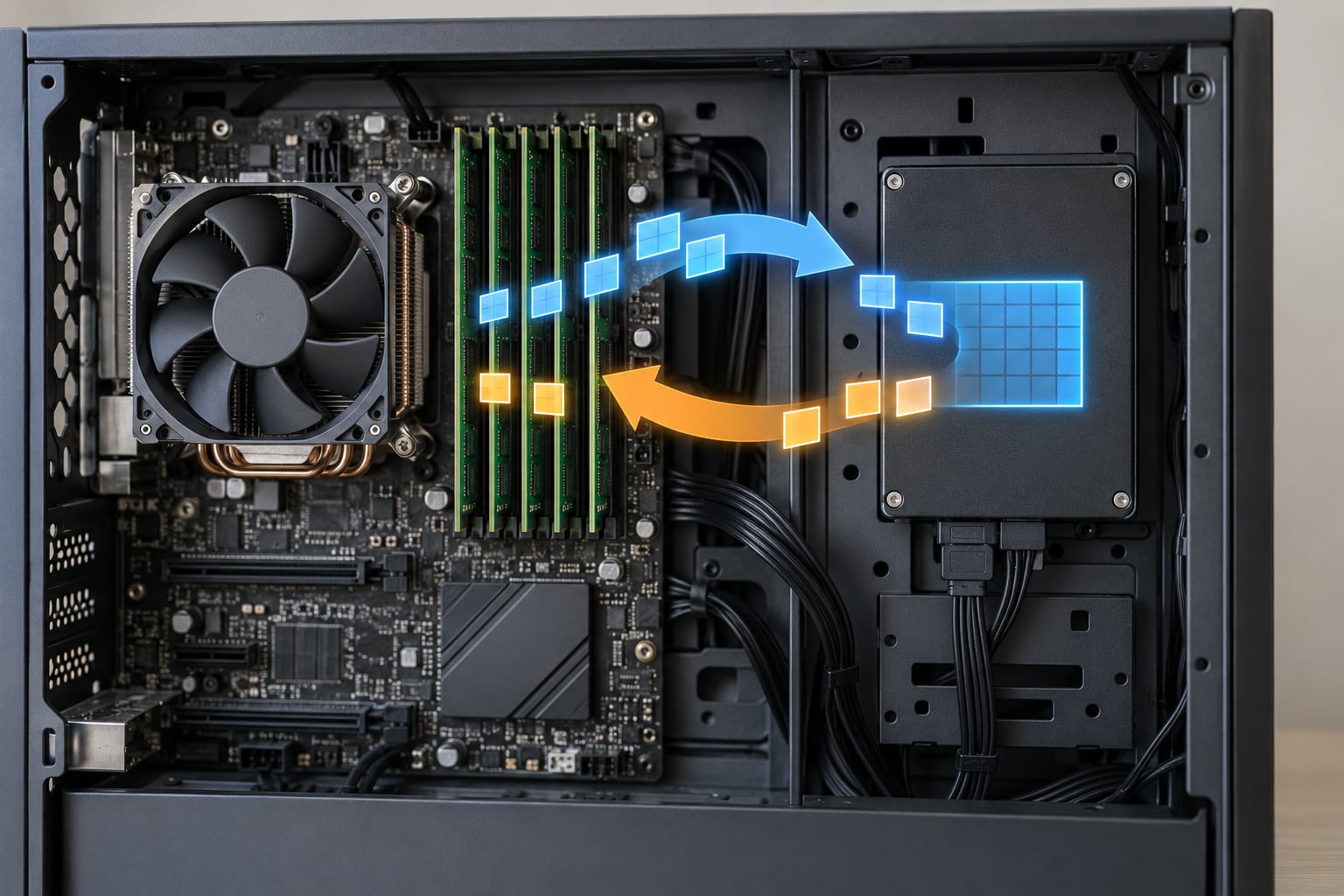
Swap is a designated area of disk, either a swap file or a dedicated swap partition, that the operating system uses as an extension of physical RAM. It moves memory pages that have not been touched recently out of RAM and pages them back in when something needs them again, which buys you time instead of a hard crash when memory runs short.
Do you still need it? On most machines, yes, but not for the reason people remember. The old advice was size your swap at twice your RAM and never touch it again, and that advice belongs to an era of spinning hard drives and 4GB memory modules.
Table of Contents
- What Is Swap and Do You Still Need It?
- What Is Swap Space Used For?
- How Does Linux Swap Work?
- Why Your System Swaps Even When RAM Is Free
- Is Swap Slower Than RAM?
- Do You Still Need Swap on a Modern Linux System?
- What Is the Difference Between Swap, RAM, and ZRAM?
- Where zswap Fits In
- How Much Swap Does Your Linux Machine Need?
- Swappiness and Per-Service Limits
- How Do You Check Whether Your System Is Using Swap?
- When Is Swap More Important Than a Larger RAM Purchase?
- Frequently Asked Questions
- Does swap memory damage an SSD?
- Is swap slower than RAM?
- Why is my computer using swap when RAM is free?
- How do I increase system swap space in Linux?
- Should I disable swap on a server or in Proxmox?
- Can swap replace RAM?
- Conclusion
What Is Swap and Do You Still Need It?
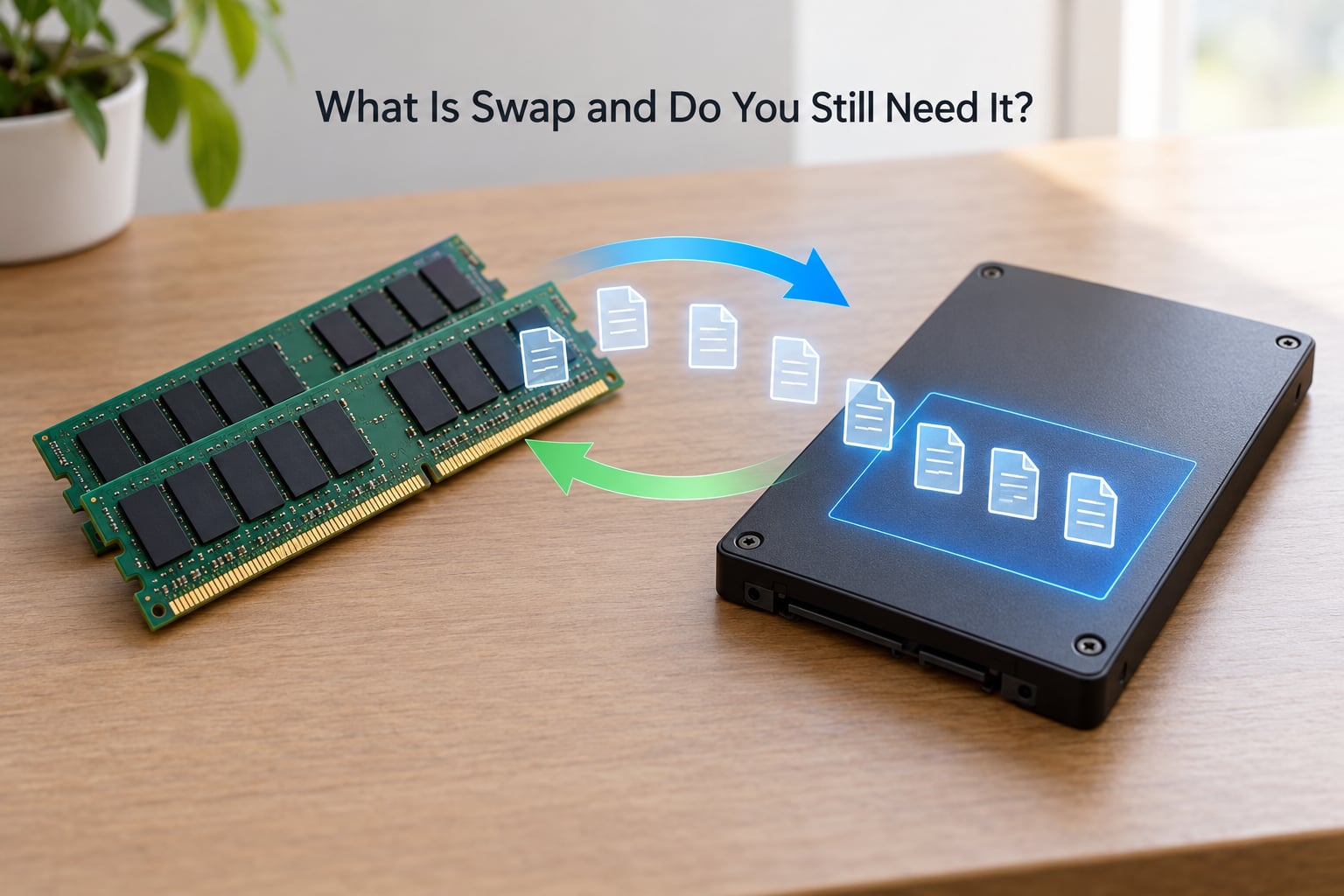
The terminology trips people up more than the concept does. On Linux, swap means the disk area itself, whether that is a swap file or a swap partition. On Windows the same idea is called a page file, and it lives in a hidden file named pagefile.sys. On macOS there is no user-managed swap at all; the kernel grows and shrinks dynamic swap files on its own whenever memory pressure demands it.
What Is Swap Space Used For?
Three jobs, in order of importance. First, it is an overflow area that lets the kernel survive a memory spike that would otherwise fail. Second, it is the write target for hibernation, since suspend to disk dumps the entire contents of RAM to disk before powering down. Third, it is a reservoir of cold pages the kernel can evict when it needs to reclaim memory quickly, even when plenty of RAM appears free.
That third job is the one nobody expects, and I will come back to it, because it explains most of the confusion in the comments under every blog post about swap.
Here is the short answer on whether to keep it:
- Keep a small swap area as a safety buffer on servers, workstations and anything running databases.
- Keep real swap of at least RAM size if you hibernate or use suspend to disk.
- Keep swap on virtualization and container hosts, because guests and containers have their own memory limits.
- Disabling swap on a modern desktop with 32GB or more that never hibernates is safe, but it removes your cushion.
- Prefer zram or zswap over a large disk swap area on laptops and low-RAM machines.
- Sizing swap at twice your RAM is obsolete guidance and usually wastes disk for no benefit.
How Does Linux Swap Work?
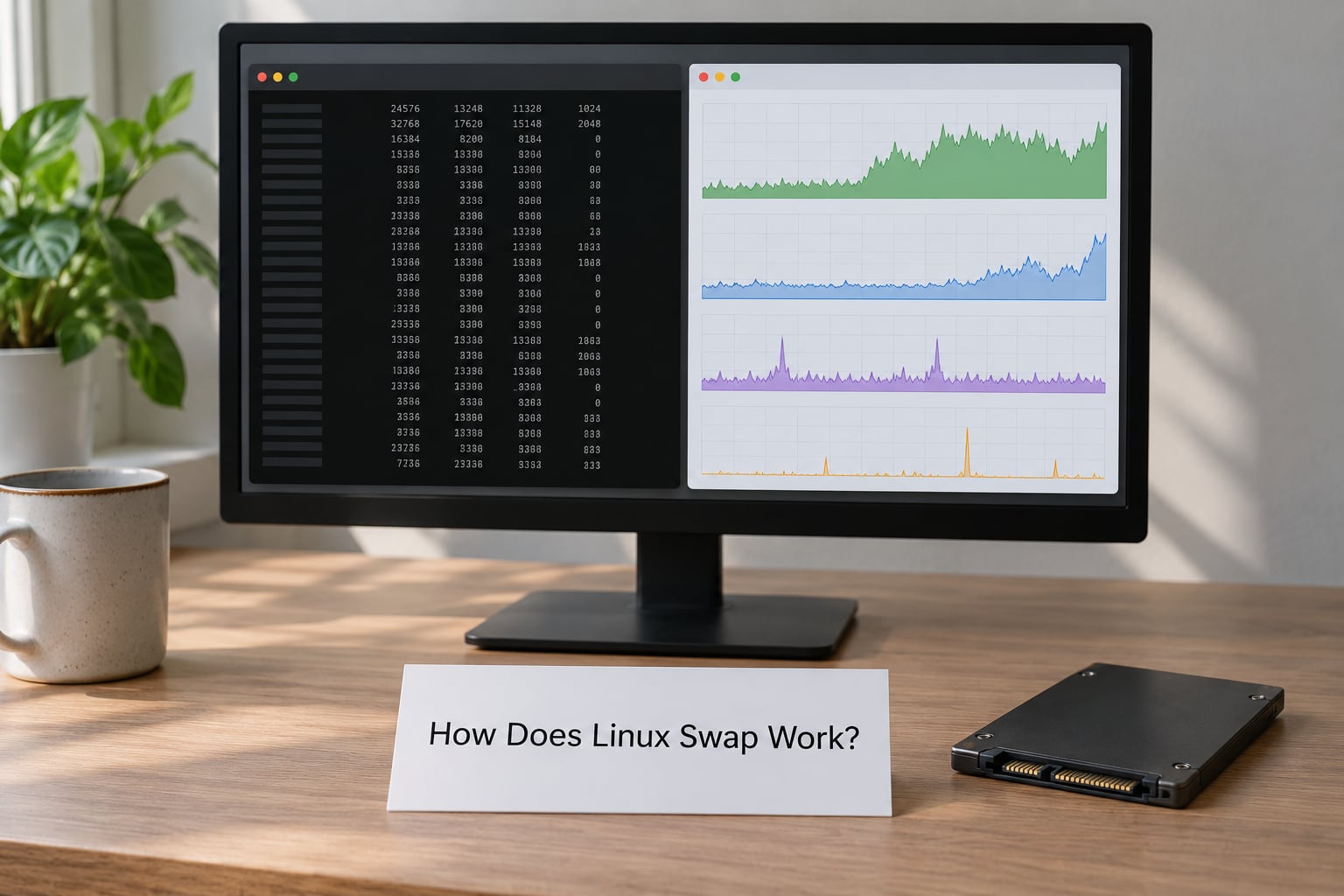
The Linux kernel manages physical memory in pages, 4KB on most hardware, and tracks them with page tables that map virtual addresses to physical frames. A process never touches a physical address directly; it sees a virtual address, and the kernel’s memory management unit walks the page tables to find the real page.
When memory gets tight, the kernel runs reclaim and picks victims. The classic policy is least recently used: pages that have not been referenced in a while get moved to the swap area, which is called swapping out. Later, when a process touches one of those pages again, the kernel pulls it back from disk, which is swapping in, and updates the page table.
Strictly speaking, the whole mechanism is called paging, and the word swapping comes from the days of mainframes that physically moved programs between disks. Linux uses the term anyway, so both names refer to the same machinery.
Why Your System Swaps Even When RAM Is Free
This is the question that generates the most forum traffic, so it deserves a straight answer. The number labelled free in free -h is usually small on a healthy Linux box, and that is a good sign, not a problem. The kernel deliberately spends otherwise idle RAM on the page cache, which holds recently read files so they can be served without touching the disk again.
So a machine showing 200MB free of 32GB is not starving. It is caching. Under that condition, reclaim has plenty of free memory to reclaim from the cache, and it normally does exactly that before it goes anywhere near swap. Swap usage climbing while lots of RAM is free usually means an application with a large anonymous working set, which page cache reclaim cannot help with.
One more factor: swap that has been used is not automatically given back. The kernel keeps swapped-out pages cached so that a page coming back is a fast operation. That is why people see a swap total of 2GB on a machine and panic. Swap used does not mean swap needed right now, it means at some point recently the kernel chose to keep those pages cold rather than fetch them from disk again.
Is Swap Slower Than RAM?
Considerably. RAM access on a modern DDR5 module is measured in tens of nanoseconds, while a random read from a decent NVMe SSD runs in the tens of microseconds, roughly a thousand times longer. A spinning disk is worse again by an order of magnitude. So swap is a safety device, not a performance feature, and its job is to make your system slow instead of dead.
Do You Still Need Swap on a Modern Linux System?
The honest answer depends on the workload, and the table below is how I decide it in practice. Servers and virtual machines get a buffer because the failure mode without one is an out-of-memory kill rather than a slowdown.
| Workload | Swap recommendation | Why |
|---|---|---|
| Low-RAM VPS or cloud instance | Keep a small swap file | The provider gives you a hard memory cap and no warning before it kills processes |
| Database host (PostgreSQL, Redis, MySQL) | Keep a modest swap area | A buffer absorbs allocation spikes that would otherwise trigger the OOM killer |
| JVM or application server | Keep swap, size it generously | Heap sizing is an estimate, and swap absorbs the estimate being wrong |
| Container and Kubernetes host | Keep swap, control it with cgroups | Per-container limits make host-wide pressure more likely, not less |
| Proxmox or ESXi virtualization host | Keep swap | Guests allocate memory in bursts and overcommit deliberately |
| Build or compile server | Prefer zram over disk swap | Compiles are bursty and read-heavy, which compresses well |
| Laptop with 16GB or less | Enable zram, keep a small disk file | Suspend to disk needs a place to write the RAM image |
| Laptop that hibernates | Real swap at least as large as RAM | Hibernation writes the full RAM contents to swap |
| Desktop with 32GB or more, no hibernate | Optional, small buffer is fine | Steady workloads never touch it, and it costs nothing to keep |
| Latency-sensitive server (database, trading) | Keep swap, raise the cost of using it | You want the OOM kill and log, not minutes of paging latency |
Linux on FreeBSD and macOS follows the same general principle with different names, and Windows administrators argue the same trade-offs over pagefile.sys. Nothing about the underlying mechanism is Linux-specific, even though most of the tooling is.
What Is the Difference Between Swap, RAM, and ZRAM?
They all hold memory, but they sit at very different points on the speed and persistence spectrum. ZRAM is the interesting one because it lives in RAM and only pretends to be a disk device.
| Physical RAM | Disk swap | zram | |
|---|---|---|---|
| Where it lives | DIMM modules | SSD or HDD | A compressed block device in RAM |
| Speed | Fastest | Thousands of times slower | Faster than disk, slower than plain RAM |
| Persistence | Lost on power off | Survives power off | Lost on power off |
| Compression | None | None unless zswap is in front | Always, typically 2:1 to 4:1 on real data |
| Cost | Highest per GB | Cheapest per GB | Uses RAM you already paid for |
| Typical size | 8GB to 256GB | 2GB to 64GB | Half of RAM to all of RAM |
| Best for | Active working sets | Safety buffer, hibernation, VMs | Laptops and bursty desktop workloads |
Where zswap Fits In
zswap is a third option people lump in with zram, but it does a different job. Instead of creating a RAM-backed device, zswap intercepts pages destined for disk swap and compresses them in RAM on the way in, writing back to disk later under pressure. It keeps the familiar swap file while reducing actual SSD writes, and you enable it from the kernel command line with zswap=1 followed by zswap.zpool=zsmalloc and zswap.max_pool_percent=20 on recent kernels.
Arch and Gentoo users I have worked with report the same thing: enable zram, and slow compile jobs largely disappear without touching disk swap at all. The usual caveat from gaming communities is that zram compresses poorly for already-compressed assets, so games with large texture streams can behave worse than disk swap on a fast NVMe drive.
How Much Swap Does Your Linux Machine Need?
There is no universal ideal size, and the twice-your-RAM rule has been repeated so often that it now passes as fact. It made sense when RAM was expensive and disks were slow. Today the useful rule is: size swap for your peak workload plus a safety margin, not as a multiple of installed memory.
| Installed RAM | Typical desktop | Server or VPS | Needs hibernation |
|---|---|---|---|
| 4GB | zram at 2GB to 4GB, plus a 2GB file | 4GB to 8GB | 4GB or more |
| 8GB | zram at 4GB, plus a 2GB file | 4GB to 8GB | 8GB or more |
| 16GB | zram at 8GB, or a 2GB to 4GB file | 8GB | 16GB or more |
| 32GB | 1GB to 2GB, or none at all | 8GB to 16GB | 32GB or more |
| 64GB and above | 1GB, or none | 8GB to 32GB | Match or exceed RAM |
Swappiness and Per-Service Limits
The vm.swappiness sysctl controls how eagerly anonymous pages get evicted. The default is 60, which means the kernel starts leaning on swap once free memory drops below roughly 60 percent of total. Set it to 1 for a database host where paging latency is unacceptable, and to 180 only if you want aggressive swapping. Check the current value with sysctl vm.swappiness and make it permanent in /etc/sysctl.d/.
Global tuning is the wrong tool when one service is the problem. Admins running Redis clusters on small Alma and RHEL instances hit this constantly, and the fix is a per-unit swap ceiling rather than a system-wide change:
[Service]
MemorySwapMax=512M
That belongs in a systemd drop-in for the service, followed by systemctl daemon-reload. The same capability is exposed to containers through cgroup memory limits, which is why container hosts usually want swap on and then capped per workload instead of switched off globally.
How Do You Check Whether Your System Is Using Swap?
Five commands cover almost every case. The important part is knowing which number answers your actual question, because the swap total by itself is the least useful of them.
free -h
swapon --show
vmstat 1
grep Swap /proc/meminfo
smem -s swap
- free -h shows total, used and free swap in human units. A non-zero swap total here is not a warning.
- swapon –show lists active swap devices with their size, priority and how much each one is holding.
- vmstat 1 is the useful one. Watch the si and so columns, which report pages swapped in and out per second. Steady zeros mean the number in free is historical, not current.
- grep Swap /proc/meminfo gives you cached and free swap counters, useful inside scripts and health checks.
- smem -s swap ranks processes by swap usage, which is how you find the leaking service behind the spike.
On systemd distributions, systemd-analyze and the memory pressure stall metric under PSI give you a better real-time signal than any of these, because they report actual stalls rather than swap totals. If si and so stay at zero while the machine feels slow, the problem is somewhere other than swap.
When Is Swap More Important Than a Larger RAM Purchase?
Swap is the better investment when memory use is spiky rather than steady. A build server that idles at 2GB and peaks at 24GB during a parallel compile is wasting most of its RAM if you size for the peak, and zram plus a modest swap file handles the peak cheaply. That is the pattern most of my build-machine tuning has ended up at.
The same logic covers databases and JVM services on small VPS instances, where the failure mode without a buffer is a hard out-of-memory kill of the database process instead of a slowdown. Forum users have documented the same pattern across Redis clusters and containers with tight cgroup limits, where a few hundred megabytes of swap turned a recurring outage into nothing at all.
Swap is also the only cheap answer when a virtual machine cannot be resized easily, or when a laptop must write its RAM image to disk for hibernation. In those cases no amount of clever sizing replaces the requirement.
Buy more RAM instead when the pressure is steady. A machine sitting at 90 percent memory use across the whole working day is not having a spike, it is genuinely short, and paging through an SSD all day produces a worse experience than the hardware cost of another module. The same goes for a hypervisor deliberately overcommitting several times its physical memory, where guests will collide and swap will just relocate the pain.
Frequently Asked Questions
Does swap memory damage an SSD?
Not meaningfully on any drive you would install today. Modern NVMe SSDs carry write endurance ratings in the hundreds of terabytes, and ordinary desktop or server swap writes are a small fraction of your daily writes. Consumer SATA drives with low-endurance NAND are the only real concern, and even there a few gigabytes of swap is fine. zswap reduces this further by compressing pages before they reach the drive.
Is swap slower than RAM?
Yes, by a wide margin. RAM access takes tens of nanoseconds, while an NVMe SSD random read takes tens of microseconds, roughly a thousand times longer, and a spinning disk is slower again. That gap is why swap exists as a safety valve rather than a performance feature: it converts a hard failure into a slowdown you can wait out.
Why is my computer using swap when RAM is free?
The free figure is misleading on Linux because the kernel spends idle RAM on the page cache, so genuinely free memory is normally tiny. Reclaim empties that cache first, and only touches swap when an anonymous working set is too large for cache reclaim to help. Swapped pages also stay resident in swap for a while after use, so the total reflects history, not current pressure. Check vmstat si and so columns for live activity.
How do I increase system swap space in Linux?
Create a new swap file with fallocate -l 8G /swapfile, set chmod 600 /swapfile, initialise it with mkswap /swapfile, then activate it with swapon /swapfile. Add /swapfile none swap sw 0 0 to /etc/fstab so it survives a reboot. Confirm with swapon u002du002dshow, and remove it later with swapoff /swapfile followed by rm /swapfile. Existing files can be grown by disabling, extending and re-running mkswap.
Should I disable swap on a server or in Proxmox?
Usually not. Without swap, a memory spike triggers the OOM killer, which terminates processes outright rather than slowing the system down, and on a Proxmox host that often means a guest or container dies. Keep a modest swap area and, if you need protection for a specific service, cap it with MemorySwapMax= in a systemd drop-in or a cgroup memory limit instead of removing swap globally.
Can swap replace RAM?
No. Swap is orders of magnitude slower than RAM, so workloads that need to run from it constantly become painfully slow. What swap replaces is not memory capacity but the absence of a graceful failure mode. Treat it as insurance that costs a little disk space and some idle capacity, not as a substitute for memory you actually need on a steady basis.
Conclusion
Swap is still worth keeping, but for a narrower reason than most people remember. It is insurance against the out-of-memory kill, a target for hibernation, and a cheap way to absorb spiky workloads on machines that would otherwise be over-provisioned.
Check three things first. Run vmstat 1 and look at the si and so columns to see whether paging is actually happening now, rather than trusting the swap total. Look at what your workload does at its peak, because spiky memory favours zram and swap while steady pressure means you need more RAM. And decide whether the machine ever hibernates, since that one requirement sets a hard floor on swap size that nothing else can override.
Everything else, from the twice-your-RAM rule to the idea that swap is a slow substitute for memory, is legacy advice that stopped making sense once fast SSDs became normal.