TRIM is a command the operating system sends to a solid-state drive to tell the controller which blocks of storage no longer hold live data, usually right after you delete a file, so the drive can clear those blocks in advance instead of stalling the next write. It is the single most misunderstood setting on modern storage, and on every current operating system it is already switched on for you.
What is TRIM on an SSD and why it matters comes down to one hardware limitation: NAND flash cannot rewrite a block in place. Once a block has been written, the whole thing has to be erased before it can be reused, and erasing is slow. TRIM is how the drive gets told in advance which blocks are free, so that expensive erase step happens during idle time rather than in the middle of your work.
The rest of this guide covers what the command actually does, what the controller does with it, whether it affects drive lifespan, and how to check its status on Windows, Linux and macOS with commands you can paste straight into a terminal.
Table of Contents
- What Is TRIM on an SSD?
- Why an SSD cannot just overwrite a deleted block
- What happens to a deleted file, step by step
- How deleting a file on an SSD differs from deleting one on an HDD
- Why Does TRIM Matter for SSD Performance?
- The effects you can actually measure
- How Does TRIM Work on an SSD?
- Stage one: the filesystem keeps a free block list
- Stage two: the command crosses the interface
- Stage three: the controller marks, defers, and reclaims
- What Happens Without TRIM?
- Does TRIM Affect SSD Lifespan and Wear?
- How to Check Whether TRIM Is Enabled
- Windows: fsutil behaviour query DisableDeleteNotify
- Linux: lsblk -D for the support bit, fstrim.timer for the schedule
- macOS: enabled by default, nothing to check or run
- TRIM support and verification at a glance
- When Is TRIM Not Needed or Not Available?
- USB enclosures and docks
- RAID controllers and hardware adapters
- Virtual machines and hypervisor hosts
- File systems and encryption layers
- Drives that are failing rather than full
- Frequently Asked Questions
- Should I enable TRIM on my SSD?
- How often should an SSD be trimmed?
- What happens when an SSD is trimmed?
- How do I check if TRIM is enabled on my drive?
- Does TRIM make an SSD faster or extend its life?
- Is TRIM the same as defragmentation?
- Conclusion: Keep TRIM Enabled for Normal SSD Use
What Is TRIM on an SSD?
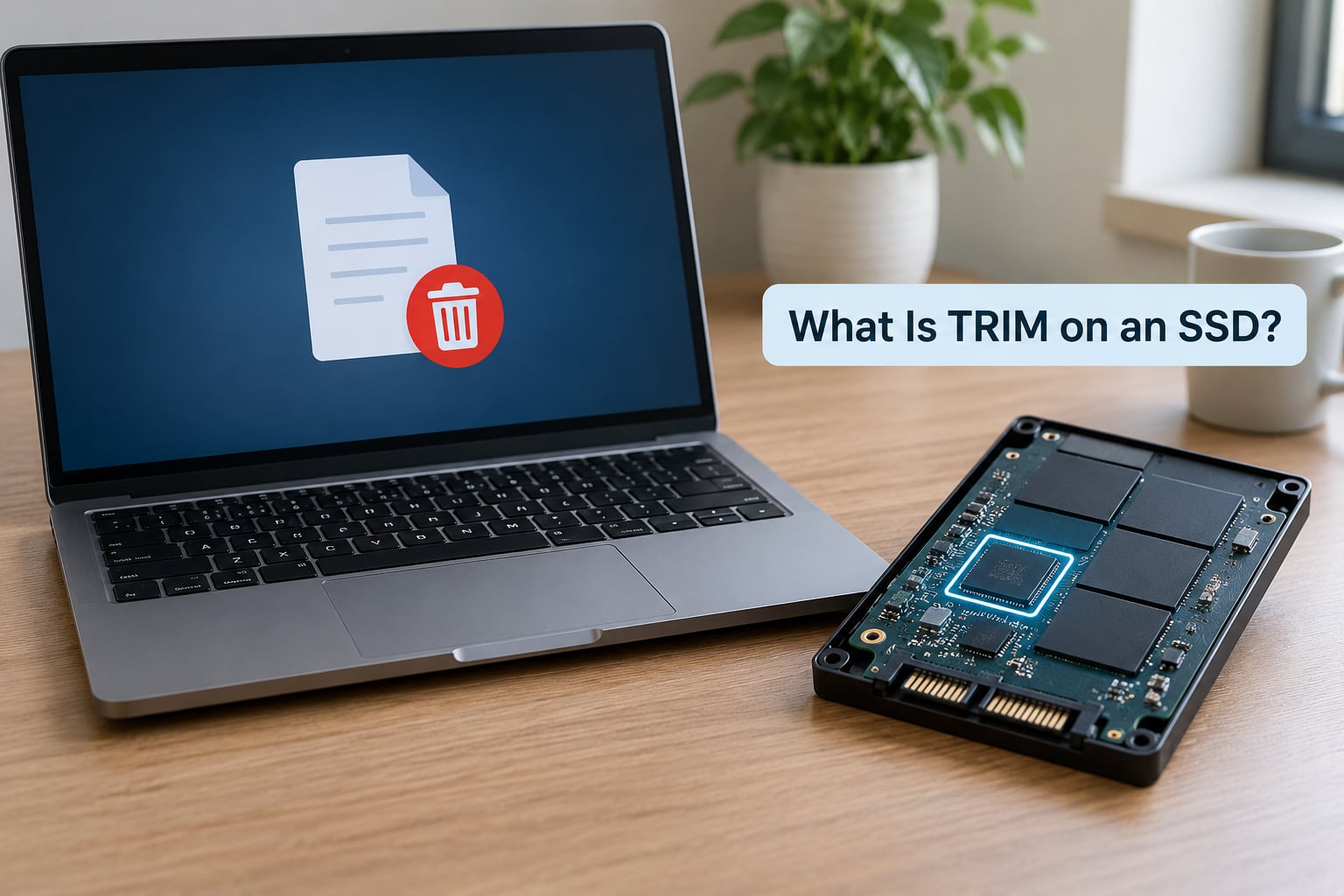
The short version: when you delete a file, the filesystem knows which blocks that file occupied. TRIM is the notification that carries those block addresses to the SSD controller, so the controller can mark them invalid and erase them during a later quiet moment instead of the instant you hit delete.
It is worth being precise about one point that recovery-company blogs get wrong constantly. TRIM does not erase anything at the moment you press delete. It is a hint, not an erase command. The controller records which logical block addresses are dead and then does the physical work on its own schedule.
Why an SSD cannot just overwrite a deleted block
A hard drive writes new data over old data because the disk surface can be magnetised in either direction. Flash memory cannot. Programming a bit means pushing electrons through an insulating layer, and once that layer is used, clearing it means applying a reverse voltage that damages it slightly every time.
So NAND is organised in pages that can be written, and larger blocks that must be erased as a unit. When new data arrives for a block that already holds a mix of live and dead pages, the controller has to copy the live pages somewhere else, erase the block, then write the new pages back. That copy-erase-write cycle is where the time and the extra writes come from.
What happens to a deleted file, step by step
Three stages, and the gaps between them are the whole story:
- You delete the file. The filesystem removes its directory entry and marks the blocks holding that file’s data as unused. Nothing has happened on the drive yet.
- The operating system issues TRIM. Windows calls the ATA DATA MANAGEMENT SET DATA command, Linux and macOS use SCSI/UNMAP or NVMe deallocate. Both carry the same message: these logical block addresses are free, treat them as invalid.
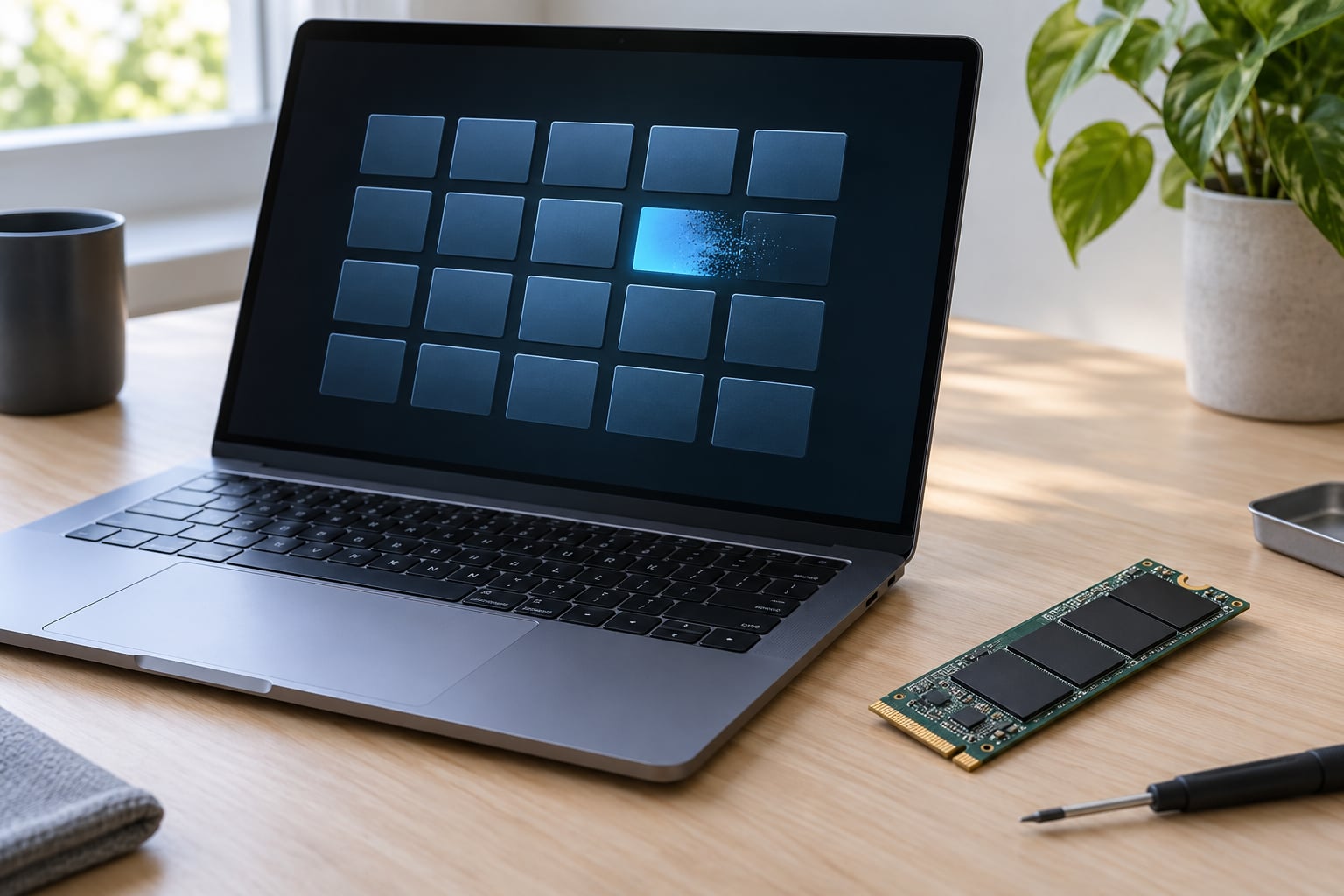
- The controller reclaims the blocks later. The flash translation layer marks those pages invalid. During idle time, garbage collection consolidates whatever valid data remains, erases the block, and puts it on the free list, ready for the next write.
How deleting a file on an SSD differs from deleting one on an HDD
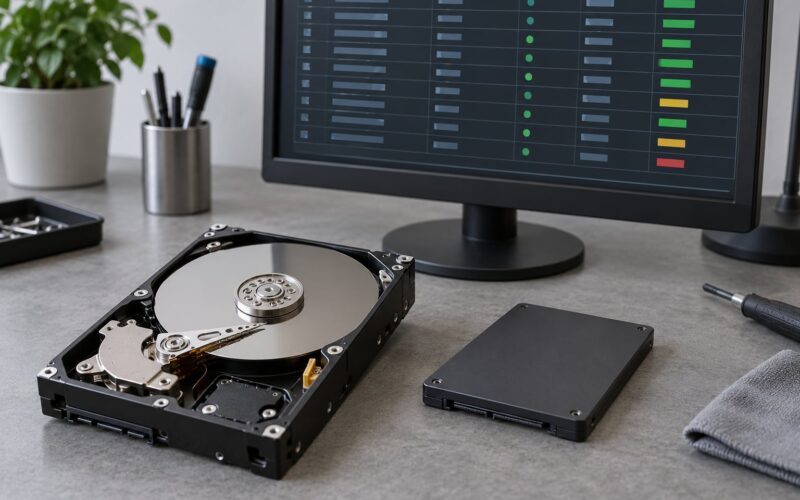
On a hard drive, deletion is a bookkeeping act. The data stays on the platters until something writes over it, which is why undelete tools work. On an SSD, once TRIM arrives and the block is erased in the background, the old contents are gone. That is the one real behavioural difference users notice, and it is why “deleted file recovery” on SSDs is mostly a race against the erase timer.
Why Does TRIM Matter for SSD Performance?
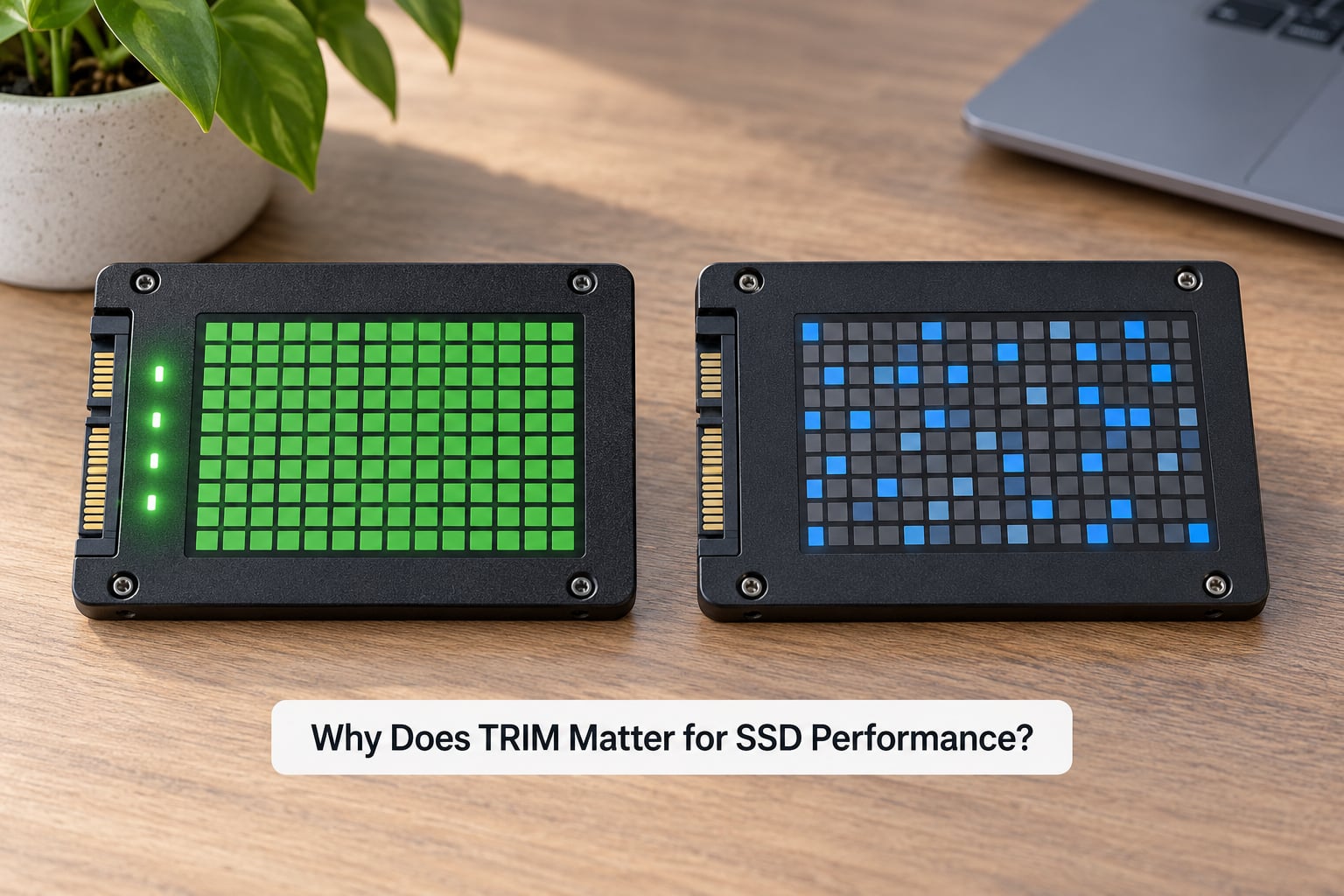
Because of erase-before-write, a drive accumulates invalid blocks faster than it can reuse them, and every new write to a dirty block has to wait for an erase. Early SSDs without active TRIM showed this dramatically: fast when new, then progressively slower as they filled, sometimes to a fraction of their rated write speed.
With TRIM working, the set of blocks containing no valid data grows continuously. When the controller needs somewhere to write, there is already a clean block waiting. The write hits the NAND without waiting on an erase, and the erase itself happens when the drive is idle and the latency does not matter.
The effects you can actually measure
- Write throughput stays flat. The worst-case write stall becomes rare rather than routine, particularly on a drive that is 70 percent or more full.
- Write amplification drops. Write amplification is the ratio of bytes actually written to NAND versus bytes written by the host. Copy-erase cycles multiply that ratio, so giving the controller valid free blocks cuts the multiplier.
- Latency spikes get shorter. Consumers of the drive see fewer multi-hundred-millisecond stalls during large file copies.
- Steady-state performance on sustained writes improves. Workloads that rewrite files constantly, such as a build directory or a virtual machine image, benefit more than a read-heavy workload does.
The honest caveat: on a lightly used drive with plenty of spare blocks and a controller doing aggressive internal garbage collection, TRIM’s visible effect can be small. It is a difference you are much more likely to notice on a drive that is filling up and being written heavily than on a fresh install.
How Does TRIM Work on an SSD?
The command travels a longer path than most people expect, and each stage does one job.
Stage one: the filesystem keeps a free block list
Every filesystem, whether NTFS, ext4, APFS or XFS, knows which blocks it has freed. It maintains that knowledge so it will not hand the same block out twice. TRIM is simply the filesystem publishing that knowledge to the storage layer.
Stage two: the command crosses the interface
On a SATA drive, the ATA command set carries the operation as DATA MANAGEMENT SET DATA, commonly referred to as TRIM or deallocate, with the count and the starting logical block address. On an NVMe drive the equivalent is the deallocate command in the NVMe command set, and on USB-attached drives it travels as the SCSI UNMAP command inside a Data Management Set Data feature.
Stage three: the controller marks, defers, and reclaims
The SSD controller updates the flash translation layer, which is its internal map from logical block addresses to physical NAND pages. The TRIMmed addresses are now mapped to nothing and their pages are marked invalid. Nothing is erased at this point.
Later, during idle time or when the controller decides a block needs collecting, garbage collection moves any still-valid pages from partially-dead blocks into fresh ones and erases the vacated block. Erase consumes part of the block’s limited program/erase cycles, so the controller spreads that work out using wear levelling.
That ordering is the point of the whole design. The expensive, latency-sensitive erase is pushed off the write path, and if your drive supports power loss protection, the mapping table survives an unexpected shutdown so pending work is not lost.
What Happens Without TRIM?
Nothing catastrophic, which is the part most alarmist writing gets wrong. A modern SSD controller runs internal garbage collection whether or not TRIM is available, so it will still reclaim blocks on its own schedule.
The difference is the quality of its information. Without TRIM, the controller only learns a page is dead when it reads the page and finds the logical-to-physical mapping no longer points to it. On a mostly sequential workload that works out reasonably well. On a drive where files were scattered, over-written many times and then deleted, the controller has to read back a lot of metadata to discover what it already knows, which is slow and generates extra reads.
The practical symptoms, when they appear at all, are gradual: a drive that was fast in its first months getting slower, larger write stalls on a nearly-full volume, and higher latency when the free space is fragmented across many filesystems. None of this appears as a failure. There is no warning light and no counter that trips.
Over-provisioning and the drive’s own reserve capacity absorb much of the impact on smaller drives. On a 2 TB drive the controller rarely struggles. On a small 128 GB laptop drive that is 90 percent full, it is the difference between a machine that feels quick and one that feels like it is stuck.
Does TRIM Affect SSD Lifespan and Wear?
It slightly helps, and it is not close to the biggest factor. That is the answer most people argue about on forums and Quora without finding a clear one.
Erasing a block costs program/erase cycles, and every drive is rated for a finite number of them. Garbage collection has to erase blocks, so the less unnecessary collection work TRIM can prevent, the fewer erase cycles the drive spends. Write amplification falls at the same time, which means fewer bytes pushed through the NAND for the same amount of host writes.
But the effect is modest for most users. The dominant killers of an SSD are far more prosaic: running the drive near 100 percent full so there is no free-block pool, sustained write-heavy workloads such as swapping or logging every minute of the day, operating temperatures above the drive’s rated range, and simply leaving old drives running for a decade. TRIM does none of those things, and no reviewer benchmark has ever shown TRIM extending a drive’s rated endurance by a meaningful percentage.
The fair summary: TRIM reduces avoidable background work, that work includes erase cycles, so a properly trimmed drive does less harm to itself than an untrimmed one doing the same job. Treat it as one reasonable contributor rather than a saving grace.
How to Check Whether TRIM Is Enabled
Start here: on Windows 7 and later, macOS, and nearly every Linux distribution, TRIM is on by default for SATA and NVMe drives. Nobody needs to switch it on. Checking is still worthwhile when you are troubleshooting, or when the drive travels through a USB enclosure, a RAID controller or a virtual disk.
Windows: fsutil behaviour query DisableDeleteNotify
Open PowerShell or Command Prompt as an administrator and run fsutil behavior query DisableDeleteNotify. A result of DisableDeleteNotify = 0 means TRIM is enabled on the NTFS volumes. A value of 1 means it has been disabled, and 2 means it is disabled only for some file systems.
If you ever do need to enable it, the same tool handles it: fsutil behavior set DisableDeleteNotify 0, then schedule it under Task Scheduler as defrag C: /L, which runs a TRIM pass rather than a defrag. Windows does this for you weekly by default under Defragment and Optimize Drives, so you rarely need to touch the task at all.
Linux: lsblk -D for the support bit, fstrim.timer for the schedule
lsblk -D prints a discard column per device. 0 in that column means the kernel knows the device does not support discard. 1 means it does. This tells you about the kernel’s view of the device, not whether a timer is actually firing.
For that, check the systemd timer:
systemctl status fstrim.timerAn active timer with a next trigger date means TRIM runs weekly on supported filesystems. To force a pass immediately:
sudo fstrim -avThe -a flag trims every mounted filesystem that supports it, and -v prints each one. Distributions without systemd use the trim cron job instead, or you can call fstrim from crontab once a week.
macOS: enabled by default, nothing to check or run
Apple has sent periodic TRIM since OS X 10.7 and does not expose a user setting. The system schedules it on its own, typically during idle time rather than on a fixed clock. Third-party tools can force a pass, but on a built-in Mac SSD there is no supported reason to do it, and running aggressive TRIM on an older Apple SATA SSD was historically reported as undesirable.
TRIM support and verification at a glance
| Operating system | Default state | How to check | Run it manually |
|---|---|---|---|
| Windows 10 and 11 | Enabled weekly | fsutil behavior query DisableDeleteNotify | defrag C: /L |
| Linux with systemd | Enabled via fstrim.timer | systemctl status fstrim.timer | sudo fstrim -av |
| Linux with RAID or LVM | Depends on the layer | lsblk -D | sudo fstrim -av |
| macOS | Enabled, scheduled by Apple | No supported command | Not recommended |
| Android and iOS | Enabled | No user-facing command | Not available |
| FreeBSD | Enabled with periodic task | service fstrim status | service fstrim start |
That table is the answer to most “how do I turn TRIM on” searching. On three of the four desktop platforms the answer is that you already have, and the check is a one-line command.
When Is TRIM Not Needed or Not Available?
Several situations mean TRIM never reaches the drive, or reaches it only partially. These are path problems rather than a switch being off, and they explain most of the forum posts from people who cannot trim a drive they clearly own.
USB enclosures and docks
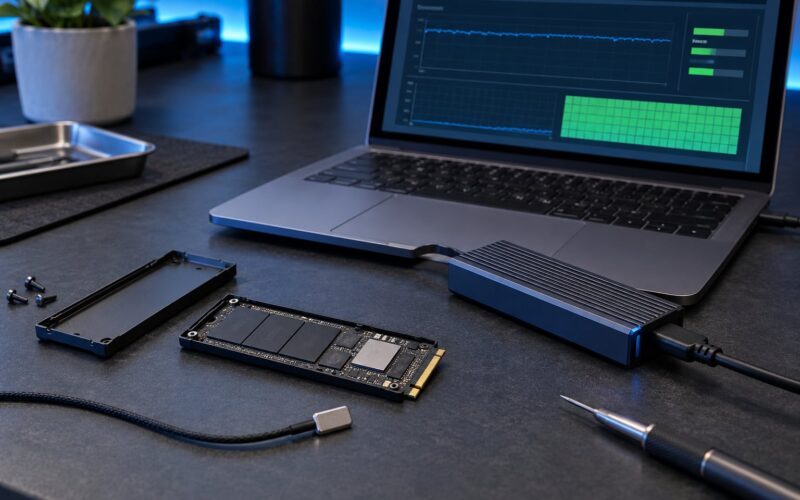
Many inexpensive bridges accept the SCSI UNMAP command and silently discard it. The drive inside supports TRIM perfectly; the enclosure never forwards the instruction. Enclosures that advertise UASP (USB Attached SCSI Protocol) over a USB 3 port are far more likely to pass TRIM through correctly. If TRIM matters to you on an external drive, check the enclosure’s spec for UASP before buying.
RAID controllers and hardware adapters
A drive inside a RAID array talks to the array controller, not the operating system. The controller usually strips discard commands and reissues them only as part of its own rebuild or scrub logic. Users on Unraid and similar platforms report TRIM working in some configurations and being blocked entirely in others, with onboard SATA port topology sometimes deciding it.
Virtual machines and hypervisor hosts
A guest issuing TRIM tells the hypervisor’s virtual disk to release blocks. Whether that space returns to the host array depends on whether discard is enabled on the virtual disk and whether the hypervisor itself issues TRIM to the underlying storage. The guest command alone does not guarantee it.
File systems and encryption layers
TRIM needs a file system that reports freed blocks. ext4, XFS, btrfs, NTFS and APFS all do. exFAT and FAT32 do not, and neither does any file system mounted through a translation layer that hides block allocation. Full-disk encryption is a common source of confusion here: BitLocker, LUKS and FileVault operate at a layer above the file system and generally pass TRIM through, so encryption itself is not the obstacle, though some combinations with hardware crypto have historically disabled it.
Drives that are failing rather than full
TRIM has nothing to do with a dying drive. Once a drive starts throwing errors, no filesystem trick will change that. Watch the SMART attributes for reallocated sectors and media errors, and treat a failing drive as a replacement problem, not a maintenance problem.
Frequently Asked Questions
Should I enable TRIM on my SSD?
Yes, and the odds are it is already on. Windows 7 and later, macOS and current Linux distributions enable TRIM by default on both SATA and NVMe drives, so there is usually no action to take. Check the status with your operating system’s command before changing anything, since turning off a feature that is already correctly configured can only cause the write stalls and extra background work TRIM exists to prevent.
How often should an SSD be trimmed?
Weekly is the convention, and it is not arbitrary. Windows schedules a TRIM pass through the weekly Optimize Drives task, and most systemd Linux distributions run fstrim.timer every week. macOS does not use a fixed interval and issues TRIM during idle time instead. Daily trimming adds nothing, because garbage collection happens when the controller decides it is worth doing, not on a clock.
What happens when an SSD is trimmed?
The controller marks the specified blocks as invalid in its flash translation layer mapping, so they no longer count as containing live data. Nothing is erased at that moment. Later, during idle time, garbage collection copies any still-valid pages out of those blocks, erases the block as a unit, and places it on the free list so the next write finds clean space waiting.
How do I check if TRIM is enabled on my drive?
On Windows run fsutil behavior query DisableDeleteNotify as administrator and look for a result of 0, which means enabled. On Linux run lsblk -D to see whether the discard column reads 1, then systemctl status fstrim.timer to confirm the schedule is active. macOS has no supported check because TRIM is always on and not user-configurable.
Does TRIM make an SSD faster or extend its life?
Both, modestly. TRIM keeps clean blocks available so writes avoid waiting on an erase, which makes sustained write performance steadier, and it lowers write amplification so fewer bytes pass through the NAND for the same work. It reduces avoidable erase cycles, but it is not the main factor in drive longevity, and filling the drive, sustained write-heavy workloads and heat matter considerably more.
Is TRIM the same as defragmentation?
No, and on Windows the two are easy to confuse because both live behind Optimize Drives. Windows sends a TRIM command to SSDs and only defragments hard drives. Fragments do not slow an SSD down, since the controller can read from anywhere in parallel, so defragmenting flash is wasted work that adds writes and wears the drive for no benefit.
Conclusion: Keep TRIM Enabled for Normal SSD Use
TRIM is the operating system telling the drive which blocks are free so the expensive erase step happens during idle time instead of mid-write. On Windows, macOS and Linux it is already enabled by default and there is nothing to configure for normal use.
Start by checking it. Run fsutil behavior query DisableDeleteNotify on Windows or systemctl status fstrim.timer on Linux, then leave automatic filesystem management alone. If the check comes back clean and the drive still feels slow, the cause is almost certainly a drive that is nearly full, an enclosure that drops discard commands, or a controller path that never delivered TRIM in the first place.