If you are syncing only your own machines, Syncthing is the better fit and you can have the first folder replicated in about fifteen minutes. If a partner, family member or colleague needs their own login, share links or phone camera upload, Nextcloud earns its extra setup work. That is the short version of nextcloud vs syncthing for personal file sync, and almost everything else on this page is detail hanging off that one distinction: a sync engine for your devices versus a cloud platform for sharing with other people.
Setup for both is well documented and the failure modes are well known, so this is a case where reading two or three real setups saves a weekend. Here is how the choice looks in 2026.
Table of Contents
- Nextcloud vs Syncthing for personal file sync at a glance
- How do Nextcloud and Syncthing sync files?
- What Syncthing is good for, and what it simply will not do
- Which option gives you more control over your data?
- How do security and privacy differ?
- What features does each product provide?
- Which is easier to set up and maintain?
- How should you choose between Nextcloud and Syncthing?
- Which Should You Choose?
- Frequently Asked Questions
- Is Syncthing a backup tool or only a synchronization tool?
- Does Syncthing work when devices are offline?
- Can I access Syncthing files through a web browser?
- Is Nextcloud more private than Syncthing?
- Can I use Nextcloud and Syncthing at the same time?
Nextcloud vs Syncthing for personal file sync at a glance
| Criterion | Nextcloud | Syncthing |
|---|---|---|
| Architecture | Client-server: every change passes through one server you run | Peer-to-peer mesh: devices copy directly to each other |
| Server required | Yes, plus a database and web server | No |
| User accounts and permissions | Full multi-user model, per-folder sharing | None. Everyone who holds the device has everything |
| Web interface | Yes, complete file manager | Only the admin panel that configures sync |
| Android app | Yes, with camera auto-upload | Yes, works but is a second-class experience |
| iOS app | Yes | No first-class app. This rules it out for many families |
| Time to first sync | Roughly 2 to 4 hours for a home setup | Roughly 15 minutes |
| RAM for a small household install | 1 to 2 GB comfortable, more for the office and chat apps | A few hundred MB in total across devices |
| File recovery after deletion | Versions app, retention configurable | Trash holds deleted files briefly; no real history |
| Conflict handling | Client-side conflict copies | Renames the loser as a sync-conflict file |
| Encryption model | TLS in transit, optional server-side encryption, optional E2EE | TLS in transit, optional per-folder encryption |
| Ongoing work | Updates, TLS certificates, database, backups | Occasional upgrades, almost nothing else |
| Best for | Sharing with people who are not you | Keeping your own devices identical |
The row that decides most cases is the second one. Everything else is downstream of whether you are willing to run a web server.
How do Nextcloud and Syncthing sync files?
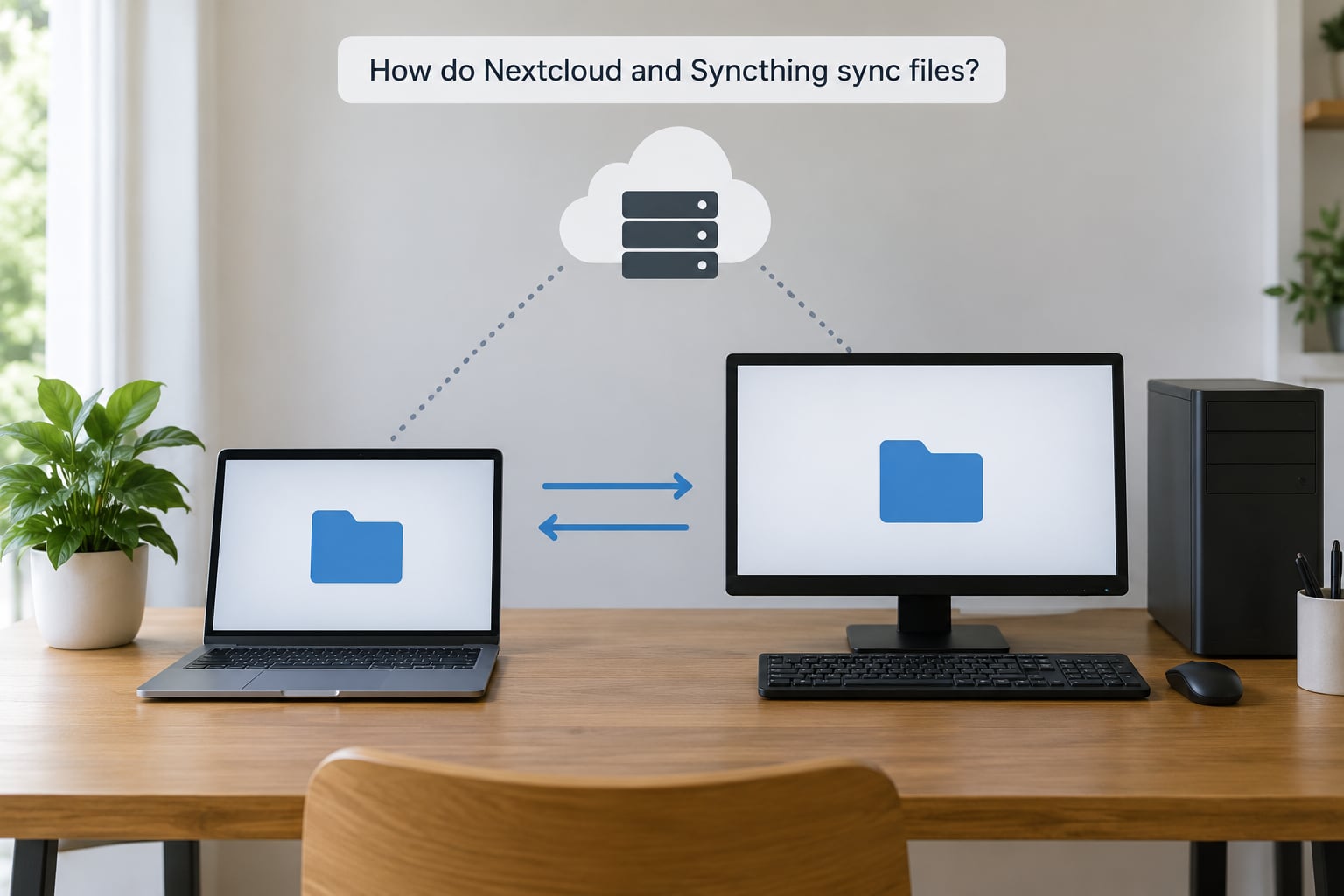
Nextcloud runs a web server and a database on a machine you control. Desktop and mobile clients upload changes to that server and download other people’s changes from it, so every byte you sync passes through one place.
Syncthing (mesh)              Nextcloud (star)
Laptop --- Desktop            Laptop ---
                              |
NAS ---- Phone                  Server --- Desktop
                               (browser access lives here)
Syncthing has no server in that picture. Each device keeps a full copy of the folder, finds the others through a global discovery server or a LAN address, and transfers changes directly. A 1 TB library moving between two machines in the same room moves at disk speed; the same library moving between two houses is limited by the slower uplink.
That topology difference explains most of the surprises people report. On a LAN, Syncthing feels instant and Nextcloud feels like it is adding a step. Over the internet, a Nextcloud desktop client can look sluggish because every small file change becomes an upload plus a download.
Offline behaviour follows the same logic. A Nextcloud client keeps a local cache and reconciles when it reconnects, but a laptop that was offline for a week still has to talk to the server before it has anything current. Syncthing simply queues the changes and ships them when a path exists again.
Ownership of the folder is the other half. Nextcloud treats its data directory as the canonical copy and expects clients to behave. Syncthing treats every replica as equal and writes in place, which is exactly why the two must never share a directory.
What Syncthing is good for, and what it simply will not do
The Syncthing forum puts it more bluntly than any vendor page: it is a lot narrower in scope than ownCloud or Nextcloud, it just syncs. That is a feature for one person and a wall for a household. A device ID and a shared folder ID are the entire trust model, so there is nothing to hand to a non-technical relative.
Syncthing also has no versioning history worth the name. Delete a file on your phone and the deletion propagates to every device. There is a trash folder that holds deleted items for a while, but once it is emptied on the last device, the file is gone.
Send-only and receive-only folders are the escape hatch. Mark your NAS folder receive-only and it will accept changes from your phone but never push deletions or edits back, which turns replication into something closer to a backup.
Which option gives you more control over your data?
Syncthing gives you more control in one narrow, deep way: nothing needs to be online and reachable for your files to move. Turn off the internet, cut the power to your router, and two laptops on the same LAN keep syncing. There is no account to lose, no server to be decommissioned by a provider, and no vendor who can change the terms.
Nextcloud gives you control in a broader way but asks for it back as maintenance. The data lives on your disk, but you now own account provisioning, group permissions, share link expiry, TLS renewal, the database and the update cadence. Every one of those is a chance to get locked out of your own files.
What you give up with a hosted provider, neither of these two can. Both are self-hosted, so neither depends on someone else’s storage surviving a policy change. The difference is how much surface sits between you and the files.
How do security and privacy differ?
Both tools transmit over TLS and both keep data on hardware you own, so neither is private by default. The exposure is just arranged differently.
Syncthing’s attack surface is small because there is no public server. Devices authenticate to each other with certificates exchanged at pairing time, and folder passwords encrypt the payload for anyone who does get hold of the storage. What it will not give you is account-level access control, because there are no accounts.
Nextcloud puts an authenticated web server on the internet, which is a much more attractive target. That makes the boring work non-optional: a real TLS certificate through a reverse proxy, two-factor authentication, prompt updates to the server and every installed app, and a database that occasionally wants repairing.
Encryption on disk is a separate question from encryption in transit. Nextcloud can encrypt stored files server-side with a key it holds, and offers end-to-end encryption where the server never sees plaintext. Syncthing’s folder password does the same job more simply, at the cost of losing the server’s ability to index or preview anything.
Project governance is worth a sentence. Nextcloud is developed by a German company and Syncthing by a small open source foundation, and both are open source with public issue trackers. For most readers that is enough to judge trust.
What features does each product provide?
Extra features are not automatically a win. The question is whether you will actually use them, because each one you enable is another thing to update.
| Capability | Nextcloud | Syncthing |
|---|---|---|
| Folder sync on desktop | Yes | Yes |
| Android app with camera auto-upload | Yes, configurable but fiddly to set up | Yes, as a normal sync folder |
| iOS app | Yes | No first-class app |
| Browser-based file access | Yes | No, admin panel only |
| Share links with expiry and passwords | Yes | No |
| Calendar and contacts | Yes, CalDAV and CardDAV | No |
| Collaborative document editing | Yes, with Collabora or OnlyOffice | No |
| Photo library and media playback | Yes | No, only your local file manager |
| File versioning and recovery | Yes | Trash only |
| Remote access from a browser | Yes | Through a VPN or remote desktop |
Mobile is where the decision usually gets made, and not because of the phone itself. Nextcloud gives non-technical relatives an app that logs in with their own account and uploads photos without help. Syncthing’s Android client works, but the person running it has to approve a device, share a folder ID and wait for the first index to finish. On iOS there is no equivalent app to point them at, which quietly rules Syncthing out for a lot of households.
Nextcloud also has a genuine weakness that gets brushed aside: the desktop client is often called slow and occasionally flaky in homelab circles, and the same 1 TB transfer that takes Syncthing ten minutes on a LAN can take most of an evening through the server. If your plan is a fast local replica, that is the argument for Syncthing.
Which is easier to set up and maintain?
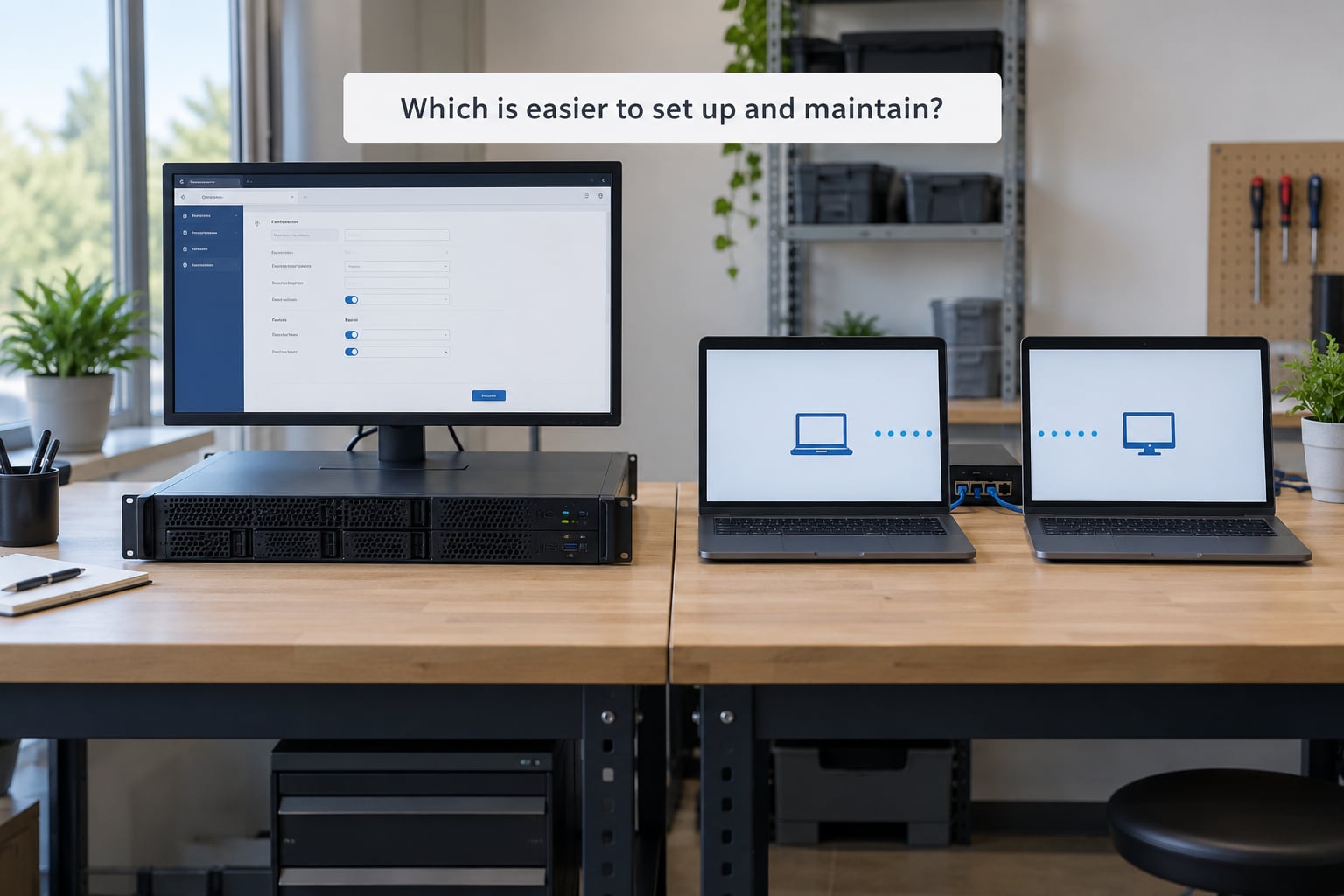
Syncthing wins setup by a wide margin. Install the binary or snap, open the web interface on port 8384, accept the device on the second machine by fingerprint, and pick a folder. Pairing is a one-time, five-minute job per machine.
Nextcloud is a real deployment. You need an operating system, PHP, a database from SQLite up to PostgreSQL, a web server, a reverse proxy and a TLS certificate, and you want it in Docker Compose or a Snap rather than installed by hand. Two to four hours is a fair estimate for the first install if you have done it before and considerably longer if you have not.
Maintenance divides the same way. Syncthing wants an occasional binary upgrade and a glance at the folder panel. Nextcloud wants updates roughly every two months, an app store that can break a working install when something upstream changes, certificate renewal, and a backup plan for its database and its data directory.
Hardware is the quiet cost. A small household Nextcloud instance is comfortable on 1 to 2 GB of RAM and a mini PC or a NAS with a spare core. A Raspberry Pi is possible but leaves little headroom once you enable the office and chat apps. Syncthing totals a few hundred megabytes of RAM across every device involved.
None of this is hidden. It is just work that exists, and it does not go away.
How should you choose between Nextcloud and Syncthing?
Work down these five questions. The first yes decides it.
- Does anyone besides you need access, with their own login? If yes, it is Nextcloud.
- Does a phone in the household run iOS? If yes, it is Nextcloud.
- Do you need to open your files from a browser on a machine that has no client installed? If yes, it is Nextcloud.
- Do you want the fastest possible local replication with no server to maintain? If yes, it is Syncthing.
- Do you need only your own devices, and do you already have somewhere to keep a real backup? If yes, it is Syncthing.
Two situations come up constantly, so they deserve their own answers.
The first is phone photos. The pattern that shows up on Hacker News is adding a laptop as a temporary sync node: the phone syncs to the laptop over USB-speed local transfer, and the laptop pushes the batch to the NAS when your connection can take it. Syncthing handles this well. Nextcloud handles it with camera auto-upload, which works but takes real effort to configure correctly.
The second is running both. This is a legitimate and popular hybrid: Syncthing for the fast, private sync between your own machines, Nextcloud as the browser front end and sharing layer. One Syncthing forum poster put it as using Syncthing for the files and Nextcloud as the frontend for them.
What you must never do is point Syncthing at the Nextcloud data directory. Nextcloud staff warn against it directly on their help forum: Syncthing modifies files the server believes it owns, which produces conflicts, unexpected index churn and in the worst case a corrupt dataset. Keep them on separate storage, or expose the Nextcloud files to Syncthing through a one-way copy.
One more caveat belongs here rather than at the end. Neither tool is a backup. A homelab blog I read put it plainly about Nextcloud: there is no backup, and that is the basic part people forget. A sync engine mirrors your mistakes, so an accidental delete reaches every replica. Keep snapshots, versioning or a separate offline copy regardless of which one you pick.
Which Should You Choose?
Choose Syncthing when the devices are yours and that is the whole job: a laptop, a desktop, a NAS and maybe an Android phone, kept identical with almost no administration.
Choose Nextcloud when files need to reach other people. Family sharing, share links, browser access, calendar and contacts, phone camera upload for someone who will not read instructions, all of that is what Nextcloud is for, and none of it exists in Syncthing.
Choose Nextcloud plus Syncthing, carefully separated, when you want both and can accept running a server. That is the setup most experienced self-hosters end up with.
Frequently Asked Questions
Is Syncthing a backup tool or only a synchronization tool?
Syncthing is a synchronization tool. It keeps selected folders consistent across devices, but it has no independent version history, so a file deleted on one device is deleted everywhere once the trash folder is emptied. For real recovery you need snapshots, versioning or a separate offline copy.
Does Syncthing work when devices are offline?
Yes. Changes queue on each device and transfer once a reachable path exists again, whether that is the local network or a relay you have allowed. That makes it useful for offline-first setups, but it also means a deletion made offline still propagates when the device reconnects, which is why receive-only folders exist.
Can I access Syncthing files through a web browser?
Not in any useful way. Syncthing ships a web interface, but it only configures the sync engine and shows connection status. To reach your files from a browser you would need something in front of them, such as Nextcloud serving the same folder, a VPN, or a remote desktop into a machine that holds it.
Is Nextcloud more private than Syncthing?
Not automatically. Both keep files on hardware you own and both can be private when configured well. Nextcloud exposes an internet-facing server that needs authentication, TLS and prompt updates. Syncthing avoids that exposure but has no accounts or permissions, so anyone with a paired device sees every shared folder.
Can I use Nextcloud and Syncthing at the same time?
Yes, as long as they never touch the same directory. The common pattern is Syncthing syncing between your own devices and Nextcloud serving a separate copy as a browser and sharing front end. Nextcloud support staff warn against running Syncthing over the Nextcloud data directory because it changes files the server considers its own.
Start by syncing your laptop and your NAS with Syncthing. It takes fifteen minutes, it works this afternoon, and it tells you within a day whether your devices really need anything more. If a partner or a relative then asks for a link they can open from their phone, that is the moment to add Nextcloud.