For a home lab, Proxmox VE is the better choice for almost everyone. It has no software cost, runs on hardware VMware’s compatibility list would reject, and gives you full virtual machines plus LXC containers with clustering and backups already built in. ESXi still wins in one narrow case: a lab that has to mirror a corporate VMware vSphere setup for work or study. Everything else in the proxmox vs ESXi for home lab debate now leans the same direction.
Below is a straight comparison of licensing, hardware support, virtualization features, storage, networking, backups and day-to-day administration, so you can pick based on what you actually plan to run.
Table of Contents
- Proxmox vs ESXi for Home Lab at a Glance
- Licensing and Total Cost of Ownership
- What the Broadcom change actually did
- Whether a Proxmox subscription is worth buying
- The running cost nobody quotes: power, UPS and spare drives
- Hardware Compatibility and Server Support
- Realtek NICs and consumer motherboards
- Hybrid big.LITTLE CPUs and the purple screen
- What to buy for a first node
- Power cuts, UPS and clean shutdown
- Virtualization Features and Hypervisor Capabilities
- Containers are where Proxmox pulls ahead
- Snapshots and thin provisioning, honestly
- Live migration, HA and load balancing
- Memory efficiency: KSM against TPS and ballooning
- GPU and PCIe passthrough
- Storage, Networking, and Backup Options
- Local storage and what each stack prefers
- Shared storage for a two-node cluster
- Networking: bridges, SDN, VLANs and firewalling
- Backups that actually restore
- Management Interface and Day-to-Day Administration
- Ecosystem, Documentation, and Troubleshooting
- Proxmox or ESXi: Which Is Better for Your Home Lab?
- Frequently Asked Questions
- Is Proxmox better than ESXi for a home lab?
- Is ESXi free for personal home use?
- Can Proxmox run Windows and Linux virtual machines?
- Does ESXi perform better than Proxmox?
- Conclusion
Proxmox vs ESXi for Home Lab at a Glance
Here is the whole picture on one table. Every row is a decision you have to make at some point in a home lab build.
| Criterion | Proxmox VE | VMware ESXi |
|---|---|---|
| Software license | Free, open source | Paid per-core subscription |
| Host base | Debian Linux kernel | VMkernel, no host OS |
| Containers | LXC and OCI images | Separate licensed products |
| Clustering and HA | Free and built in | Licensed through vSphere |
| Storage options | ZFS, Ceph, LVM-thin, Btrfs | VMFS, vSAN, NFS, iSCSI |
| Backups | Proxmox Backup Server | Veeam and third-party tools |
| Live migration | Built in, free | vMotion |
| Automatic load balancing | No native DRS equivalent | DRS in vSphere |
| Consumer hardware | Broadly supported | Restricted by the HCL |
| GPU and PCIe passthrough | Works via IOMMU | Works, HCL caveats |
| Management | Web UI, REST API | vSphere Client, vCenter |
| Support model | Community plus paid tiers | Vendor support, needs subscription |
Read that as a pattern rather than a knockout. ESXi is a commercial product with a commercial support contract. Proxmox is a community project that also sells optional support, and for a person at home that difference is the whole argument.
Licensing and Total Cost of Ownership
Proxmox’s software cost is zero and ESXi now requires a paid subscription. That is not a technical opinion, it is the outcome of Broadcom’s acquisition of VMware, which retired the free standalone ESXi license.
What the Broadcom change actually did
VMware moved to a per-core subscription model with a 16-core minimum per socket. Count the cores in your CPU, not the sockets in your case, and a single modern desktop or server processor lands you in a subscription bill for hardware you already own. vCenter Server, the central management piece, is licensed on top of that.
The free ESXi that powered a generation of home labs is gone. People who built labs on it inherited an unsupported platform with no upgrade path that does not end in a purchase decision.
Whether a Proxmox subscription is worth buying
You can run Proxmox without paying anything, using the community repository. A subscription moves you to the enterprise repository and buys a support contract, which matters for a business that has to show a phone number to a client.
For a home lab, it is optional. Community support is where almost every Proxmox answer lives anyway. The one caveat: without a subscription you stay on the community repository, so you do not get the enterprise build or the support SLA.
The running cost nobody quotes: power, UPS and spare drives
Licensing is the line item people argue about, but electricity is the one that shows up on your meter every month. Both hypervisors idle a server similarly, so this is really a hardware comparison rather than a platform one.
Budget separately for a UPS with a shutdown backend, a spare fan, and spare disks. Anyone running Proxmox in a home lab will replace them eventually.
Hardware Compatibility and Server Support
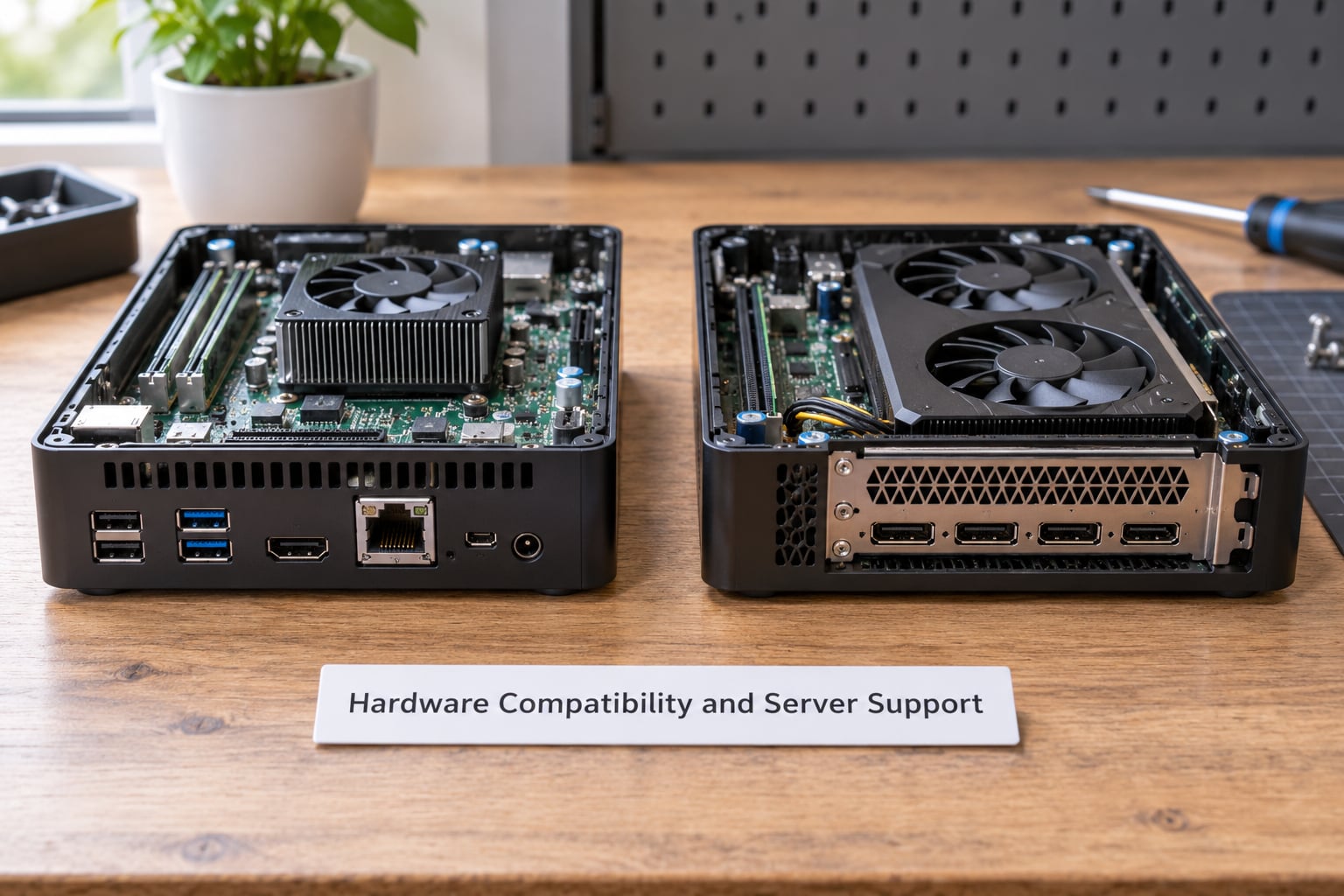
Proxmox boots on hardware that VMware’s hardware compatibility list would never approve, and that single difference decides most home lab builds before any feature is compared.
Realtek NICs and consumer motherboards
VMware removed native support for Realtek network adapters, the chip used in a large share of budget mini PCs and consumer boards. The community driver project that filled the gap has a reputation for NICs disappearing or losing connectivity after a few days.
Proxmox runs on the Linux kernel, where those chips are simply supported. Forum threads about Realtek and ESXi come up constantly for this reason, and it is the most repeated hardware complaint on home lab boards.
Hybrid big.LITTLE CPUs and the purple screen
Current desktop processors mix performance cores with smaller efficiency cores, and ESXi frequently hangs on the purple diagnostic screen on these chips unless you disable the efficiency cores in BIOS or pass a boot parameter that tells it to use them.
Proxmox has no equivalent problem. The kernel knows what to do with a hybrid CPU. If your hardware has efficiency cores, that fact alone can decide the comparison.
What to buy for a first node
Buy a CPU with hardware virtualization and IOMMU support, which every current desktop and server part has. Give the host 16 to 32 GB of RAM if you can, and keep the hypervisor and guest disks on an SSD, ideally different ones.
If you plan to use ZFS, spend a little extra on ECC memory and never enable overcommit on the ARC cache. ZFS works fine without ECC, but it works better with it.
Three identical mini PCs beat one large box for a home lab, because you get a real cluster, redundancy and somewhere to run a second node if one fails. The tradeoff is more power draw and three operating systems to maintain.
Power cuts, UPS and clean shutdown
Both platforms need a UPS, and this is the one place where forum reports and documentation disagree in a way worth knowing. Users on r/sysadmin have reported that Proxmox does not react well to sudden power loss, and the advice in those threads is to provision a UPS with a proper shutdown backend rather than rely on the hypervisor.
The practical answer is the same for both: pair the UPS with its management agent, set an alarm in the web UI to trigger a shutdown before battery runs out, and test it. Neither platform will save an unclean shutdown by magic, and file systems on top of either one will complain.
Virtualization Features and Hypervisor Capabilities
Both run the same guest workloads, and the differences show up in how you move, snapshot and manage those guests rather than in raw speed.
Containers are where Proxmox pulls ahead
Proxmox runs LXC containers, which are lightweight and share the host kernel, plus support for pulling OCI images directly, which arrived in the Proxmox 9 and 9.1 releases. A container that starts in seconds and idles at a few tens of megabytes of RAM changes what you can afford to host.
VMware keeps containers in separately licensed products. If your plan is a dozen lightweight services next to three serious virtual machines, Proxmox is the only one of the two that makes that cheap.
Snapshots and thin provisioning, honestly
Proxmox snapshots are quick and cheap on ZFS and LVM-thin, but they are not the mature deduplicated snapshot chain that vSAN provides. Long snapshot chains on a busy virtual machine will grow, and Proxmox has no background scrub for them the way enterprise storage arrays do.
This is the weakest area of Proxmox in a straight comparison, and it is the one to plan around rather than argue about.
Live migration, HA and load balancing
Both hypervisors move a running virtual machine between nodes with near-zero downtime. VMware calls it vMotion, Proxmox calls it migration, and on a home lab with two nodes the difference is mostly the interface.
The real gap is automatic load balancing. Distributed Resource Scheduler watches resource use and moves virtual machines to rebalance a cluster, and Proxmox has no equivalent. You move things yourself, or you write something that does it.
Memory efficiency: KSM against TPS and ballooning
VMware deduplicates memory through Transparent Page Sharing, compression and ballooning, which are deeply tuned and well documented. Proxmox uses Kernel Same-page Merging, which does the same job in the kernel and works best when guests run similar operating systems.
On a RAM-heavy budget, a Proxmox lab often fits more workloads than a vSphere lab of the same size, and memory prices are the reason plenty of people are consolidating instead of expanding.
GPU and PCIe passthrough
Passing a discrete GPU straight through to a Linux guest works on both platforms once IOMMU is enabled in firmware. Proxmox makes it a checkbox in the VM configuration, which makes media transcoding and gaming VMs an afternoon job rather than a weekend.
Windows guests need a little more care on Proxmox, since the VirtIO drivers are not installed by default and you are essentially installing a different network and disk driver set than the one the guest shipped with.
Storage, Networking, and Backup Options
Proxmox is more flexible here, and for most home labs that flexibility is the deciding factor. VMware is deeper, and that depth is designed for data centers.
Local storage and what each stack prefers
Proxmox gives you ZFS with checksumming, snapshots and replication, Ceph for distributed storage across nodes, and plain LVM-thin or Btrfs when you want something simple. Ceph is unusual for a home lab because you are usually running the storage on the same hardware as the workloads.
VMware’s local answer is VMFS, which is excellent and deliberately simple, and its distributed answer is vSAN, which is a licensed product with real hardware requirements underneath it.
Shared storage for a two-node cluster
You can share storage between two Proxmox nodes over NFS or iSCSI without buying anything, and you can build a Ceph cluster out of the disks you already own. Both work. Neither has the support story of an enterprise array, and that is the trade you are making.
For two nodes at home, NFS over a 10 Gb link is the approach most people land on, with the local disk as the fast tier.
Networking: bridges, SDN, VLANs and firewalling
Proxmox networking is Linux networking. You get bridges, VLAN tags, bonds, software-defined networking and a per-VM firewall with rules configured in the UI. It is powerful and it is also the part ESXi veterans report finding hardest, because the model is genuinely different.
VMware’s distributed virtual switch gives you centralized port configuration and traffic shaping across the cluster, and the documentation and tooling around it are more polished.
Backups that actually restore
Proxmox Backup Server is free, does incremental and deduplicated backups, encrypts at rest, and pulls guest data through the QEMU guest agent for application-consistent snapshots. It is a complete backup product included with the hypervisor, which is unusual at any price point.
VMware relies on third-party tools, chiefly Veeam, which now also supports Proxmox officially, so the last practical objection to moving over has been answered.
Management Interface and Day-to-Day Administration
Both platforms give you a browser interface, and Proxmox is the easier one to learn while vCenter is the better documented one at scale.
Proxmox puts VMs, containers, storage, networking, backups and permissions in a single web UI, which you can drive further from the command line with pvesh and pveam or through the REST API. Updates come from the package manager, so you can hold a version or stage a cluster upgrade node by node.
ESXi is managed through the vSphere Client, and once you have more than a handful of hosts you want vCenter Server, which is a separate licensed product. PowerCLI covers the same ground for scripting, and the documentation set is the best in the business.
Proxmox Datacenter Manager is the recent answer to the no-vCenter complaint, giving centralized management across nodes including coordinated updates, without a separate license. It is young, so treat it as promising rather than settled.
Ecosystem, Documentation, and Troubleshooting
Proxmox’s community is where most of your answers will come from, and VMware’s official documentation remains the most complete of the two.
Proxmox has an active forum, an energetic home lab community and small community projects that add dashboards and menu managers. Troubleshooting is a forum or Discord search away, and the answer usually exists already.
VMware still has the deeper documentation, a real support contract if you buy one, and a much larger body of professional experience, which matters if you want the skills to transfer to a job.
Being fair about the weak spots: Proxmox has no support contract unless you subscribe, its interface is less polished than vCenter, load balancing at scale is immature, and its linked-clone model takes adjustment if you are coming from VMware. None of that stops a home lab from working. Some sysadmins are wary of it for exactly the support and responsibility reasons, not the capability ones.
Alternatives exist and are worth a glance. XCP-ng is a Xen-based hypervisor with a similar free model, Unraid leans toward NAS plus virtualization, and plain KVM with libvirt gives you the most control and the least hand-holding.
Proxmox or ESXi: Which Is Better for Your Home Lab?
Choose Proxmox unless you have a specific VMware reason not to. Here is the short version by situation:
- First home lab, mixed hardware: Proxmox. Mini PCs, Realtek NICs and hybrid CPUs all just work.
- Linux services and containers: Proxmox. LXC and OCI support have no equivalent in ESXi’s free tier.
- Free clustering across three cheap nodes: Proxmox. ESXi would need a subscription per node.
- Learning VMware for your job: ESXi. The skills transfer directly to what your employer runs.
- GPU passthrough experiments: Proxmox, with the caveat of installing VirtIO drivers in Windows guests.
- Small business with a support requirement: Proxmox with a subscription, or ESXi if your clients already standardize on vSphere.
- Enterprise-grade storage with deduplication: ESXi with vSAN, and accept the licensing and hardware.
- You want zero software cost, full stop: Proxmox on the community repository.
There is also a third option most comparison pages ignore: run both. Keep your main services on Proxmox, put ESXi on a spare box or a second boot disk, and mirror the kind of vSphere layout your workplace uses. That costs nothing, and it is the only way to know which one you actually prefer.
Frequently Asked Questions
Is Proxmox better than ESXi for a home lab?
Most home-lab users will find Proxmox more flexible because it is free, supports both KVM virtual machines and LXC containers, and works with a wider range of consumer and mixed server hardware. ESXi still makes sense when your goal is to mirror a corporate VMware vSphere environment for work, or when you need vSAN-scale storage features.
Is ESXi free for personal home use?
No. The free standalone ESXi license was retired after Broadcom acquired VMware, and the product moved to per-core subscriptions with a 16-core-per-socket minimum. Licensing terms change often, so check VMware’s current product page before you build a lab around either platform.
Can Proxmox run Windows and Linux virtual machines?
Yes. Proxmox VE runs Windows and Linux guests through KVM virtualization, and it can also create lightweight LXC containers. Windows guests need their own licensing and activation, and you will usually install the VirtIO drivers plus the QEMU guest agent so shutdown and IP reporting behave correctly.
Does ESXi perform better than Proxmox?
Performance depends more on the processor, storage layout, memory configuration and network design than on the hypervisor name. Proxmox performs well with hardware-assisted virtualization enabled, though its memory deduplication works best when guests run similar operating systems.
Conclusion
Pick Proxmox unless your reason for choosing VMware is a job, a client, or a need for enterprise storage features. Licensing, hardware freedom, containers, clustering and backups all favor it for a home lab in 2026, and ESXi’s remaining advantages are mostly advantages for organizations rather than for people.
Your first step is boring and effective: write down the services you plan to run, check whether their hardware and CPU generation cause trouble on either hypervisor, and install Proxmox on a spare disk. You can keep an ESXi install on another drive and compare them side by side before you commit.