A keylogger records every keystroke you type by sitting between your keyboard and the operating system, then writes those keystrokes to a log file or sends them to someone else. Detection is mostly a matter of checking what starts automatically, which processes are watching input, and which browser extensions have permission to read page content. Most real infections arrive with a cracked program, a phishing attachment, or a USB device somebody plugged into the machine.
Table of Contents
- What Is a Keylogger and How Does It Capture Keystrokes?
- What Kinds of Keyloggers Are Common?
- What Can a Keylogger See?
- How a Keylogger Works and How to Detect One
- Where the capture hook goes
- The five-part defensive workflow
- How to Check Windows for Signs of Keylogging
- How to Check Linux for Signs of Keylogging
- How to Tell Keylogging From Ordinary PC Problems
- How to Remove and Recover From a Suspected Keylogger
- How to Prevent Future Keylogging
- Frequently Asked Questions
- How do I detect a keylogger on Windows?
- Is it legal to use a keylogger?
- What is the difference between a keylogger and other spyware?
- Will antivirus software catch a keylogger?
- Can a keylogger survive a factory reset or a Windows reinstall?
- How do I know if my keystrokes are being recorded?
- Conclusion
What Is a Keylogger and How Does It Capture Keystrokes?
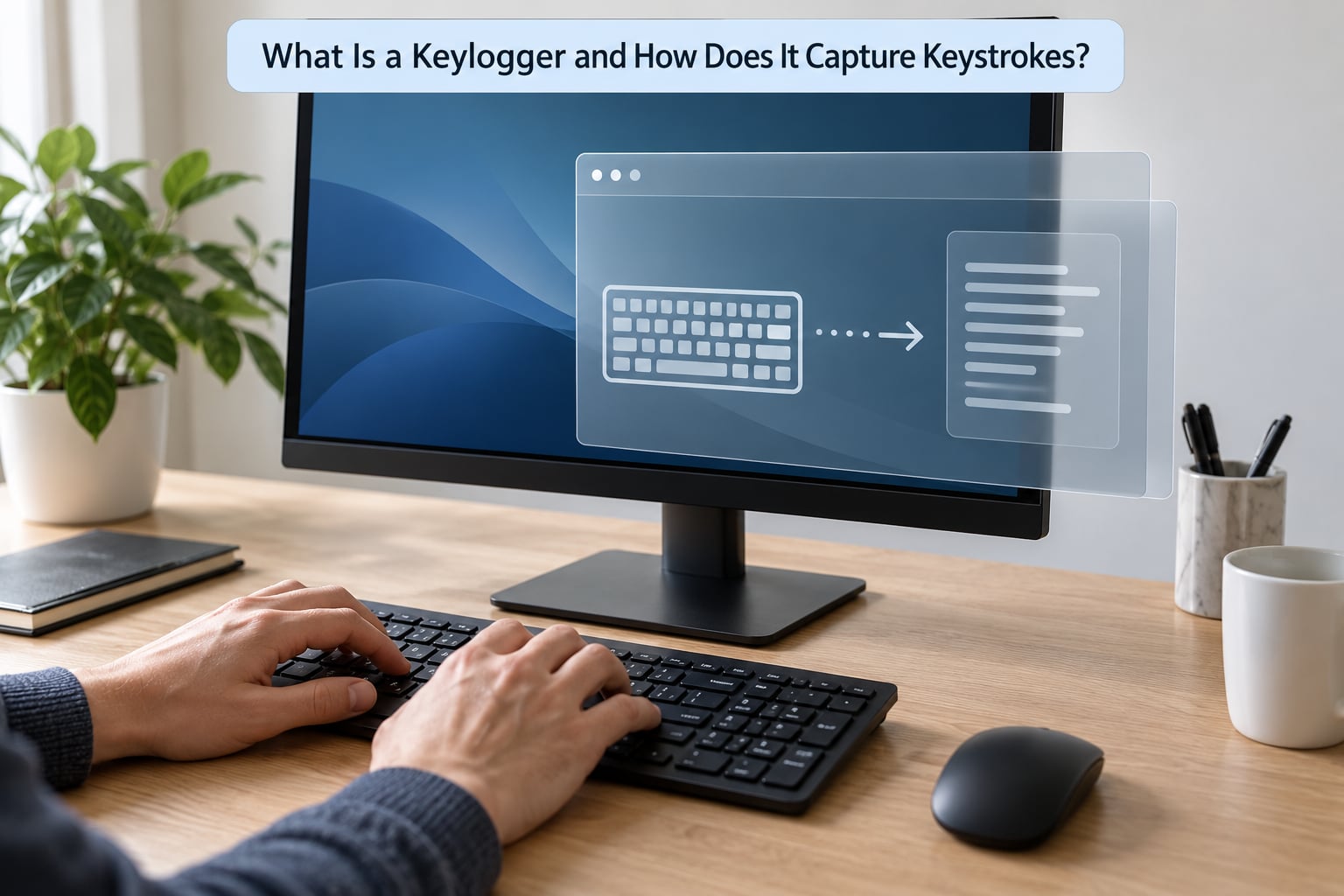
A keylogger is software or hardware that captures keystrokes and stores them in order. On the software side, the program sits between the keyboard driver and the applications you use, so it sees characters at the moment you type them, before anything is encrypted.
That timing is the whole reason keystroke logging works so well. Your HTTPS connection encrypts data in transit, but the keylogger reads the characters at the point of entry, so it gets the plaintext regardless.
Hardware keyloggers do the same job physically. They sit inline between the keyboard cable and the port, or they wrap around the keyboard’s cable to steal the electrical signals directly. Nothing is installed on the machine at all, which is why a software scan will never see them.
Worth knowing: keyloggers usually ship as part of a larger remote access trojan, so they also bring screen capture, clipboard monitoring, file transfer and a command channel with them. The logging is rarely the whole payload.
What Kinds of Keyloggers Are Common?
Five categories cover almost everything you will run into, and they differ mainly in where they run and how hard they are to see.
| Type | Where it runs | What it can reach | Detection difficulty |
|---|---|---|---|
| User-space software | As a normal process | Keystrokes, window titles, clipboard | Low, if you know what to look for |
| Kernel-mode driver | As a device driver | Nearly all input and disk traffic | High, hides from normal tools |
| Browser-based | As an extension or injected script | Form fields, passwords typed in the page | Medium, visible in the extension list |
| Remote | On the device, reporting out | Whatever the local component captures | Medium, shows up in network logs |
| Hardware | Inline with the keyboard | Every keystroke, no software needed | High, only a physical check finds it |
There is also a special browser case that confuses people. A man-in-the-browser component reads form data straight from a page after you submit it, so it never sees your keystrokes at all, and it works even when the rest of your system is clean.
Attackers lean on the user-space version most often because it needs no special privilege to install and survives on any Windows or Linux box. Kernel components are rarer and more valuable because they defeat most security tools.
What Can a Keylogger See?
Everything you type, including the things you typed somewhere else. Passwords, one-time codes, search terms, private messages and the URLs you visit all land in the log in order, with the window title attached so the log can be reconstructed.
Log files are usually searchable by keyboard layout and timestamp, which lets the operator pull out password-shaped strings rather than reading everything. Newer samples also grab the clipboard and take screenshots, so anything you copy or display can be captured too.
Two things people expect to protect them do not. Full-screen apps and encrypted traffic do not stop a keylogger, because the capture happens before either applies. A hardware keyboard inside a locked cabinet is closer to a real boundary.
How a Keylogger Works and How to Detect One
The honest answer: you rarely detect a keylogger by watching for its output, because there is no output to see. You detect it by looking at what should not be running, what should not be starting at boot, and what should not be hooking input.
Where the capture hook goes
Most Windows keyloggers call something like SetWindowsHookEx to install a system-wide hook on the keyboard, then poll with GetAsyncKeyState or sit on a window message. That means the log lives inside a normal process, which means a process list and an autorun check will eventually find it.
Kernel-mode drivers replace that with filter drivers and keyboard callbacks, so the recording happens below the level where most tools look. Behaviour-based detection is the only practical signal there, which is why endpoint products watch for unexpected driver loads rather than file hashes alone.
The five-part defensive workflow
Work through these in order and stop when something does not match what you expect. The order matters, because the cheapest checks come first.
- Confirm the symptom rather than the theory. Unexpected password prompts, a logged-out session you did not end, or account logins from cities you have never visited are stronger evidence than a slow keyboard.
- List running processes, their file paths and their parent processes. Anything with no company name, a path in AppData or Temp, or a name spelled to resemble a system file gets a closer look.
- Inventory persistence: startup entries, scheduled tasks, services, Run keys and browser extensions. A keylogger that does not restart with the machine is useless to its operator.
- Review outbound connections. A logging component with no way to report home is a script or an unfinished tool, not an operation.
- Verify system integrity. Compare file hashes against known-good sources, check signed drivers and system files, and if the answer matters to you, boot into known-good rescue media and inspect from outside.
If a kernel-level component is suspected, step five is the only one that settles it. Offline media has no malware running, so what it finds is closer to truth than anything the running system reports.
How to Check Windows for Signs of Keylogging
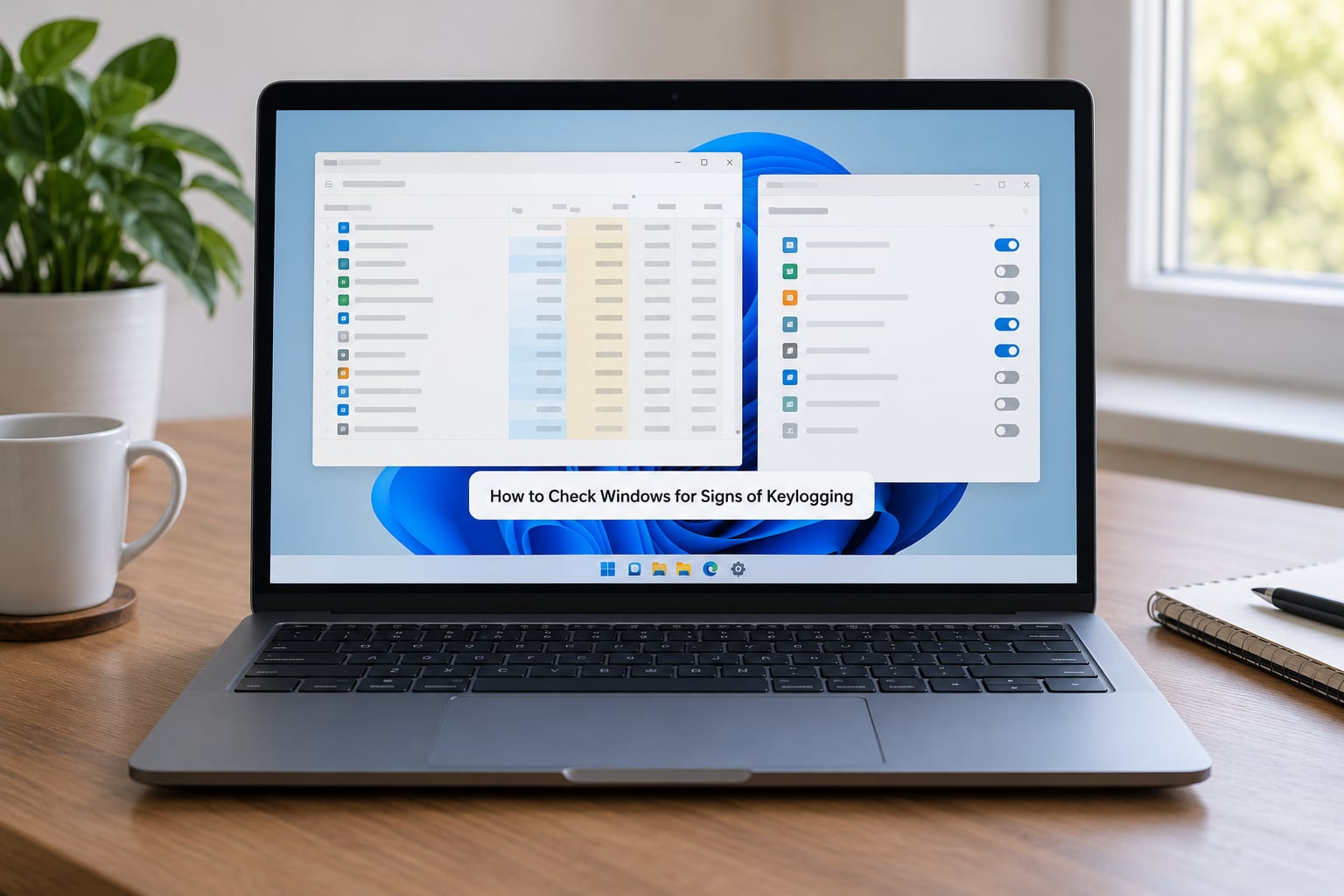
These steps apply to Windows 10 and Windows 11. Menu names moved around between versions, so I have used the current paths.
- Open Task Manager with Ctrl+Shift+Esc. Switch Details and expand each row to see the full image path. Anything unsigned, or living under AppData, UsersPublic or WindowsTemp, deserves a second opinion.
- Run Process Explorer from the Microsoft Sysinternals suite. It shows the parent process and the file handles, which makes disguised names obvious and reveals who launched what.
- Run Autoruns as administrator and go to the Everything tab. Uncheck Hide Microsoft Entries, then look at anything in Run, RunOnce, Services or Scheduled Tasks whose publisher is blank or its file does not live in Program Files.
- Check scheduled tasks with Get-ScheduledTask in PowerShell, listing anything whose action points outside a known application folder.
- Review startup entries with Get-CimInstance Win32_StartupCommand, and services with Get-CimInstance Win32_Service, filtering on StartMode set to Auto.
- Review browser extensions on every profile. Remove anything you did not install deliberately, especially anything with clipboard, proxy or all-URLs permission.
- Run a full Microsoft Defender scan with Start-MpScan -ScanType FullScan, then a second opinion from a tool you did not install on the affected day if you want independent coverage.
- Look at outbound connections with Get-NetTCPConnection -State Established and map each remote address to a process.
Unplug the keyboard and inspect it if this machine was in a shared space. A thick inline adapter or an oddly placed box near the USB port is the finding, not a setting.
How to Check Linux for Signs of Keylogging
Linux desktops are examined the same way, through the init system rather than the registry. The commands below assume systemd.
- List running services and timers with systemctl list-units –type=service –state=running and systemctl list-timers –all. Read the unit files for anything you did not install: systemctl cat unit-name.
- Check startup files for your user and system: cat ~/.profile ~/.bashrc, plus /etc/profile.d/ and /etc/rc.local on older systems.
- Inspect cron with crontab -l, ls /etc/cron.d and ls /etc/cron.daily, since a cron job is the quietest place to run anything.
- Review processes with ps auxf, and verify packages with dpkg –verify or rpm -Va on a system you care about.
- Check network state with ss -tulpn to attribute every listening socket and outbound connection to a process.
- Look at loaded modules with lsmod, and remember that X11 input also runs through accessibility software and clipboard managers that can read keystrokes legitimately.
- Turn on auditd where you can, so input-affecting calls and unexpected executions leave records for later.
Interpret what you find before you delete it. Accessibility tools, password managers, remote support sessions and input methods all hook the keyboard on purpose.
How to Tell Keylogging From Ordinary PC Problems
Most people who think they have a keylogger have one of these instead, and the symptoms look similar.
- Hardware keyboard failure. Keys repeat, miss or lag. It dies on another machine or in a text field on another computer.
- Account compromise without a keylogger. A password manager sync left a session on another device, or a session cookie expired oddly.
- Employer or school monitoring. Management agents, mobile device management profiles and monitoring software record input on purpose, with a policy behind it.
- Clipboard or overlay apps. Screenshot tools, translation utilities and remote support packages capture input as a feature.
- Browser problems. Extensions with page access read form fields, which looks like keylogging but happens after typing.
- Physical tampering. An inline adapter looks like a strange keyboard problem until you unplug it and try again.
The cheapest way to separate these is to change one thing at a time on a trusted machine and watch which symptoms follow.
How to Remove and Recover From a Suspected Keylogger
Assume anything typed on that machine is exposed. Removing the program is the easy part; the recovery is what stops the follow-on fraud.
- Disconnect the machine from the network if you need the operator to stop receiving data, and stop entering passwords on it.
- Change important credentials from a different device you trust. Do this first, since the old passwords are already in somebody’s log.
- Revoke active sessions and re-issue app-specific passwords or tokens, and check for recovery email or phone number changes on your accounts.
- Identify the entry point. That attachment, that cracked game, that USB stick, that extension. Finding it stops the reinstall.
- Remove verified persistence: the scheduled task, service, Run key or extension you actually confirmed. Work from a clean boot or rescue environment so the removal sticks.
- Update the operating system and everything else, then run a current full scan with updated definitions.
- Rebuild when integrity cannot be established. A clean install from known-good media on new or verified hardware is the only step that reliably removes a kernel-level component.
- If the machine was shared, work, or held company data, tell whoever needs to know, and expect the credential rotation to matter more than the cleanup.
Preserve logs and screenshots first if there is any chance of legal, insurance or reporting consequences. Evidence destroyed during cleanup cannot be recovered.
How to Prevent Future Keylogging
- Patch the operating system and applications on a schedule you actually keep.
- Run as a standard user, since a keylogger that only reads your own session has less to work with.
- Treat cracked software, key generators and unofficial installers as the highest risk thing you will ever download.
- Keep endpoint protection or EDR on, and let behavioural rules do the work that file signatures cannot.
- Review extensions quarterly and remove anything you cannot name a purpose for.
- Switch important logins to passkeys or FIDO2 hardware keys. The authentication happens on the key itself, so a keylogger never receives the secret.
- Keep a password manager so credentials are typed into one place instead of scattered across sites.
- Check keyboards and USB ports physically on shared or public machines.
- Back up important data, so a rebuild is an inconvenience rather than a crisis.
- Handle banking, admin work and other sensitive tasks on a separate, minimal machine when the stakes justify it.
Frequently Asked Questions
How do I detect a keylogger on Windows?
Start with Task Manager in Details view and expand rows to see full image paths, then run Process Explorer and Autoruns from the Sysinternals suite as administrator to check processes, startup entries, services and scheduled tasks. Remove any unknown browser extensions, then run a full Microsoft Defender scan and review outbound connections with Get-NetTCPConnection. If anything suspicious turns up, work from rescue media before deleting it.
Is it legal to use a keylogger?
It depends on whose device it is and whether the people being recorded know. Recording your own computer for personal or defensive use is generally fine. Recording an employee or anyone else usually needs consent, a lawful workplace policy and compliance with local law, which in many places requires notice before monitoring begins. Recording someone else’s device without consent or authority is usually a criminal offence.
What is the difference between a keylogger and other spyware?
A keylogger is one narrow function inside a much larger category. Spyware can capture keystrokes, but also screens, files, browsing history, webcam and microphone, and can install more payloads. A keylogger is the piece most aimed at credentials, which is why password managers and FIDO2 keys blunt it so effectively. Remote access trojans often bundle both.
Will antivirus software catch a keylogger?
Usually, but not reliably on its own. Current tools catch most known samples through signatures and catch more through behavioural rules. The exceptions that concern people are kernel-mode components that hide from user-space tools, freshly built samples with no known signature, and hardware devices that install nothing at all. That is why persistence checks and physical inspection still belong in your routine.
Can a keylogger survive a factory reset or a Windows reinstall?
Rarely, and only in specific circumstances. A reset removes user-space software and most persisted entries, but it will not remove a kernel-mode driver that was written into a recovery partition or bootloader area, and it will not touch a hardware device sitting in the keyboard chain. If the machine is suspected of carrying a kernel component, a clean install on verified hardware is the reliable answer.
How do I know if my keystrokes are being recorded?
You rarely notice directly, because a keylogger has no visible side effect. Look for indirect signs: unfamiliar processes in task details, login attempts from locations you have not used, security prompts you did not trigger, and settings like recovery email changed without your action. Test typing a word into an offline password field and see whether it appears elsewhere, but treat that as a hint rather than proof.
Conclusion
The first action is simple: verify on a system you trust. Check what starts automatically, which processes are watching input, what your browser extensions can read, and where outbound connections are going. Then rotate credentials from a different device before you touch the suspect machine, because whatever you typed there may already have left the building.
If persistence is hidden deep enough that you cannot explain what is running, stop guessing. Boot from known-good media, and if that still does not settle it, rebuild on verified hardware or bring in someone who does incident response for a living.