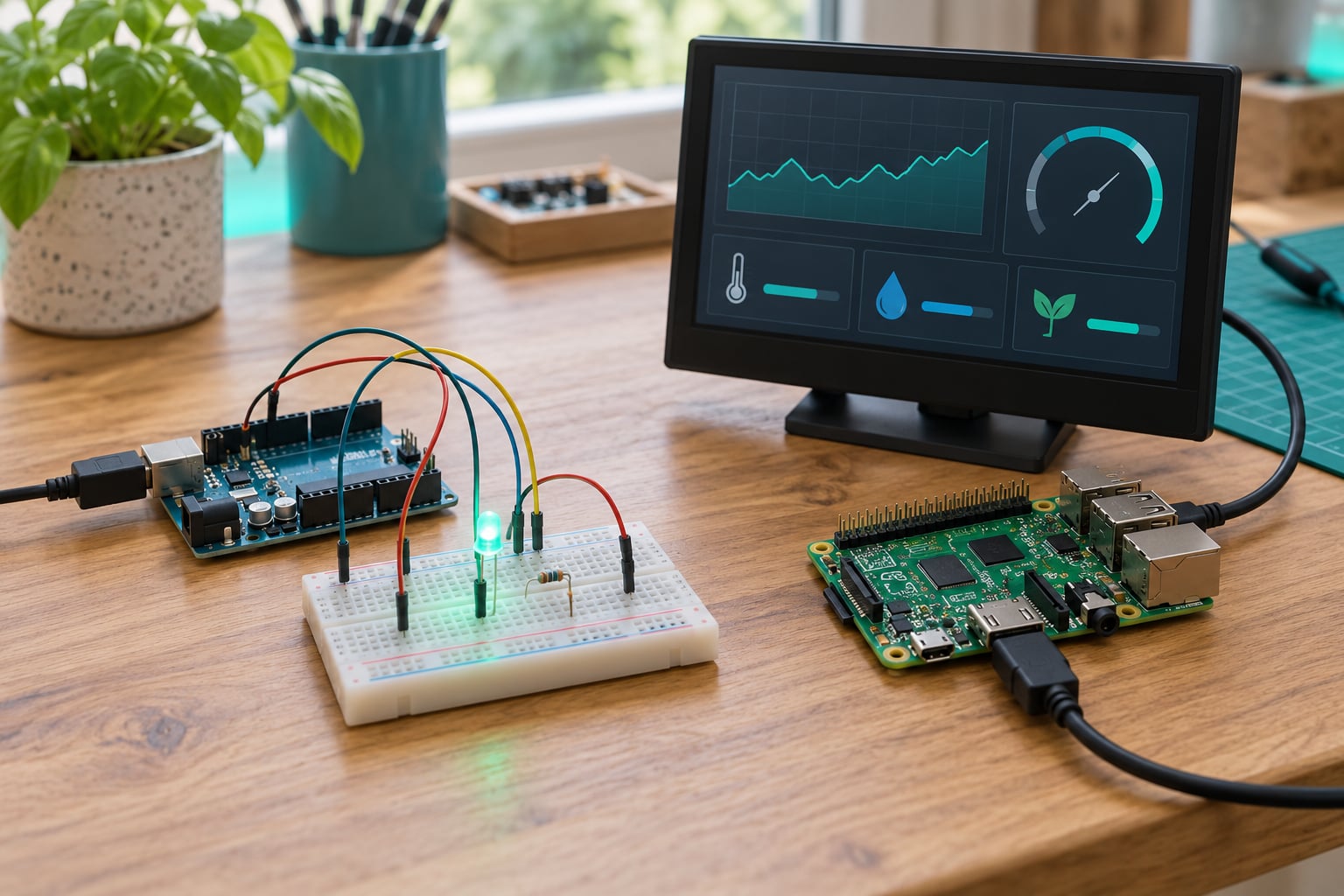
Arduino vs Raspberry Pi for beginners comes down to one question: do you want to learn electronics, or do you want to learn computing? An Arduino is a microcontroller board that runs a single program with no operating system, so it drives motors, LEDs and sensors with tight, predictable timing. A Raspberry Pi is a full single-board computer that boots Linux, so it runs Python, web servers, cameras and dashboards. Match the board to your first project, not to the one with the longer spec sheet.
Getting this wrong is the expensive kind of beginner mistake. A Raspberry Pi fights you on precise sensor timing and has no analog inputs at all, while an Arduino physically cannot host a web page or decode a video stream. Both are cheap, both have huge communities, and both will teach you something real.
The forum consensus splits neatly: r/arduino threads push Arduino for understanding electronics fundamentals, and r/raspberry_pi threads push the Pi for transferable Linux and Python skills. The allaboutcircuits version is blunter and more accurate — Arduino is easier to interface to 5V logic, the Pi’s I/O is 3.3V. That single voltage difference shapes half of what follows.
Table of Contents
- Arduino vs Raspberry Pi for Beginners at a Glance
- What Is an Arduino, and What Is a Raspberry Pi?
- Which Platform Is Easier for Beginners?
- Programming and Software Differences
- Hardware, Connectivity, and Expandability
- Arduino vs Raspberry Pi for beginners on common build types
- Power, Cost, and Project Limitations
- Common beginner mistakes to avoid
- Arduino vs Raspberry Pi for Common Beginner Projects
- Which Should You Choose?
- Frequently Asked Questions
- Is Arduino better than Raspberry Pi for beginners?
- Can a Raspberry Pi replace an Arduino?
- Which is easier for learning Python?
- Do Arduino and Raspberry Pi use the same GPIO pins?
- Can I use a Raspberry Pi for real-time robotics?
- What beginner kit should I buy first?
- Conclusion
Arduino vs Raspberry Pi for Beginners at a Glance
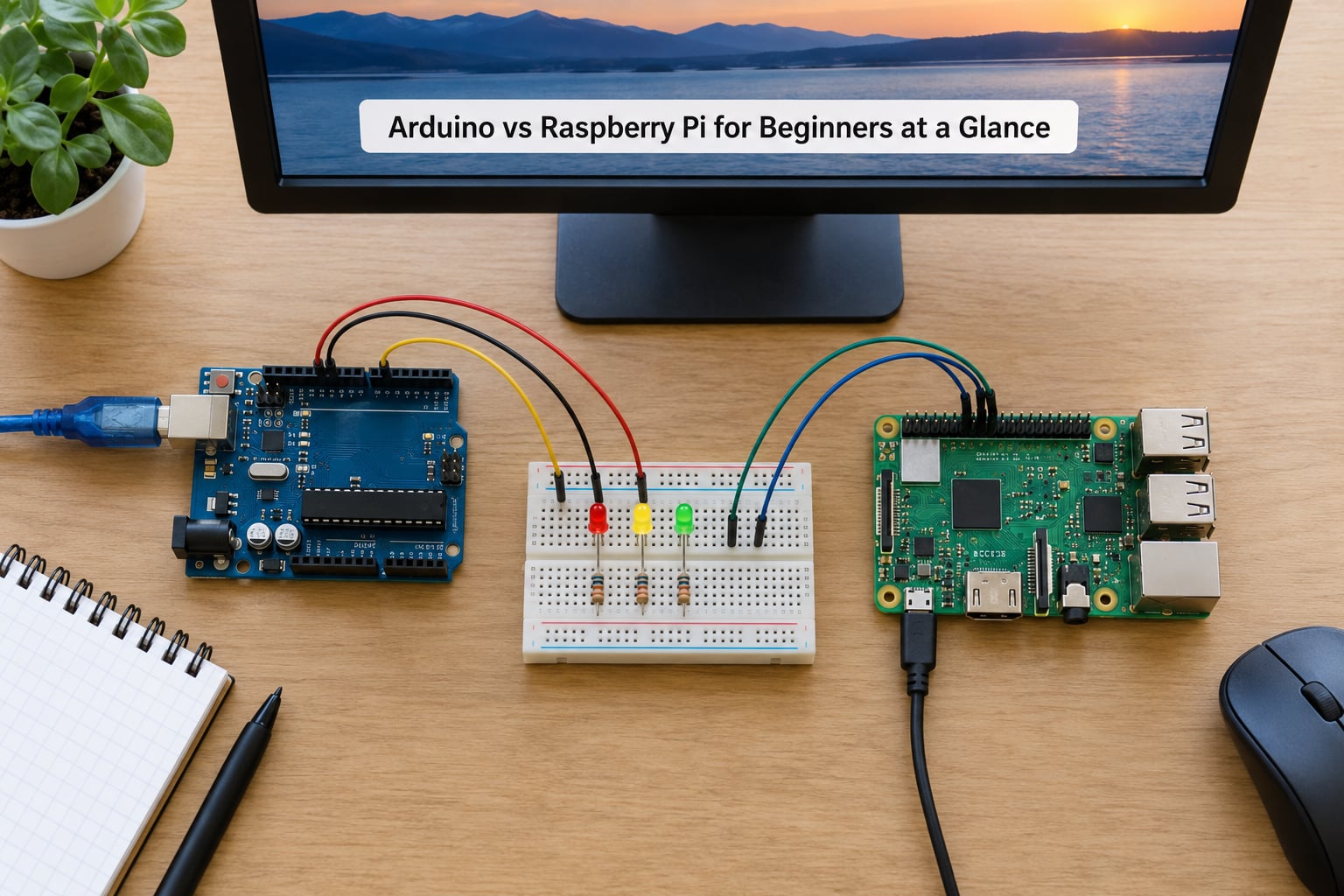
| Criterion | Arduino (UNO R4 / Nano) | Raspberry Pi (5, with Pi 4 as budget option) |
|---|---|---|
| What it is | Microcontroller board | Single-board computer |
| Operating system | None, runs your sketch directly | Raspberry Pi OS, a full Linux desktop |
| Language | C++ with the Arduino framework | Python, C, or anything Linux runs |
| Processor speed | 48 MHz on UNO R4, 16 MHz on Nano | 2.4 GHz quad-core Cortex-A76 on Pi 5 |
| Memory | 32 KB SRAM on UNO R4, 2 KB on Nano | Up to 8 GB LPDDR4X |
| Storage | 256 KB flash on UNO R4, 32 KB on Nano | microSD card |
| GPIO | 14 digital plus 6 analog pins | 40-pin header, digital only, no analog inputs |
| Logic voltage | 5V | 3.3V only |
| Wireless | None built in on UNO or Nano | Wi-Fi, Bluetooth, Gigabit Ethernet |
| Video output | None | Dual micro-HDMI, up to 4K |
| Power | USB from a laptop, or a small battery | 5V USB-C, 5A recommended on Pi 5 |
| Expansion | Shields stack onto the headers | HATs, USB devices, anything Linux supports |
| Best first project | Blink an LED | Sensor dashboard on a screen |
| Best for | Electronics, timing, motor control | Linux, Python, networking, media |
Two rows carry most of the weight. The logic voltage row explains why a 5V sensor module can damage a Pi pin. The GPIO row explains why a temperature sensor with an analog output works on an Arduino and needs an extra converter chip on a Pi.
What Is an Arduino, and What Is a Raspberry Pi?
An Arduino is an open-source microcontroller board: one chip that holds your whole program in flash, reads its inputs, runs the code once, then repeats it forever. There is no operating system sitting between your code and the hardware, which is exactly why timing stays predictable.
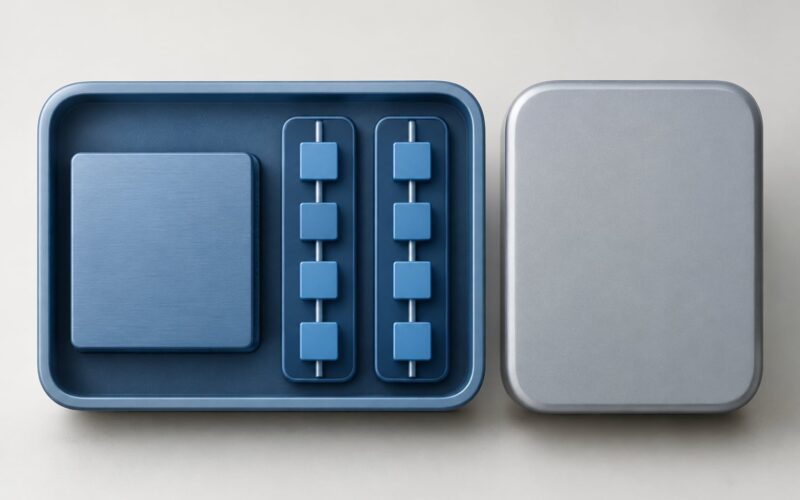
A microcontroller is a small computer on a single chip that runs one program with no operating system. A single-board computer, or SBC, is a complete computer built on one board that boots a full operating system. That is the whole difference, and every other difference in this article falls out of it.
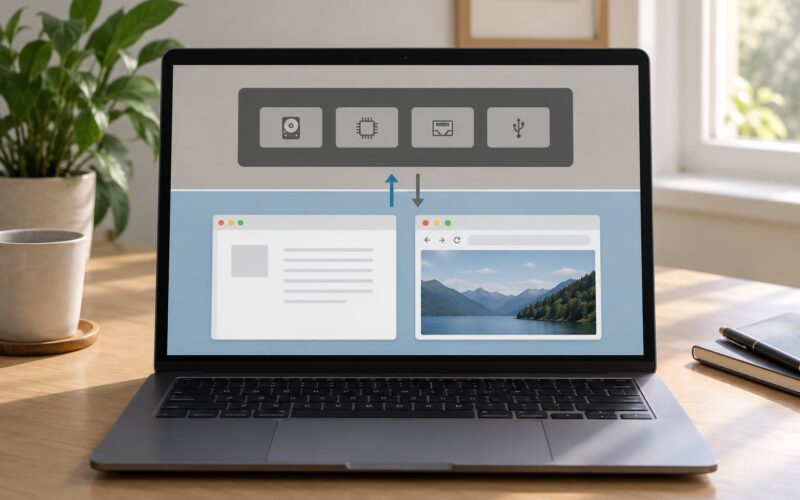
A Raspberry Pi is an SBC. It has a processor in the same class as a small laptop, runs Linux with a desktop you can sit in front of, and has USB, Ethernet, HDMI and Wi-Fi built in. It boots an operating system from a microSD card, which is why setup takes longer and why powering it off badly can damage the card.
One catch trips up nearly everyone early on: Raspberry Pi is a brand, not a single board. The Raspberry Pi Pico is a microcontroller board built around the RP2040 chip, which makes it an Arduino competitor wearing a different name. When someone says the Pi is good for blink-an-LED work, they may well be holding a Pico.
Which Platform Is Easier for Beginners?
Arduino wins the first hour. Plug in a USB cable, open the IDE, pick a board, hit upload, and the LED blinks. Nothing to install but the editor itself, and when something misbehaves the Serial Monitor prints exactly what your code says.
The Raspberry Pi asks for more before the first blink. You write an operating system image to a microSD card, boot it, connect a monitor or set up SSH, then find your way around a desktop. Forum beginners describe this overwhelm repeatedly, and it is the single most common reason a first Pi gets abandoned in a drawer.
Hardware protection tips the scale too. An Arduino tolerates a slightly clumsy wiring mistake and often recovers. A Pi exposes 3.3V pins that a careless 5V signal can damage, and no amount of software kindness will bring a burnt GPIO bank back.
Troubleshooting splits the same way. Arduino problems are usually one of three things: wrong board selected, wrong port, or a wiring error you can see. Pi problems add layers — a failed SD write, an underpowered supply, a background service grabbing the I/O, a package that needs a rebuild. Both are learnable, but the Pi has more places for a beginner to look.
The Raspberry Pi still has real advantages for a total beginner. If you already use a computer daily, Linux and Python are the transferable skills. You are not fighting an unfamiliar mental model while also fighting an unfamiliar electronics one.
Programming and Software Differences
Arduino code is C++ wearing a friendly hat. A sketch has a setup function that runs once and a loop function that runs forever, and the Arduino IDE compiles it, flashes it over USB, and prints serial output in a pane beside your code. The abstraction layer hides almost all of the hardware.
The Pi runs Python by default. You type a few lines into an editor, run them, see the output immediately, and change them again in seconds. No compile step, no flashing, no upload cycle. GPIO access comes from libraries like gpiozero and lgpio, and a temperature readout takes about four lines.
Library ecosystems grow in different directions. Arduino libraries are wrapped C++ for a specific chip, tight and predictable. Pi libraries assume a full operating system, so you will find database drivers, web frameworks, machine-learning tools and HTTP clients that have no Arduino equivalent at all.
Package management is a genuine divide. On the Pi you install thousands of Python packages with pip or apt and update the system in one command. On an Arduino you copy libraries into a folder and hope the version matches your board.
Two Pi workflows change how you work. Headless operation means no monitor at all — you talk to the Pi over SSH from another computer. Developing from another computer means writing code on a laptop and pushing it to the board, which keeps the Pi free to sit in a project enclosure.
MicroPython sits in the middle: a Python-like language running on a microcontroller. It gives you Python syntax on hardware with real-time behaviour, and it is a reasonable second step once Arduino basics feel comfortable.
Hardware, Connectivity, and Expandability
Processors differ by three orders of magnitude. The UNO R4 runs an ARM Cortex-M4 at 48 MHz with 32 KB of SRAM; the Nano still uses the 8-bit ATmega328P at 16 MHz with 2 KB. A Pi 5 runs a quad-core Cortex-A76 at 2.4 GHz with gigabytes of memory behind it. Neither number predicts which board is better; they predict what each board can be asked to do.
Analog inputs are where beginners get caught out. Arduinos have analog-to-digital converters on six pins, so a potentiometer or analog temperature sensor plugs straight in. A Pi has no analog inputs whatsoever — you add an external converter such as the MCP3008 over the SPI interface. Dozens of starter projects assume the ADC exists, and it does not on a Pi.
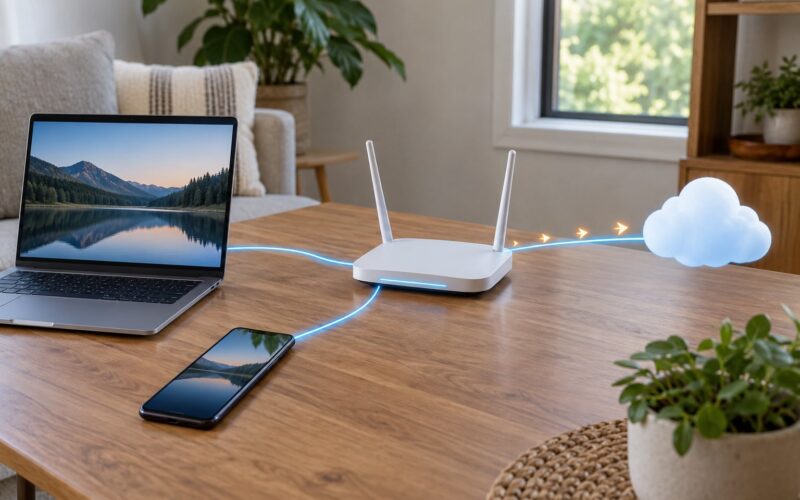
Connectivity is almost entirely a Pi advantage. Wi-Fi, Bluetooth and Gigabit Ethernet are on the board. Arduinos need an ESP or Wi-Fi shield, plus library work, to reach a network. For anything sending data to a phone, a cloud dashboard or a home automation hub, that difference decides the project.
Video and displays favour the Pi too. Two micro-HDMI outputs drive a monitor at up to 4K, and a camera module connects to the board directly. An Arduino can drive small displays and talk to cameras, but it needs add-on boards and modest expectations.
Expansion works the same way on both, just with different parts: Arduino shields stack onto the headers, and Raspberry Pi HATs do the equivalent job. Sensors, relays and motor drivers largely speak the same language either way, which is why many kits ship parts for both platforms.
Arduino vs Raspberry Pi for beginners on common build types
Start by asking what the build does with the readings. If it reads a sensor, decides something, and drives an output within milliseconds, that is Arduino work. If it stores data, serves a page, decodes video or talks to a network, that is Pi work.
Timing is the line that keeps holding. A microcontroller loop has almost no jitter, so motor control, LED fades via PWM and stepper steps come out clean. A Pi running Linux can do all of this, but a background task can pause your loop at the wrong moment. The Pi 5’s dedicated I/O chip improved timers and PWM compared with earlier models, and it still is not the same guarantee.
Power, Cost, and Project Limitations
Board prices are close enough that they are not the deciding factor. Accessories are where the totals separate, so it is worth pricing the whole setup rather than the board alone.
An Arduino needs a USB cable and, for anything past a blinking LED, jumper wires, a breadboard and a few sensors. A Raspberry Pi adds a microSD card, a proper USB-C power supply rated for the board, and a case. A monitor and keyboard are optional if you work headlessly over SSH, which most experienced builders do.
Power is the practical limit. An UNO happily runs from the 5V available on a laptop USB port. A Pi 5 wants 5V at up to 5A from a proper supply, and USB peripherals such as hard drives or high-power Wi-Fi adapters can pull it past what a thin cable delivers. Underpowered setups show up as random reboots, brownouts and a board that refuses to boot with peripherals attached.
Common beginner mistakes to avoid
- Ignoring the 3.3V vs 5V difference. A 5V sensor output into a Pi GPIO pin can damage the pin. Check the module’s logic level or add a level shifter.
- Confusing GPIO numbers. A Pi header is numbered by physical position while libraries refer to BCM numbers, so pin 11 is the eleventh pin and GPIO 17 at the same time. Wiring the wrong one gives you silence.
- Forgetting a common ground. Two boards talking to each other need their grounds joined, or the signals have no shared reference.
- Pulling power on a Pi. Cutting power instead of shutting down corrupts the SD card and can leave a filesystem that will not boot.
- Powering motors from a board rail. Motors and relays get their own supply, with the ground tied back to the board. Drawing them from a GPIO-adjacent 5V pin causes resets and damaged regulators.
- Skipping resistors on LEDs. A current-limiting resistor in series is the difference between an LED that lasts and one that does not.
Projects that simply do not fit either platform are worth naming too. Heavy image processing, anything running a modern desktop browser, and multi-user servers are Pi jobs. Sub-millisecond motor control and battery operation measured in weeks are Arduino jobs.
Arduino vs Raspberry Pi for Common Beginner Projects
| Project | Better fit | Why |
|---|---|---|
| Blink an LED | Either | The classic first step; Arduino gets there fastest |
| Temperature and humidity readings | Arduino | Analog sensors and simple serial output |
| Sensor dashboard on a screen | Raspberry Pi | Web server, database, browser display |
| Line-following robot | Arduino | Tight control loops over several sensors |
| Camera and face detection | Raspberry Pi | Processing power and video handling |
| Smart-home relays | Pi with a Pi Zero | Networking and home hub integration |
| Weather station logging to the web | Pi, or both together | Sensors on the Arduino, uploads from the Pi |
| Web server or API | Raspberry Pi | Networking stack and memory |
| Media centre | Raspberry Pi | HDMI output and full Linux |
| Battery or solar sensor node | Arduino or Pico | Low idle power, no SD card to corrupt |
| IoT telemetry to a cloud | Pico W or ESP32 | Built-in Wi-Fi at microcontroller power |
| School or capstone project | Depends on the judging | Judges reward a visible screen and a web page |
The pattern is consistent enough to memorise: measurement plus motion stays on the Arduino, and anything involving screens, storage or the network moves to the Pi.
Which Should You Choose?
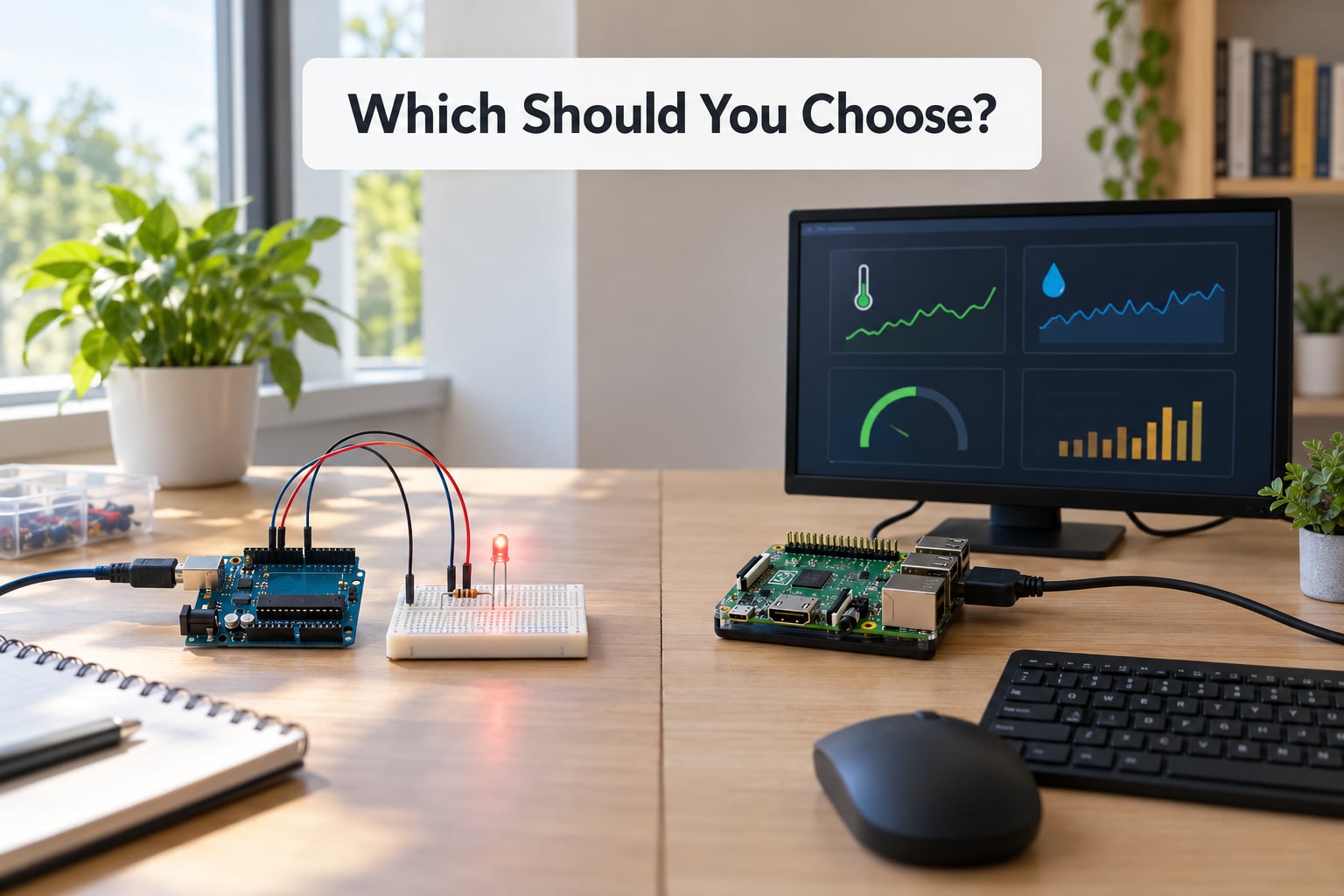
Choose the Arduino if you want to learn electronics. Resistors, datasheets, timing, motor drivers and debugging with a serial monitor all show up naturally on a board that does nothing but run your code. It is also the cheaper and lighter way into hardware.
Choose the Raspberry Pi if you want to learn computing. Python, Linux, SSH, file permissions, networking and a real user interface are the payoff, and the board handles cameras, web servers and dashboards that an Arduino cannot touch.
Choose the Raspberry Pi if your first project is a school or capstone build that will be judged on a demo. A screen showing live data wins over an LED, and Python gets you to a working demo faster.
Choose the Arduino if you care about a career in embedded systems — with one honest caveat. Engineers on r/embedded often argue Arduino is a comfortable crutch that teaches bad timing habits, and that professionals move to STM32, ESP32 or RP2040 quickly. Learn the fundamentals on the Arduino, then move.
Two honest third options are worth knowing before you buy. The Raspberry Pi Pico is a microcontroller board, so it competes with Arduino while keeping the familiar IDE, and the Pico W adds Wi-Fi. The ESP32 is the modern middle ground with built-in Wi-Fi and Bluetooth at microcontroller power, which is why forum threads keep recommending it for connected projects.
Using both together is a real pattern rather than a gimmick: the Pi handles networking, storage and heavy processing while the Arduino owns real-time motor control, connected over serial, I2C or UART. Experienced builders praise those projects and warn beginners not to start there.
Frequently Asked Questions
Is Arduino better than Raspberry Pi for beginners?
Neither is better in general, because they suit different goals. Arduino is the better pick for beginners who want to learn electronics: wiring, resistors, timing and motor control, with a two-click setup and instant serial feedback. Raspberry Pi is the better pick for beginners who want to learn Python, Linux and networking. Match the board to the project you want to finish first.
Can a Raspberry Pi replace an Arduino?
For blinking an LED or reading a button, yes, and the Python takes fewer lines than the sketch did. For anything needing reliable millisecond timing it is a poor substitute, because Linux can hiccup during a background task and there are no analog inputs. Five-volt sensors also need a level shifter before they touch a GPIO pin.
Which is easier for learning Python?
The Raspberry Pi, by a wide margin. Python runs natively on Raspberry Pi OS with thousands of packages installable in a single command, no compile step and no upload cycle. On an Arduino you would need MicroPython or CircuitPython to write Python at all, which adds a layer between you and the hardware.
Do Arduino and Raspberry Pi use the same GPIO pins?
No, and the differences bite. Arduino boards expose 14 digital and 6 analog pins running at 5V, with analog-to-digital conversion built in. A Pi offers a 40-pin header of digital-only 3.3V pins, requires an external converter for analog sensors, and uses GPIO numbering that does not match the physical pin positions on the header.
Can I use a Raspberry Pi for real-time robotics?
Yes, with caveats. A Pi handles vision, path planning and network control comfortably, but Linux scheduling jitter makes tight motor loops less predictable than a microcontroller. Many builds run both: the Pi decides, and an Arduino or Pico executes the timing-critical motor control over serial or I2C.
What beginner kit should I buy first?
For Arduino, an official-style starter kit with a UNO-compatible board, USB cable, breadboard, jumper wires, resistors, LEDs, a potentiometer and a couple of sensors covers everything in your first three projects. For Raspberry Pi, get the board, the official power supply, a microSD card and a case, then add sensors once blink-an-LED works.
Conclusion
Pick the board whose software model matches your first project. Arduino for electronics, timing and actuators; Raspberry Pi for Linux, Python, screens, storage and networking. The Arduino vs Raspberry Pi for beginners question stops being confusing the moment you start from a project rather than from a spec sheet.
Decide what you want to build, buy only the parts that build needs, and expect the first two hours to go into blinking an LED and reading one sensor. Everything after that gets easier, whichever side you start on.