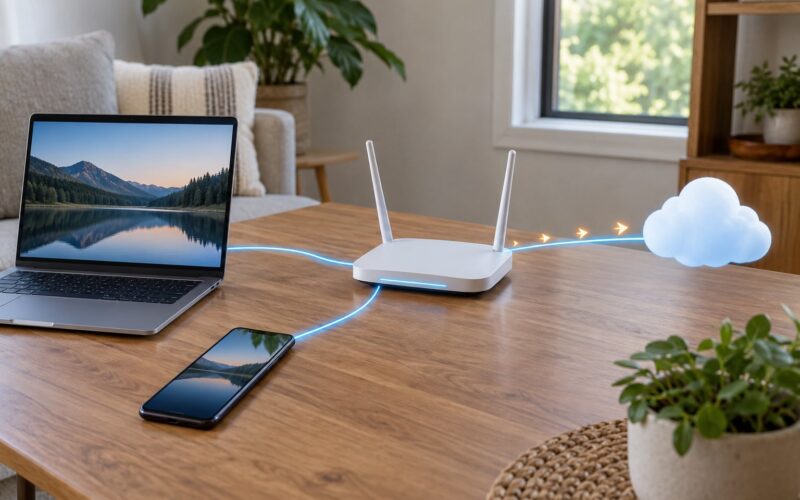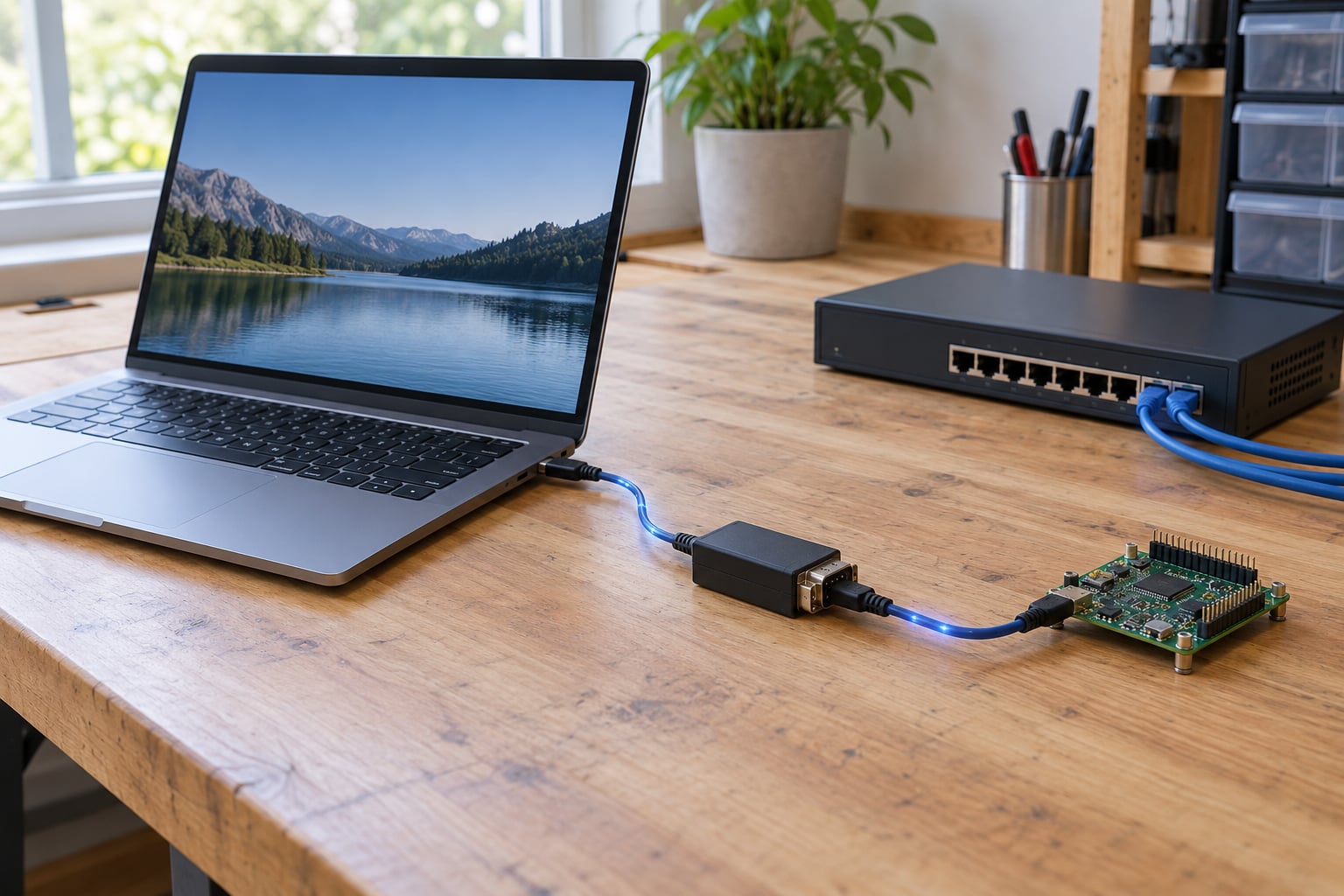
Connecting a serial device over TCP takes two hops: a TCP listener runs on the machine that physically owns the serial port, and a virtual COM port (Windows) or PTY (Linux and macOS) appears on the machine running your application. socat does both ends for free, and the whole setup takes about ten minutes once you know which device path and baud rate you are dealing with.
Serial over TCP carries the bytes from your serial port across a TCP connection. It does not change the protocol inside those bytes, and it does not remove network latency. That distinction matters more than it sounds, because a lot of the confusion in forum threads comes from people expecting a bridge to translate something it never promised to translate.
The commands below are current for Debian and Ubuntu, Fedora, Windows 10/11 and recent macOS, verified in October 2026. Older answers on this topic still show yum install socat; those are a decade old and worth ignoring.
Table of Contents
- What You Need
- Step-by-Step: Connect a Serial Device Over TCP
- 1. Identify the Serial Device and Its Settings
- 2. Choose a TCP Connection Method
- 3. Start a TCP-to-Serial Bridge
- 4. Connect and Test the Link
- 5. Use a Virtual COM Port for Applications That Require One
- Common Mistakes
- Frequently Asked Questions
- Can you do serial over Ethernet?
- Does a USB-to-serial adapter work over TCP?
- Which baud rate should I use for serial over TCP?
- Can I reach a serial device over TCP from a remote location?
- How do I tell a TCP problem from a serial problem?
- Conclusion
What You Need
- The serial device itself — a built-in port, a USB-to-serial adapter, or an RS485 dongle on a PLC or inverter.
- A machine that physically holds the port. It needs a network address the client can reach.
- socat on both ends (
apt install socat,dnf install socat, orbrew install socat). Windows works too via WSL or a native build. - A virtual COM port driver on the client if your application has no TCP option at all — one of the tools in the table below.
- The correct serial settings: baud rate, data bits, parity, stop bits and flow control, straight from the device manual.
- Permission to open the port — the
dialoutgroup on Linux, or Administrator on Windows for exclusive COM access.
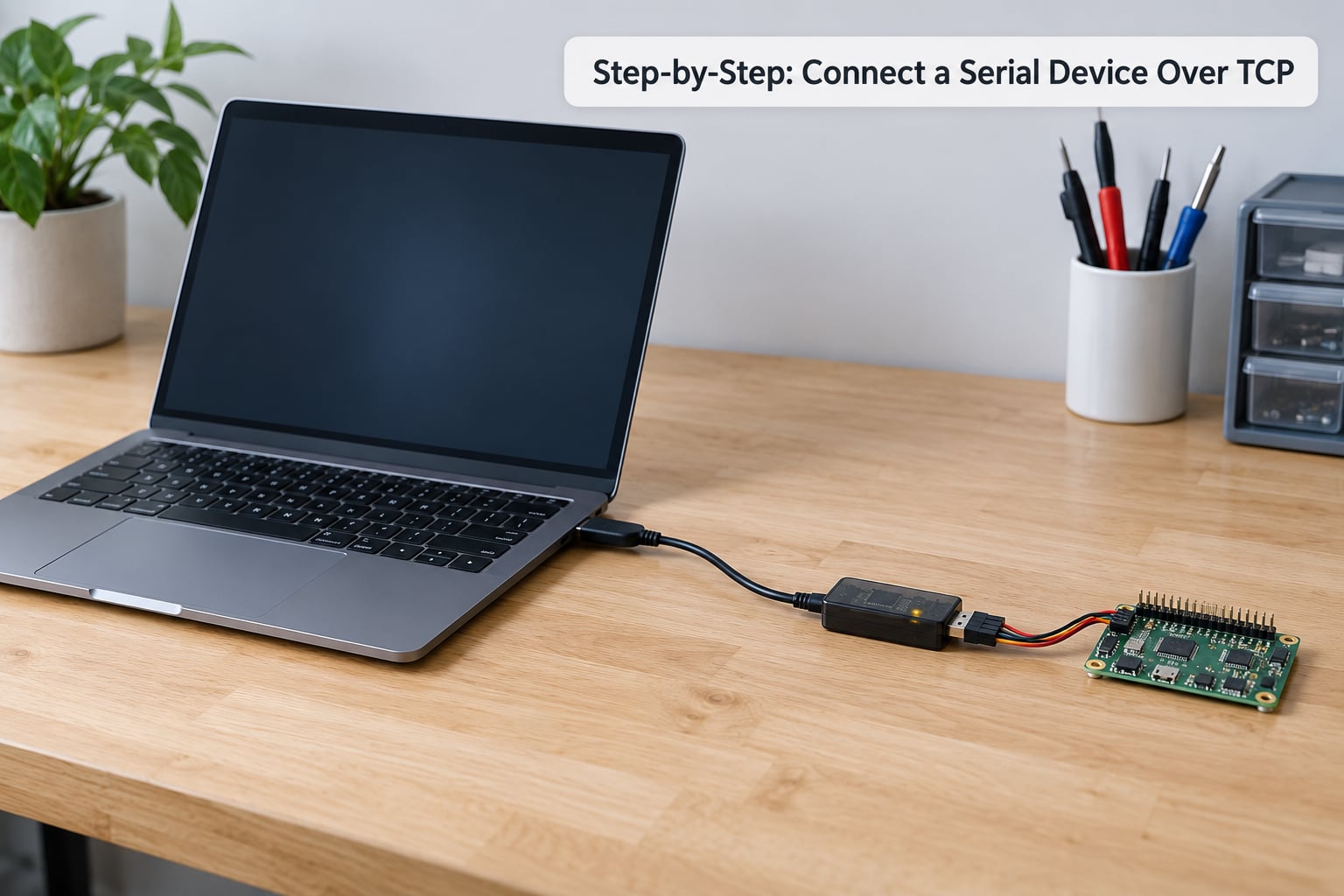
Step-by-Step: Connect a Serial Device Over TCP
1. Identify the Serial Device and Its Settings
On Linux, list the ports you have and check whether the kernel driver claimed the adapter:
ls -l /dev/ttyUSB* /dev/ttyACM* /dev/ttyS* 2>/dev/null
dmesg | tail -20
If /dev/ttyUSB0 is missing but the adapter is plugged in, the port number shifts when you move it to a different USB port or reboot. Two fixes keep that from biting you: give the adapter a stable name with a udev rule keyed on the adapter serial, or symlink it to something readable such as /dev/serial-console.
On Windows, the port shows up in Device Manager under Ports (COM and LPT), or you can read the mapping from PowerShell with Get-CimInstance Win32_SerialPort. A CP210x, FTDI or CH340 adapter will enumerate as COM3, COM4 and so on, and the number often changes when you swap machines.
On macOS, run ls /dev/cu.*. The cu. devices are the ones you want; the matching tty. entries are in/out pairs that fight over the lock.
Then get the settings right. Most industrial gear defaults to 9600 8N1 with no flow control, but plenty of devices ship at 19200, 8E1, or 4800 with hardware handshaking. Mismatched parameters are the single most common reason a working bridge returns garbage.
2. Choose a TCP Connection Method
How you connect a serial device over TCP depends entirely on what your application is willing to open. Work down this list and stop at the first match:
- Application has a TCP or network option — skip the virtual port entirely and point it straight at the host and port from your serial listener.
- Application only accepts a COM port — create a virtual COM port on the client and let it forward to the listener. This is the telescope, receipt printer and fiscal printer case.
- You need to change baud or parity from the client — use RFC 2217, which negotiates serial parameters over the connection instead of fixing them at both ends.
- The device site is behind NAT or a firewall you cannot open — reverse the direction and make the serial host dial out to a reachable server.
| Method | What it gives you | Best fit |
|---|---|---|
| Raw TCP via socat | Bidirectional byte stream, one client at a time | Anything with a TCP option in its own UI, console access, testing |
| RFC 2217 | Byte stream plus remote control of baud, parity, stop bits and RTS/DTR | Devices where the client must set parameters, or where you connect to a third-party serial device server |
| Virtual COM port redirector | A real COM port on the client that forwards over TCP | Legacy Windows software with no network support |
| Hardware serial-to-Ethernet converter | A device server with its own IP, DHCP client and web page for configuration | Plant floors, unattended cabinets, anything that must survive a power cycle on its own |
3. Start a TCP-to-Serial Bridge
On the machine that owns the physical port, install socat and start a listener. The classic recipe, still the most-copied one on the web, is:
socat TCP-LISTEN:27644,fork,reuseaddr /dev/ttyUSB0,raw,echo=0What each part does: fork accepts a new connection per client instead of handling one and exiting, reuseaddr stops the listener dying after a restart, and raw,echo=0 hands the port to socat untouched with no line discipline mangling your bytes. Add escape=0x1d if you want the telnet escape character to kill the session.
To pin the speed at the listener too, add it explicitly: /dev/ttyUSB0,raw,echo=0,9600,8N1. Run stty -F /dev/ttyUSB0 9600 raw -echo beforehand if you would rather set it on the device itself.
Prefer SSH or a VPN to a raw listener? socat will happily tunnel: socat - SSH:user@host:22 EXEC:"socat - TCP:serialhost:27644" puts the session inside an encrypted channel, which is the right answer whenever the traffic leaves your LAN.
If the serial site cannot accept inbound connections, flip it. The serial host dials out and waits for the client to attach:
socat - TCP:relayhost:9000,forever,interval=10 REOPEN:0The relay host holds a plain TCP listener, and the serial box reconnects on a loop when the link drops. That pairing survives flaky WAN links and needs no inbound firewall rule.
Make the listener survive reboots with a systemd unit, which is the number one follow-up need once this works:
[Unit]
Description=Serial over TCP bridge
After=network.target

[Service]
ExecStart=/usr/bin/socat TCP-LISTEN:27644,fork,reuseaddr /dev/ttyUSB0,raw,echo=0
Restart=always
User=dialout

[Install]
WantedBy=multi-user.target
4. Connect and Test the Link
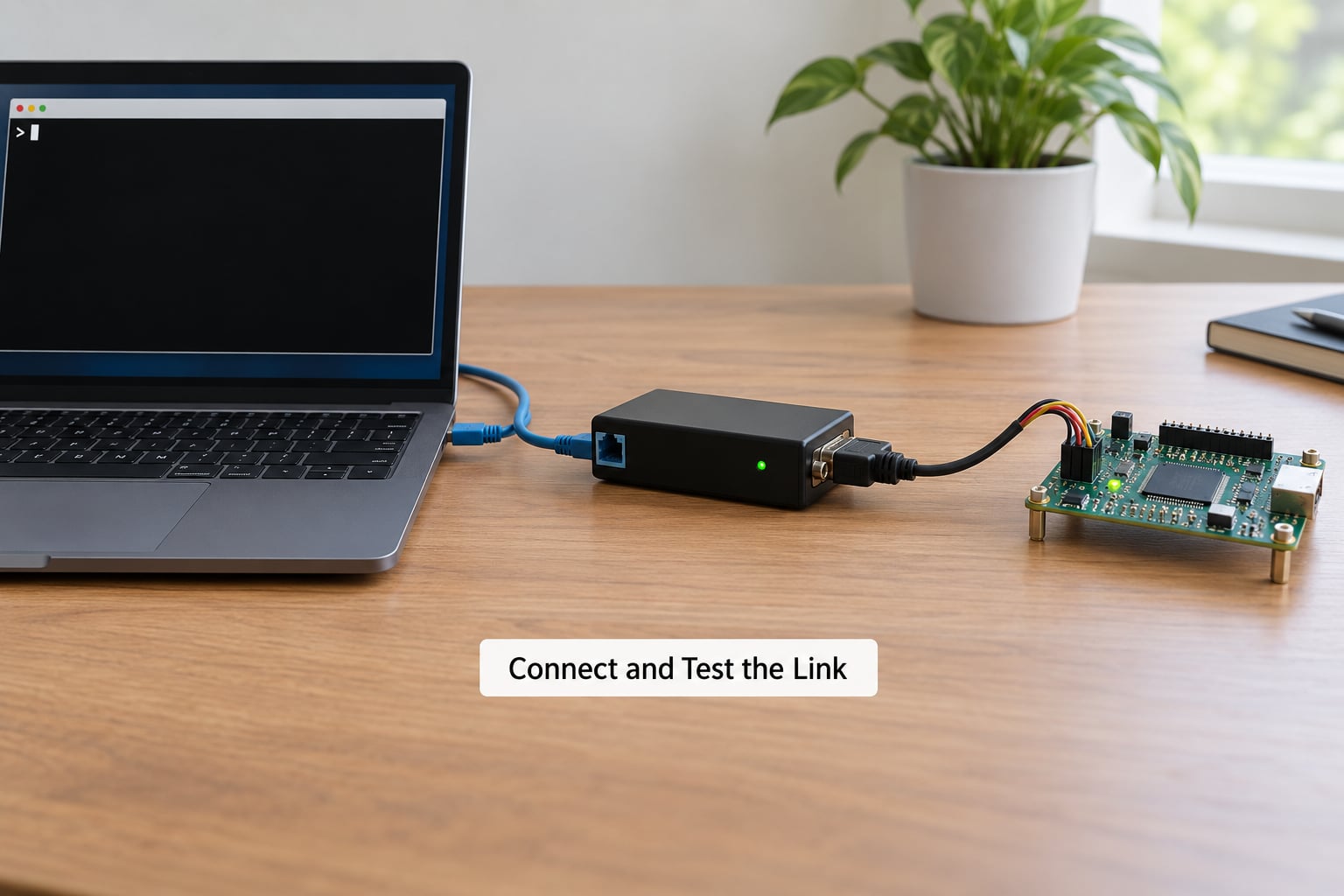
Before you point any real application at the link, prove the network half works. From the client, run nc serialhost 27644, type a few characters and press Enter. Anything you type has to come straight back at you because socat loops your writes to the serial side and, with echo=0, the device is your only echo. If the connection is refused, the listener is not running or a firewall is in the way.
You can also validate the whole pipeline with no hardware at all. Loop two pseudo-terminals together on one box:
socat -d -d pty,raw,echo=0,link=/tmp/com1 pty,raw,echo=0,link=/tmp/com2Anything written to /tmp/com1 appears on /tmp/com2 and back. Point your parser at either path and it should think a real device answered.
For a real device, verify with byte counts. Note the transferred byte counter on the socat listener, send a known string from the client, and confirm the count grows by exactly the length of that string. A jump that overshoots points at a one-way or looping bridge; a count that never moves means the bytes never left the TCP side.
5. Use a Virtual COM Port for Applications That Require One
When the software you need has no TCP option anywhere in its interface, give it a COM port that forwards to your listener. How you create that port depends on the client OS:
| Client OS | Tool | How it works | Result |
|---|---|---|---|
| Linux | socat | socat -d -d pty,raw,echo=0,link=/dev/ttyVUSB0 TCP:serialhost:27644 | Symlink path you point your app at |
| Linux (null modem pair) | tty0tty or com0com | Kernel module creating two linked virtual ports | /dev/ttyT0 and /dev/ttyT1 |
| Windows | HW VSP, com2tcp, hub4com | Port redirector driver; enter host, TCP port, COM number | COM port in Device Manager |
| Windows (Wineserver era) | com0com plus hub4com | Virtual null modem bridged to a TCP port | Paired COM ports |
| macOS | socat | Same pty command as Linux, then read with cu -s 9600 /dev/cu.ttyUSB0 or screen | PTY path in /tmp |
Four things have to agree on both ends or the port will appear to work and return nothing. The TCP port number, the baud rate and framing, the direction of the bridge, and which side is allowed to open the port first. On Windows, close anything holding the COM port — a terminal emulator left open on COM3 will make the redirector fail to attach, and the error message rarely says so.
Common Mistakes
| Symptom | Cause | Fix |
|---|---|---|
| Connection refused | No listener, or it bound to a different address or port | Check ss -tlnp on the host, confirm the port matches, start socat in the foreground to read the error |
| Connects, then nothing | Bridge is one-way, or fork is missing so only one client is served | Use two socat addresses in one command and add fork to TCP-LISTEN |
| Garbled characters | Baud rate, parity or stop bits differ between the two ends | Match both ends to the manual, confirm with stty -F /dev/ttyUSB0 -a |
| Long strings lose the first bytes | Flow control mismatch or hardware handshaking requested but not wired | Disable RTS/CTS on both ends unless the cable has those lines |
| Permission denied on /dev/ttyUSB0 | User not in the dialout group | sudo usermod -aG dialout $USER then log out and back in |
| Port exists but never receives | Stale virtual COM port left behind by a crashed driver | Remove the device in Device Manager with the phantom port checkbox ticked, reinstall the redirector |
| Random connection drops | No TCP keep-alive across a NAT or VPN idle timeout | Add ,keepalive to the listener or lower the firewall idle timeout |
| Times out on strict request-response devices | Round-trip latency and TCP buffering exceed the device’s inter-byte timeout | Keep round trip under roughly 50 ms; use a wired path rather than a WAN link for receipt-printer style protocols |
| Works locally, fails across the internet | No port forward, no dynamic DNS, or the host firewall blocks inbound | Forward the port, pin the address with dynamic DNS, restrict the source IP in the firewall |
| RFC 2217 client hangs | Client set to RFC 2217 against a plain raw TCP listener | Run an RFC 2217 server, or drop the client to raw transparent TCP |
One security note belongs here rather than buried. Raw TCP serial bridges and RFC 2217 have no authentication and no encryption — anyone who reaches the port can type commands into your device, and on a console bridge that often means a root shell. Tunnel it with SSH or a VPN, or restrict the firewall to known source addresses. Never forward a serial port straight to the open internet.
Frequently Asked Questions
Can you do serial over Ethernet?
Yes. Serial over Ethernet is the commercial name for serial over TCP, and it is a standard approach. Either run software on the machine holding the port (socat), or fit a hardware serial-to-Ethernet converter that gives the port its own IP address and TCP port. The hardware route survives reboots on its own and suits unattended cabinets; the software route costs nothing and keeps full control on one box.
Does a USB-to-serial adapter work over TCP?
It works exactly like a built-in port. The adapter gives you a device path such as /dev/ttyUSB0 on Linux or a COM port on Windows, and the bridge software treats it identically. The only thing to watch is that the port number can change when you move the adapter to another USB port or reboot, so a stable udev rule or a descriptive symlink saves debugging later.
Which baud rate should I use for serial over TCP?
Use whatever the device manual specifies, not what the software defaults to. Most industrial equipment ships at 9600 8N1, while telescopes, printers and PLCs often use 19200, 4800 or 8E1. Set the rate identically at the serial port and at the application, because TCP has no idea what baud rate is. If data arrives as mojibake, a mismatch on parity or stop bits is the usual culprit.
Can I reach a serial device over TCP from a remote location?
Yes, as long as the serial host has a reachable address. Across a LAN or VPN, nothing extra is needed. Across the internet you must forward the TCP port on the router, use dynamic DNS so the address survives an ISP change, and allow the port through the host firewall. Since the bridge is unencrypted and unauthenticated, tunnel it with SSH or a VPN rather than exposing the port directly.
How do I tell a TCP problem from a serial problem?
Split the link at the middle and test each half separately. Open the physical port locally with a terminal emulator; if it behaves there, the serial side and its settings are fine. Then test the TCP half without any device, by looping two socat pseudo-terminals or pointing nc at the listener. If a known string echoes back through that loop, the problem is in the device, its cabling or its settings.
Conclusion
To connect a serial device over TCP, start by finding the device path and writing down its settings — ls -l /dev/ttyUSB* on Linux, Device Manager on Windows — because every later step depends on those two facts. Then run a socat TCP-LISTEN on the machine holding the port and prove it with nc before creating anything else. Once bytes flow, add the virtual COM port and point your application at it, and keep the whole bridge inside SSH or a VPN if it leaves your network.